
RealShushei - Minecraft Skins & Skin History
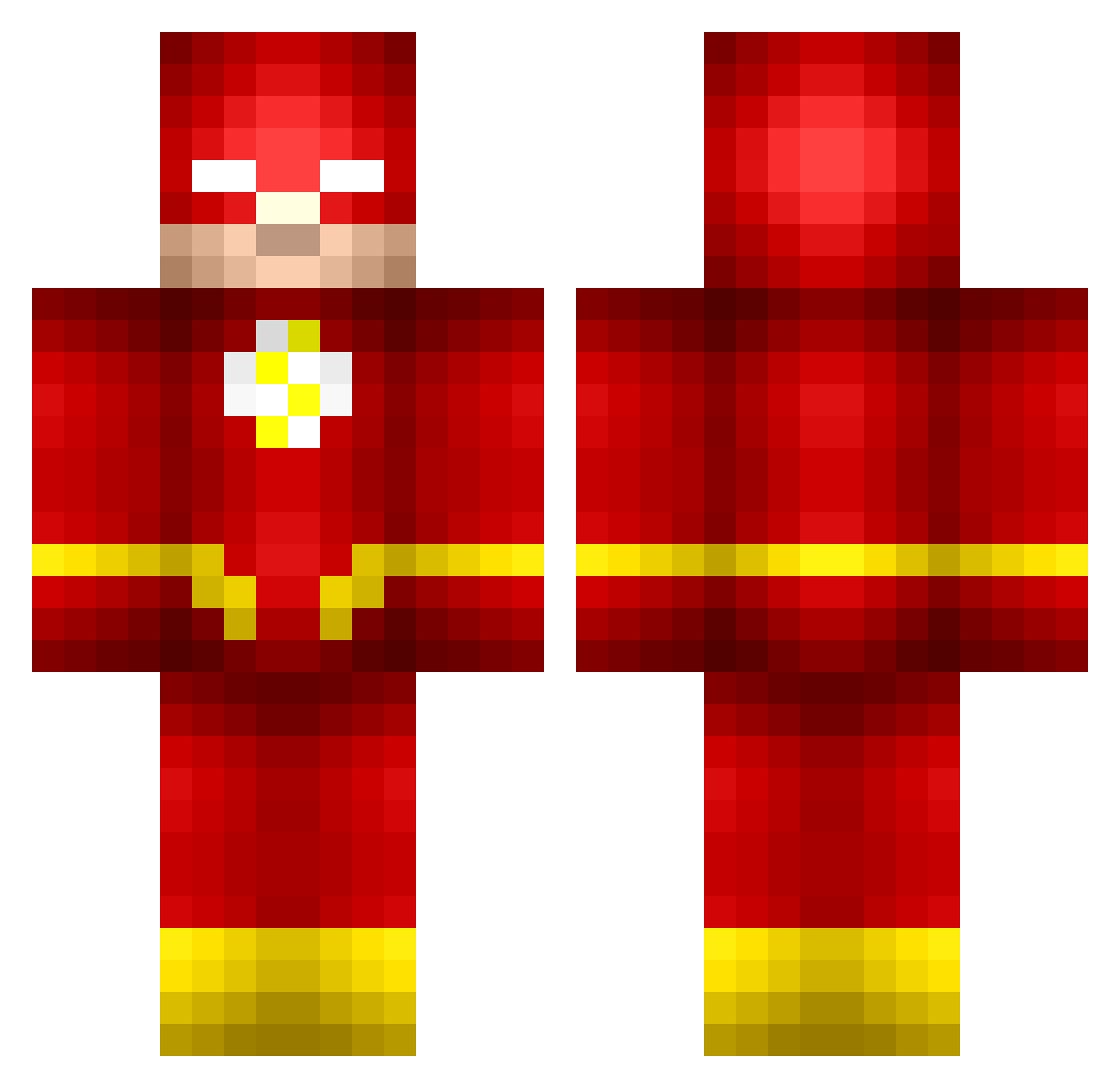
Current Minecraft skin of the player RealShushei, loaded from the official Mojang API. Rotate the 3D model with your mouse or finger, then download the skin as a PNG file and use it in Minecraft: Bedrock Edition or Java Edition for free. When RealShushei changes their skin, this page updates automatically and the old skin stays in the history below.
Other players with this skin (515)
RealShushei was the 483rd player we have seen with this skin, first spotted on 13.10.2026. The same skin was seen on these players. Open a nickname to see their current skin and skin history.
 bigpopie yumumgay Nabbit15 DaSkav Maayanfa CoIIectibles UnrealisticMouse Vedrikath Tigerz2112 Jamiet19 x_Flave thomsan mlggamer15 Aschim KYR_FA5T Mandall Zaktrain45 SteveBlockPants BasqueBrawler jbran10 TheeHarvester TommyTheGreat7 thesupernerd48 abac1234 Hortypuma Mister_Louc lohe62 Cottn7 surfgast Cheltiz saifmakahleh TerrorLion wyattj11 MadStampyJr kid2_young xXRangerFlashXx Kmac15 Gideon_6 shahrada SilentPrey36 Vict0rier Heman178 Sispeed101 Bocconcini Kodak_Yellow joonatuomioja Topdog7 JtheDub3 Pearlhawk2755 Antony_1743 Compizi INC_Rusko ColeIsAGangsta CastExpert4 mATToX0FFICIAL Jmac071 andrew12129 MyNameIsWallace Greatodins007 Izzwop
More The Flash Minecraft skins
How to install the RealShushei skin
- Press the Download button above to save the skin as a PNG file.
- Minecraft: Bedrock Edition (PE): open the Dressing Room from the main menu (or tap your character → Edit Character), go to Classic Skins → Owned, press the + (new skin) button, choose the downloaded PNG and pick the Classic (Steve) model. Works on PC and mobile; consoles cannot import custom skins.
- Minecraft: Java Edition: open the Minecraft Launcher, go to the Skins tab, click New Skin, load the PNG, pick the Classic (Steve) model and press Save & Use. You can also upload it at minecraft.net → Profile → Change Skin.
The skin does not show up after import - what should I do?
Restart Minecraft and open the Dressing Room again - imported skins sometimes appear only after a restart. Also make sure you selected the imported skin and picked the Classic (Steve) model.
Which model should I choose, Classic or Slim?
This skin is designed for the Classic (Steve) model. If you pick the wrong model, the arms of the skin will look stretched or squeezed.
Is the skin of RealShushei free to download?
Yes. Press Download, save the PNG file and use it in Minecraft: Bedrock Edition or Java Edition - no payment or registration needed. The skin also works on multiplayer servers and Realms.
More skins
Looking for more? Go back to all Minecraft skins and check the top skins of the week, month and all time, or find any player's skin by nickname.