
RasalRaw - Minecraft Skins & Skin History
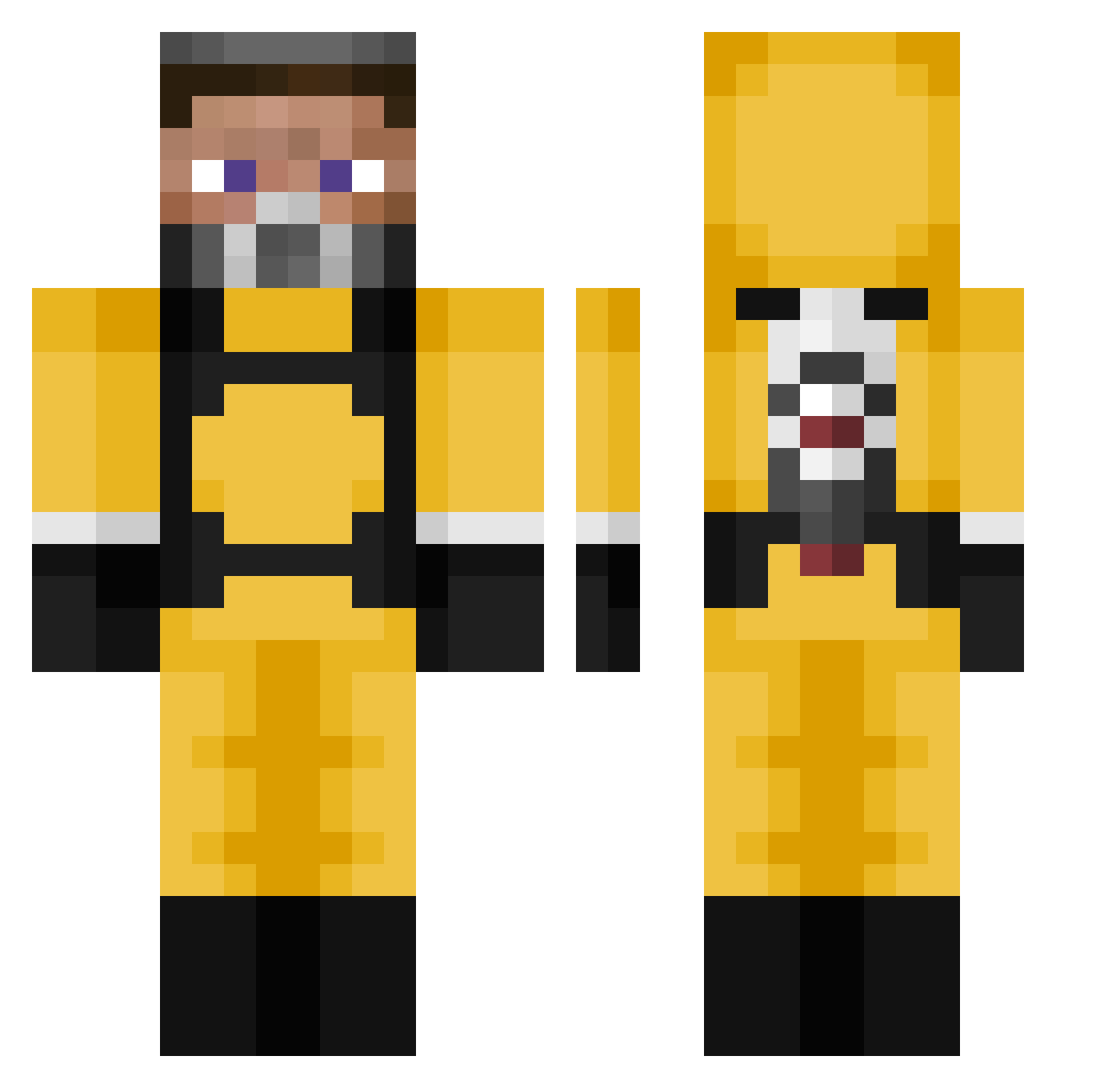
Current Minecraft skin of the player RasalRaw, loaded from the official Mojang API. Rotate the 3D model with your mouse or finger, then download the skin as a PNG file and use it in Minecraft: Bedrock Edition or Java Edition for free. When RasalRaw changes their skin, this page updates automatically and the old skin stays in the history below.
Other players with this skin (105)
RasalRaw was the 77th player we have seen with this skin, first spotted on 10.10.2026. The same skin was seen on these players. Open a nickname to see their current skin and skin history.
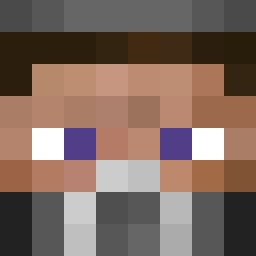 itsHennessy_ BeastQ xFireStarter Ben_2015 JokerDiscord26 ryan2534 Kilian1402 TheR0D lord_cep GrubyWasTaken redredovic N3zzyy potnubs RegiaCarnifax Gekke_moan Pekzx Stulofty oShook Yeetpixel Intellectually Pignouf_Axel trippiesmok Mumssss Longbitch 6ananamama COSMoSTIK itspetan Valikey20 Aimbruh MonsIsIdle Maj0rr __Boomer tehl3x Sixmanz Seba_28 Negrat alperprotr2 Carlorcoddio_ serafim09 lucss Frshavocado vv67 szmlczk _Rubik JHHENSON _XESC_ WH33LSu vika_cz GamingAuzzi Hybred spiny saintlaurentdan Crisunicri Ne0Glitch Mac_Ouille_ Giorgio_Jackson Mouthmaker xudk
 Diaster ExtazikK
More Gordon Freeman Minecraft skins
See all 331 Gordon Freeman skins
How to install the RasalRaw skin
- Press the Download button above to save the skin as a PNG file.
- Minecraft: Bedrock Edition (PE): open the Dressing Room from the main menu (or tap your character → Edit Character), go to Classic Skins → Owned, press the + (new skin) button, choose the downloaded PNG and pick the Classic (Steve) model. Works on PC and mobile; consoles cannot import custom skins.
- Minecraft: Java Edition: open the Minecraft Launcher, go to the Skins tab, click New Skin, load the PNG, pick the Classic (Steve) model and press Save & Use. You can also upload it at minecraft.net → Profile → Change Skin.
The skin does not show up after import - what should I do?
Restart Minecraft and open the Dressing Room again - imported skins sometimes appear only after a restart. Also make sure you selected the imported skin and picked the Classic (Steve) model.
Which model should I choose, Classic or Slim?
This skin is designed for the Classic (Steve) model. If you pick the wrong model, the arms of the skin will look stretched or squeezed.
Is the skin of RasalRaw free to download?
Yes. Press Download, save the PNG file and use it in Minecraft: Bedrock Edition or Java Edition - no payment or registration needed. The skin also works on multiplayer servers and Realms.
More skins
Looking for more? Go back to all Minecraft skins and check the top skins of the week, month and all time, or find any player's skin by nickname.