
RageJung - Minecraft Skins & Skin History
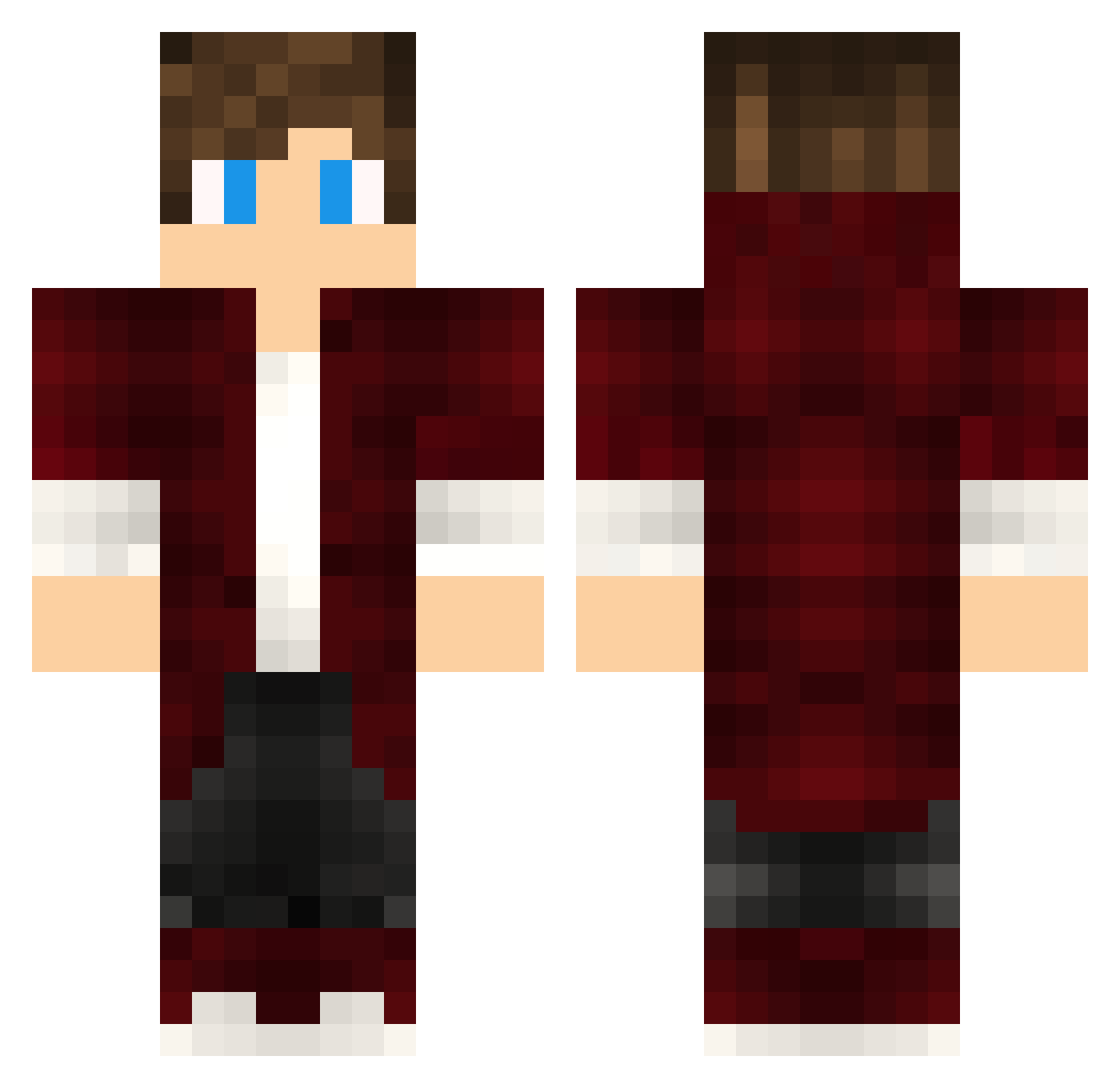
Current Minecraft skin of the player RageJung, loaded from the official Mojang API. Rotate the 3D model with your mouse or finger, then download the skin as a PNG file and use it in Minecraft: Bedrock Edition or Java Edition for free. When RageJung changes their skin, this page updates automatically and the old skin stays in the history below.
Other players with this skin (394)
RageJung was the 152nd player we have seen with this skin, first spotted on 29.08.2026. The same skin was seen on these players. Open a nickname to see their current skin and skin history.
 trokann toom761 Cluver_29 KeranEU Nito777 NPC_50 Stigmata_TW shadabadaboo Spectal_ GamerSemPC FreedomGaming EthanW001 LuisGustavo Erok_75 NvrmoR111 RibamarMilGrau
 CocoCalicoCat _HyperCell Loup_Cervier KevinMat ZnipeViper JKEA24 Eusephius sinoplujoker 3mk_dark toma0526 gamingfizzel0460 Noah_fleur ponkyvonky12 Forviro_ ViTiNn4k Kostas_Tube BlockDistruct _MooKnight_ VitorManoel 1DzHeeRoN1 Fantasy_Maxime EmmeMD14 S_imoms YRex04 GeordiTheBuilder Kristall4ik ianchiu ZionRael Tobi_Toaster_ raVVo1 Cfelipe7 Nagalosa Aliaga32 Falneko Named1_1 ManuBerends SexyAndre MTLEWIS5203 drewaaaan Dass238 MoiBzz _Hyp3r__ DantePZ0 IstZeta_
How to install the RageJung skin
- Press the Download button above to save the skin as a PNG file.
- Minecraft: Bedrock Edition (PE): open the Dressing Room from the main menu (or tap your character → Edit Character), go to Classic Skins → Owned, press the + (new skin) button, choose the downloaded PNG and pick the Classic (Steve) model. Works on PC and mobile; consoles cannot import custom skins.
- Minecraft: Java Edition: open the Minecraft Launcher, go to the Skins tab, click New Skin, load the PNG, pick the Classic (Steve) model and press Save & Use. You can also upload it at minecraft.net → Profile → Change Skin.
The skin does not show up after import - what should I do?
Restart Minecraft and open the Dressing Room again - imported skins sometimes appear only after a restart. Also make sure you selected the imported skin and picked the Classic (Steve) model.
Which model should I choose, Classic or Slim?
This skin is designed for the Classic (Steve) model. If you pick the wrong model, the arms of the skin will look stretched or squeezed.
Is the skin of RageJung free to download?
Yes. Press Download, save the PNG file and use it in Minecraft: Bedrock Edition or Java Edition - no payment or registration needed. The skin also works on multiplayer servers and Realms.
More skins
Looking for more? Go back to all Minecraft skins and check the top skins of the week, month and all time, or find any player's skin by nickname.