
Rafalcie2106 - Minecraft Skins & Skin History
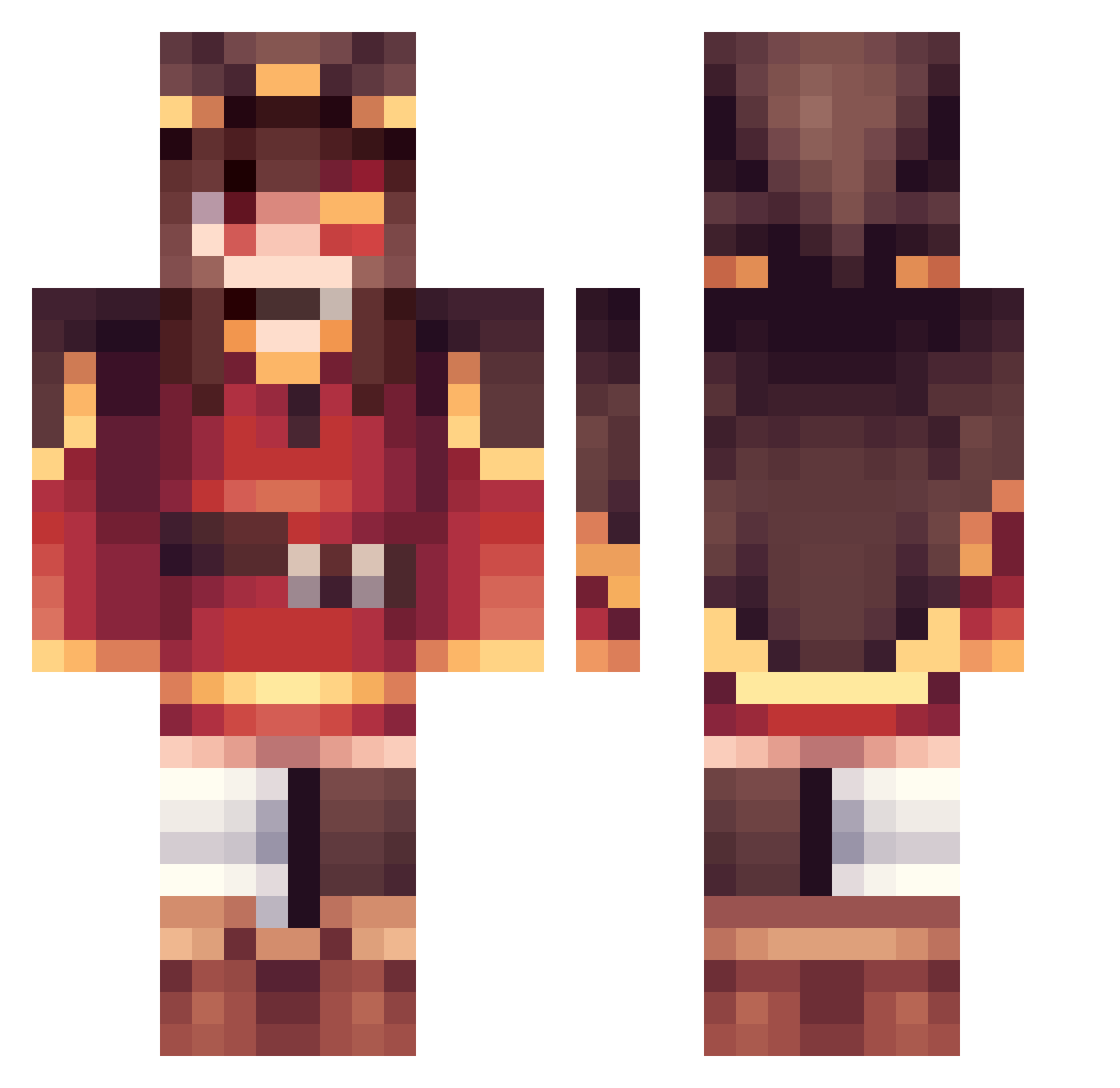
Current Minecraft skin of the player Rafalcie2106, loaded from the official Mojang API. Rotate the 3D model with your mouse or finger, then download the skin as a PNG file and use it in Minecraft: Bedrock Edition or Java Edition for free. When Rafalcie2106 changes their skin, this page updates automatically and the old skin stays in the history below.
Other players with this skin (360)
Rafalcie2106 was the 166th player we have seen with this skin, first spotted on 14.09.2026. The same skin was seen on these players. Open a nickname to see their current skin and skin history.
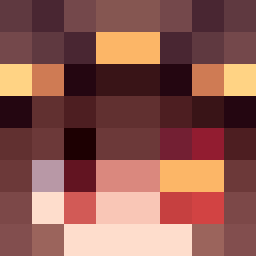 zlaehdgut HarriLePinguoin t0mga IndigoNightmare AxxxiS_LiSA Katheer IdkFba Ink_Sanss RaianMC Manux_SC Thcako MingShi9 Kong_kohlabicol LumiPl AgustinB95 Random_Guy346 PleaseJust Python_man PurpleShy Filofaxx Llamita_LATAM lenscase Tomatoking95012 AnAsianForRanked Biri_Biri_Biri Konnikk moca5385 Joms235 Flex_Toji DARKLORD7490 nguyendt123 Yes1441 Xzynith yumauwu yqzxin mioshkaaa Mikamgmg red_sparrow2 lewtaro Maimena AlfredoCW dave0oYT Blazing_Mines azpvct Ex1ler RRRam Guuhagu manorlords Ventilative MiloXRutt blue_apple_jk hyowar emmathewizard KIRAKIRAA1 Thetimeuses Leonix92 wacky_minecraft Millentis timmmmm111 ado1024imokenp_
More Megumin Minecraft skins
How to install the Rafalcie2106 skin
- Press the Download button above to save the skin as a PNG file.
- Minecraft: Bedrock Edition (PE): open the Dressing Room from the main menu (or tap your character → Edit Character), go to Classic Skins → Owned, press the + (new skin) button, choose the downloaded PNG and pick the Classic (Steve) model. Works on PC and mobile; consoles cannot import custom skins.
- Minecraft: Java Edition: open the Minecraft Launcher, go to the Skins tab, click New Skin, load the PNG, pick the Classic (Steve) model and press Save & Use. You can also upload it at minecraft.net → Profile → Change Skin.
The skin does not show up after import - what should I do?
Restart Minecraft and open the Dressing Room again - imported skins sometimes appear only after a restart. Also make sure you selected the imported skin and picked the Classic (Steve) model.
Which model should I choose, Classic or Slim?
This skin is designed for the Classic (Steve) model. If you pick the wrong model, the arms of the skin will look stretched or squeezed.
Is the skin of Rafalcie2106 free to download?
Yes. Press Download, save the PNG file and use it in Minecraft: Bedrock Edition or Java Edition - no payment or registration needed. The skin also works on multiplayer servers and Realms.
More skins
Looking for more? Go back to all Minecraft skins and check the top skins of the week, month and all time, or find any player's skin by nickname.