
Puggleprince - Minecraft Skins & Skin History
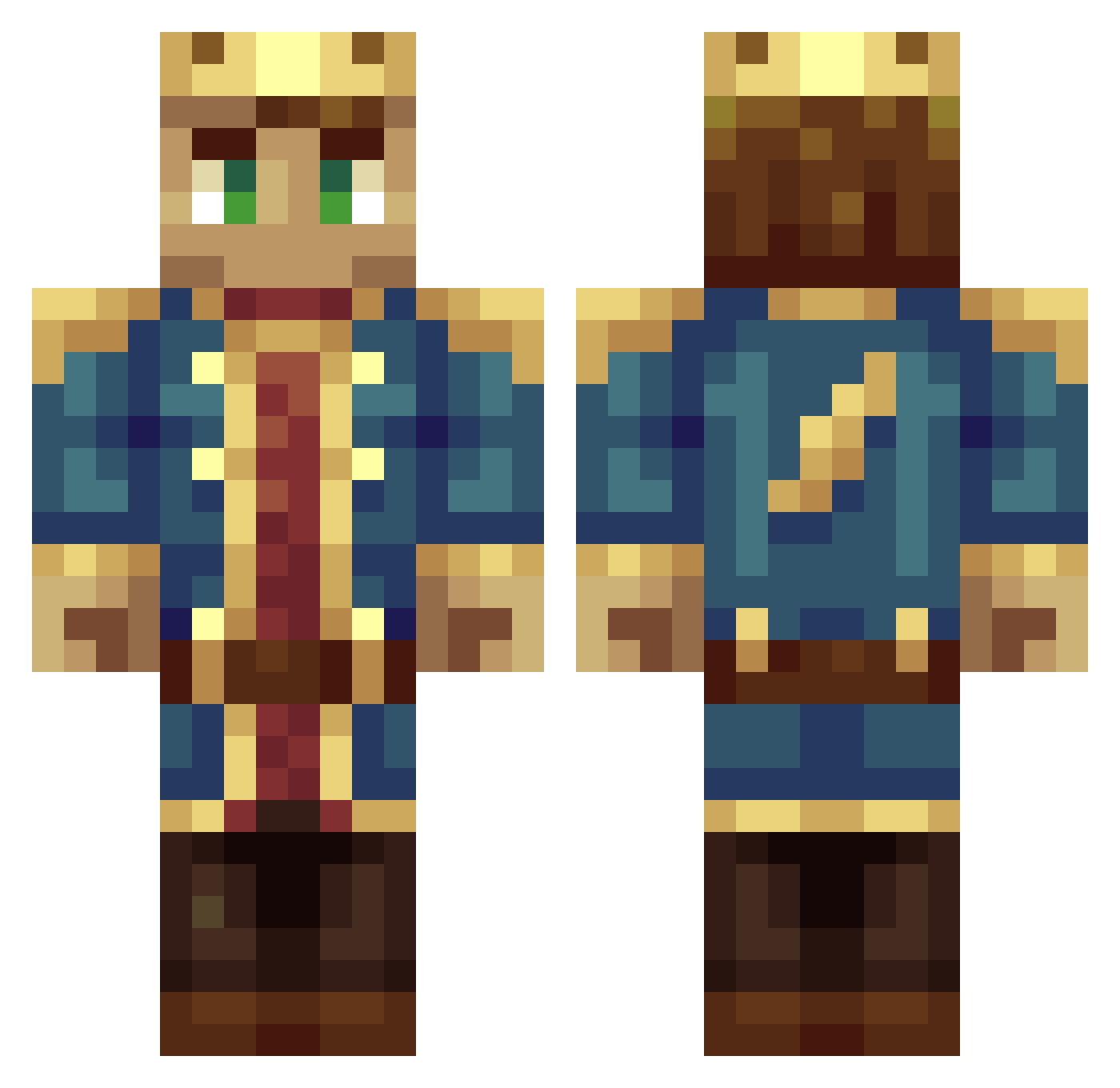
Current Minecraft skin of the player Puggleprince, loaded from the official Mojang API. Rotate the 3D model with your mouse or finger, then download the skin as a PNG file and use it in Minecraft: Bedrock Edition or Java Edition for free. When Puggleprince changes their skin, this page updates automatically and the old skin stays in the history below.
Other players with this skin (164)
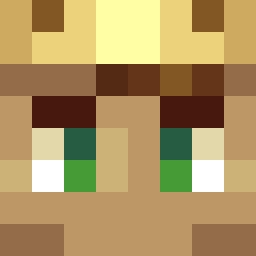
Puggleprince was the 99th player we have seen with this skin, first spotted on 29.09.2026. The same skin was seen on these players. Open a nickname to see their current skin and skin history.
 Kalleboi7 SammyGlad drawcooker Hulmars Gurbyy Blladri BlueKingggg Von_Cranek Reddragon979 Zapolean SwiftShootin Kecoa_Mutu King_Crafty_III SupremeZay7 Alsace233 Tyrander97 struppel420 Bobens KingsleySA Rebalot TalonsMonkey Konarok instactor SirPowell Kingincake KareezusKryst Snow_King25004 JackityFrost B_Rad2006 Ueli12 kamouloxs CaptainCanuck_ Spassben Captain_Allahan OldWiseGeezer MonteCristo18 Taimur123 alxxnrii maheshmattai mcRaivs d33znutz432 Radolf_H caiocj DraganVerton Aellejo wdwhs Hallo_Gezellig IMG_Beyond Polken2005 EndPirat itsmardy eshat123 Noodles5049 cowdestroyer409 M0ge0sh KingCainer yangwendi17 DaanBoZ1 jkmald Akiva32
More Dream SMP Minecraft skins
How to install the Puggleprince skin
- Press the Download button above to save the skin as a PNG file.
- Minecraft: Bedrock Edition (PE): open the Dressing Room from the main menu (or tap your character → Edit Character), go to Classic Skins → Owned, press the + (new skin) button, choose the downloaded PNG and pick the Classic (Steve) model. Works on PC and mobile; consoles cannot import custom skins.
- Minecraft: Java Edition: open the Minecraft Launcher, go to the Skins tab, click New Skin, load the PNG, pick the Classic (Steve) model and press Save & Use. You can also upload it at minecraft.net → Profile → Change Skin.
The skin does not show up after import - what should I do?
Restart Minecraft and open the Dressing Room again - imported skins sometimes appear only after a restart. Also make sure you selected the imported skin and picked the Classic (Steve) model.
Which model should I choose, Classic or Slim?
This skin is designed for the Classic (Steve) model. If you pick the wrong model, the arms of the skin will look stretched or squeezed.
Is the skin of Puggleprince free to download?
Yes. Press Download, save the PNG file and use it in Minecraft: Bedrock Edition or Java Edition - no payment or registration needed. The skin also works on multiplayer servers and Realms.
More skins
Looking for more? Go back to all Minecraft skins and check the top skins of the week, month and all time, or find any player's skin by nickname.