
PuciPucio - Minecraft Skins & Skin History
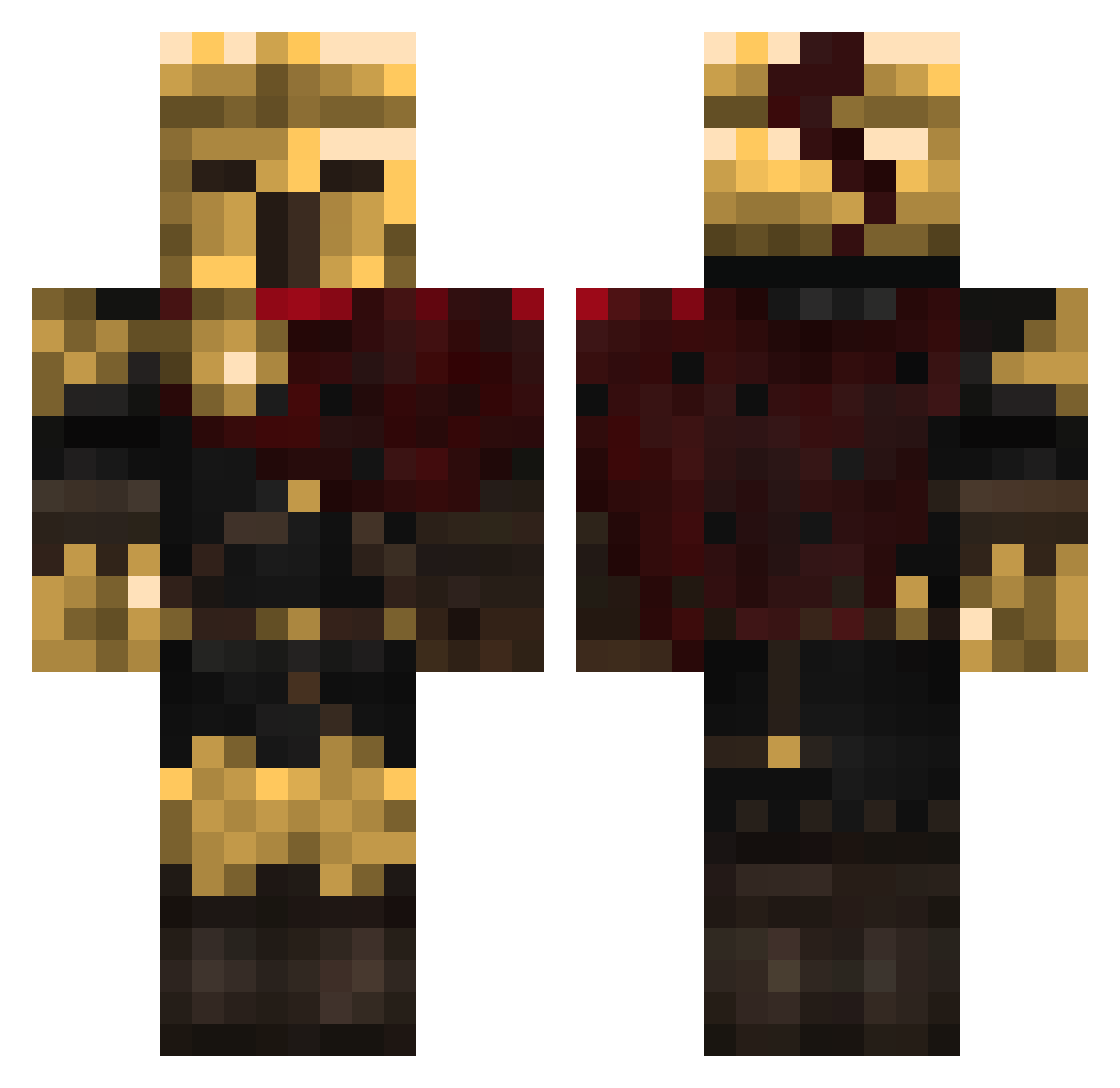
Current Minecraft skin of the player PuciPucio, loaded from the official Mojang API. Rotate the 3D model with your mouse or finger, then download the skin as a PNG file and use it in Minecraft: Bedrock Edition or Java Edition for free. When PuciPucio changes their skin, this page updates automatically and the old skin stays in the history below.
Other players with this skin (428)
PuciPucio was the 399th player we have seen with this skin, first spotted on 24.10.2026. The same skin was seen on these players. Open a nickname to see their current skin and skin history.
 Edu26333 zirgute sirkolme luckyluke_2000 DJMATTLEX ElninoJava Sans21o3 Andreas_CH dru_cik Dogu10 xToxicGamer_x takenbyawhitevan VladDracula45 MrLupotto vipityme NicolasAlcaraz Lucraft56 bulletshail LUCKY_FAZE matmar_ SpeedTurtle205X Nemphii Fanka_Tosia Ka1do kalasMorgan jakubgff1ja EvilFrox Berkay86 Soulleas Dawix95 Minionz5 mstuchlik420 II_GUTS_II XXlostvoiceXX Jrm6000 ECHOAZR miufex Catteslokian xXxTrashSawxXx EdoEdx ToastyToasterson YaseiTaka1 Timogion DrunxX CameleonNom3172 PhantoZA ElliotMW LEGOOF4RD4K bekkylemmesmash bvmbdd CorXYMC Klaxikon Argon_the angeljess2008 Wilbur__vr Mustafa2931 Sarophil __MyTh1C__ Kileru11 exkalaber
More Warrior Minecraft skins
How to install the PuciPucio skin
- Press the Download button above to save the skin as a PNG file.
- Minecraft: Bedrock Edition (PE): open the Dressing Room from the main menu (or tap your character → Edit Character), go to Classic Skins → Owned, press the + (new skin) button, choose the downloaded PNG and pick the Classic (Steve) model. Works on PC and mobile; consoles cannot import custom skins.
- Minecraft: Java Edition: open the Minecraft Launcher, go to the Skins tab, click New Skin, load the PNG, pick the Classic (Steve) model and press Save & Use. You can also upload it at minecraft.net → Profile → Change Skin.
The skin does not show up after import - what should I do?
Restart Minecraft and open the Dressing Room again - imported skins sometimes appear only after a restart. Also make sure you selected the imported skin and picked the Classic (Steve) model.
Which model should I choose, Classic or Slim?
This skin is designed for the Classic (Steve) model. If you pick the wrong model, the arms of the skin will look stretched or squeezed.
Is the skin of PuciPucio free to download?
Yes. Press Download, save the PNG file and use it in Minecraft: Bedrock Edition or Java Edition - no payment or registration needed. The skin also works on multiplayer servers and Realms.
More skins
Looking for more? Go back to all Minecraft skins and check the top skins of the week, month and all time, or find any player's skin by nickname.