
PreTraining - Minecraft Skins & Skin History
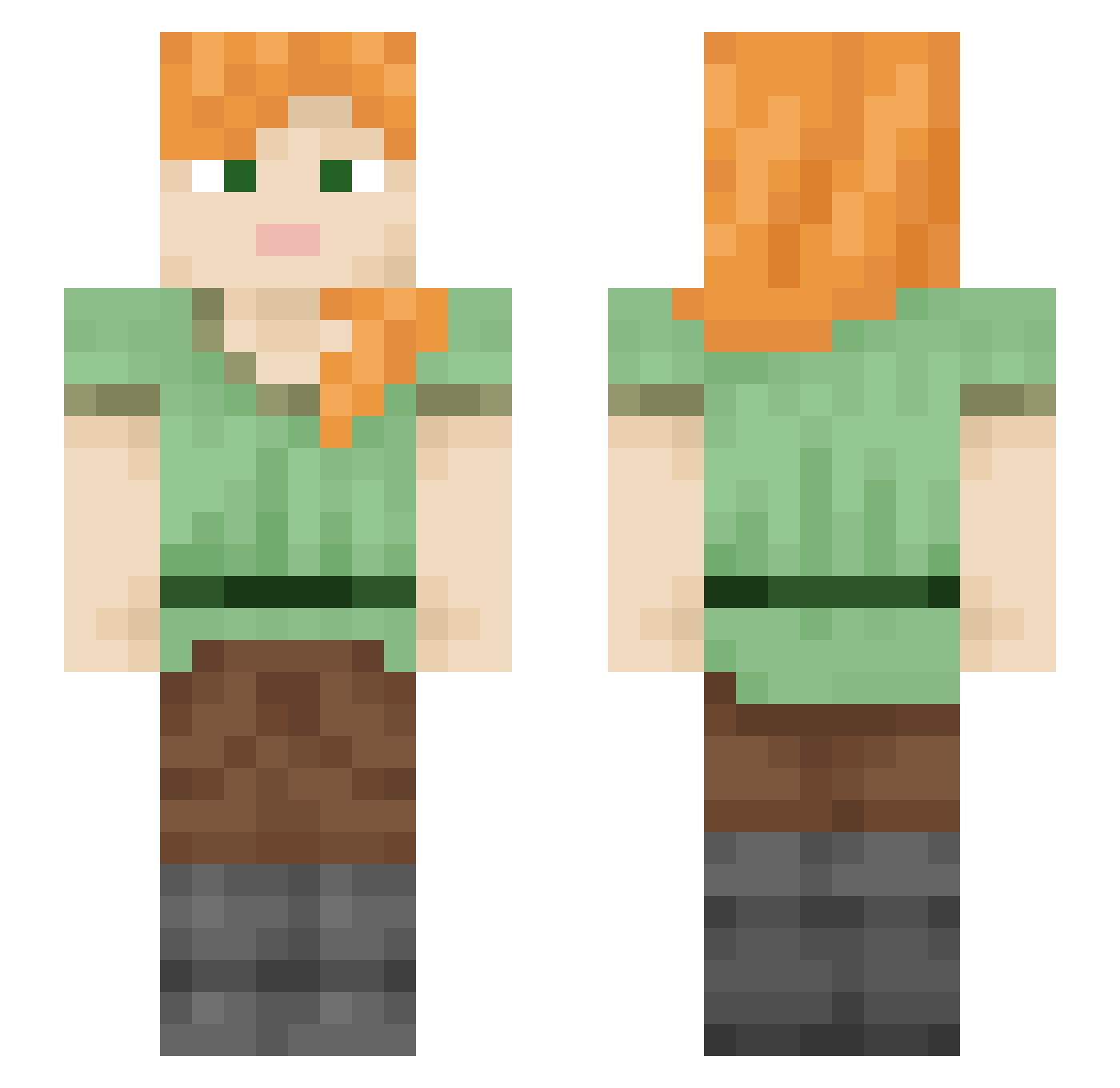
Current Minecraft skin of the player PreTraining, loaded from the official Mojang API. Rotate the 3D model with your mouse or finger, then download the skin as a PNG file and use it in Minecraft: Bedrock Edition or Java Edition for free. When PreTraining changes their skin, this page updates automatically and the old skin stays in the history below.
Other players with this skin (1856)
PreTraining was the 1809th player we have seen with this skin, first spotted on 20.10.2026. The same skin was seen on these players. Open a nickname to see their current skin and skin history.
 Fasty_Blasty homeomorphism Myelomeningocele vadelect Anathematized _babamaestro Androgyne Howder ImpreZz haanlin sky0524 cursaro Fincollie lmx_msmc_q5p VeraLi pibzer wxogus ZuVielMotion polysulfide mafalda4d lobonoturno Arisuhama Jackbrr valecita7 Localization 1HaoOO V2Luan Teener Arulo EttOrUZzo GalacticFrog1006 Returner dirge Ritchey Rigsby Matichuuu Nadia070100 GwynnieBee Naksteri zvedy Schnitte0305 Metrevan cambiata Vishdell Genian blastoid bxyx BadGameplay ForseNo Sabrinator2005 Superinfection Englify Defibrillate luizzinho bon9999 pyriteparrot legless Bountyless stupirat Gammastudent
How to install the PreTraining skin
- Press the Download button above to save the skin as a PNG file.
- Minecraft: Bedrock Edition (PE): open the Dressing Room from the main menu (or tap your character → Edit Character), go to Classic Skins → Owned, press the + (new skin) button, choose the downloaded PNG and pick the Slim (Alex) model. Works on PC and mobile; consoles cannot import custom skins.
- Minecraft: Java Edition: open the Minecraft Launcher, go to the Skins tab, click New Skin, load the PNG, pick the Slim (Alex) model and press Save & Use. You can also upload it at minecraft.net → Profile → Change Skin.
The skin does not show up after import - what should I do?
Restart Minecraft and open the Dressing Room again - imported skins sometimes appear only after a restart. Also make sure you selected the imported skin and picked the Slim (Alex) model.
Which model should I choose, Classic or Slim?
This skin is designed for the Slim (Alex) model. If you pick the wrong model, the arms of the skin will look stretched or squeezed.
Is the skin of PreTraining free to download?
Yes. Press Download, save the PNG file and use it in Minecraft: Bedrock Edition or Java Edition - no payment or registration needed. The skin also works on multiplayer servers and Realms.
More skins
Looking for more? Go back to all Minecraft skins and check the top skins of the week, month and all time, or find any player's skin by nickname.