
PonPon0423 - Minecraft Skins & Skin History
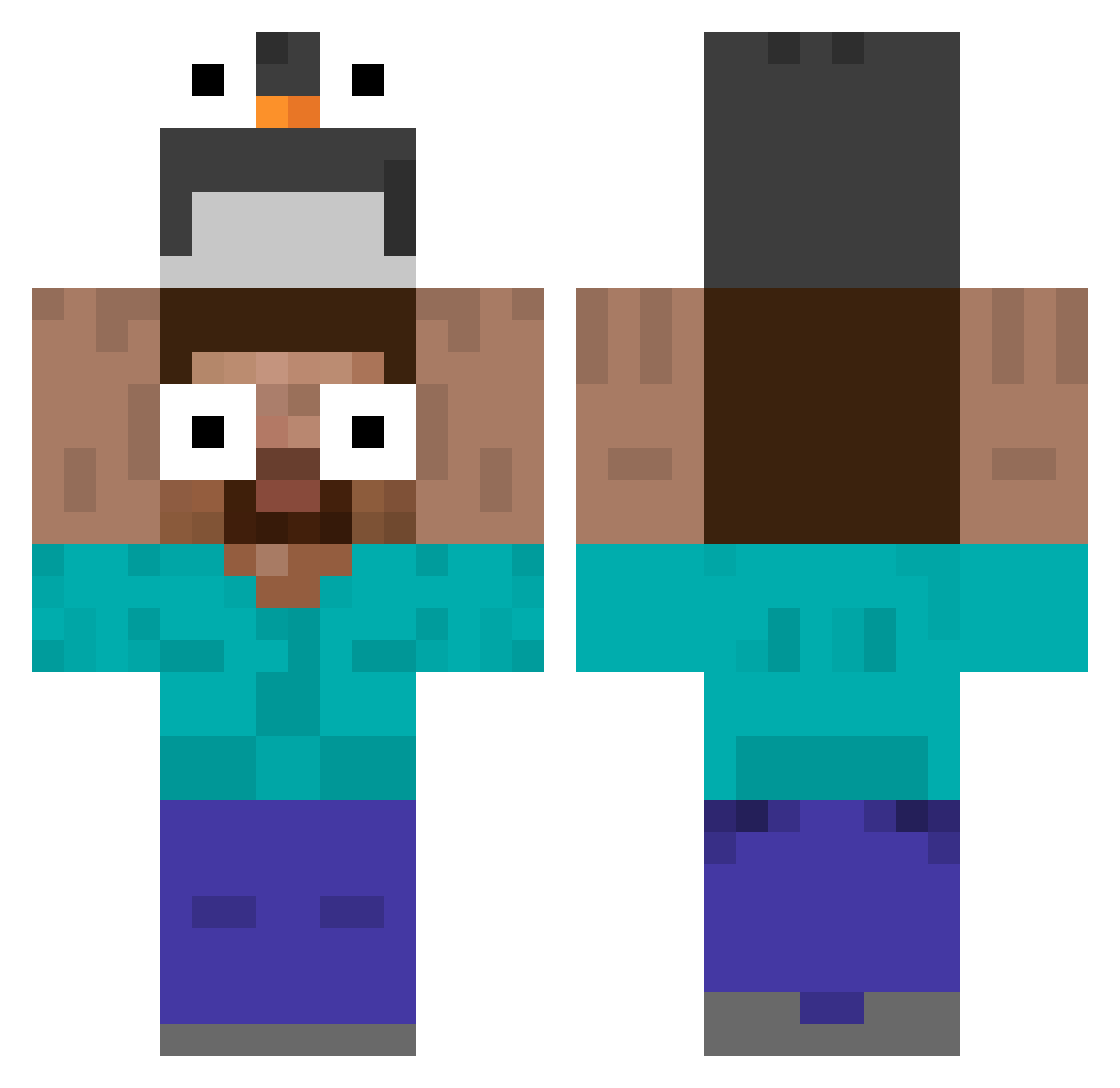
Current Minecraft skin of the player PonPon0423, loaded from the official Mojang API. Rotate the 3D model with your mouse or finger, then download the skin as a PNG file and use it in Minecraft: Bedrock Edition or Java Edition for free. When PonPon0423 changes their skin, this page updates automatically and the old skin stays in the history below.
Other players with this skin (535)
PonPon0423 was the 386th player we have seen with this skin, first spotted on 10.10.2026. The same skin was seen on these players. Open a nickname to see their current skin and skin history.
 xanhhhh Joshhq Unbearable132709 AlbiMousse darkhorse110 Eltiodetuclase DumbleDyl ReverseFly Szabla77 Sireistrash Wanyip onsaile Yulps Banshai MeepImmaJeep Akira_Saiyajin FINNOTE helloimfine AndreiaGamer rosigeAussicht epici doguinrequiem Faiton29 srtov1x Josh_gr skek1224 whoispiee Z00fia777 twosing Pespook shimachen crossroads_GF memel1601 Magno74 kajade Pisse_de_Clebs yitian_1023 Tiger00pp vnee BikkyWikky Yug_gamchanger Drak23 smallgold_ KD_KARMA S2x112 minipingouin904 Zheuzyk Letyyu Zumaki_ SmashKiryu Rakurann marbak_ rsmos ChurchBro Jorge_neto IXOYEN Tonedindo Diycy simon2011perez RetrogK
More Funny Eyes Minecraft skins
How to install the PonPon0423 skin
- Press the Download button above to save the skin as a PNG file.
- Minecraft: Bedrock Edition (PE): open the Dressing Room from the main menu (or tap your character → Edit Character), go to Classic Skins → Owned, press the + (new skin) button, choose the downloaded PNG and pick the Classic (Steve) model. Works on PC and mobile; consoles cannot import custom skins.
- Minecraft: Java Edition: open the Minecraft Launcher, go to the Skins tab, click New Skin, load the PNG, pick the Classic (Steve) model and press Save & Use. You can also upload it at minecraft.net → Profile → Change Skin.
The skin does not show up after import - what should I do?
Restart Minecraft and open the Dressing Room again - imported skins sometimes appear only after a restart. Also make sure you selected the imported skin and picked the Classic (Steve) model.
Which model should I choose, Classic or Slim?
This skin is designed for the Classic (Steve) model. If you pick the wrong model, the arms of the skin will look stretched or squeezed.
Is the skin of PonPon0423 free to download?
Yes. Press Download, save the PNG file and use it in Minecraft: Bedrock Edition or Java Edition - no payment or registration needed. The skin also works on multiplayer servers and Realms.
More skins
Looking for more? Go back to all Minecraft skins and check the top skins of the week, month and all time, or find any player's skin by nickname.