
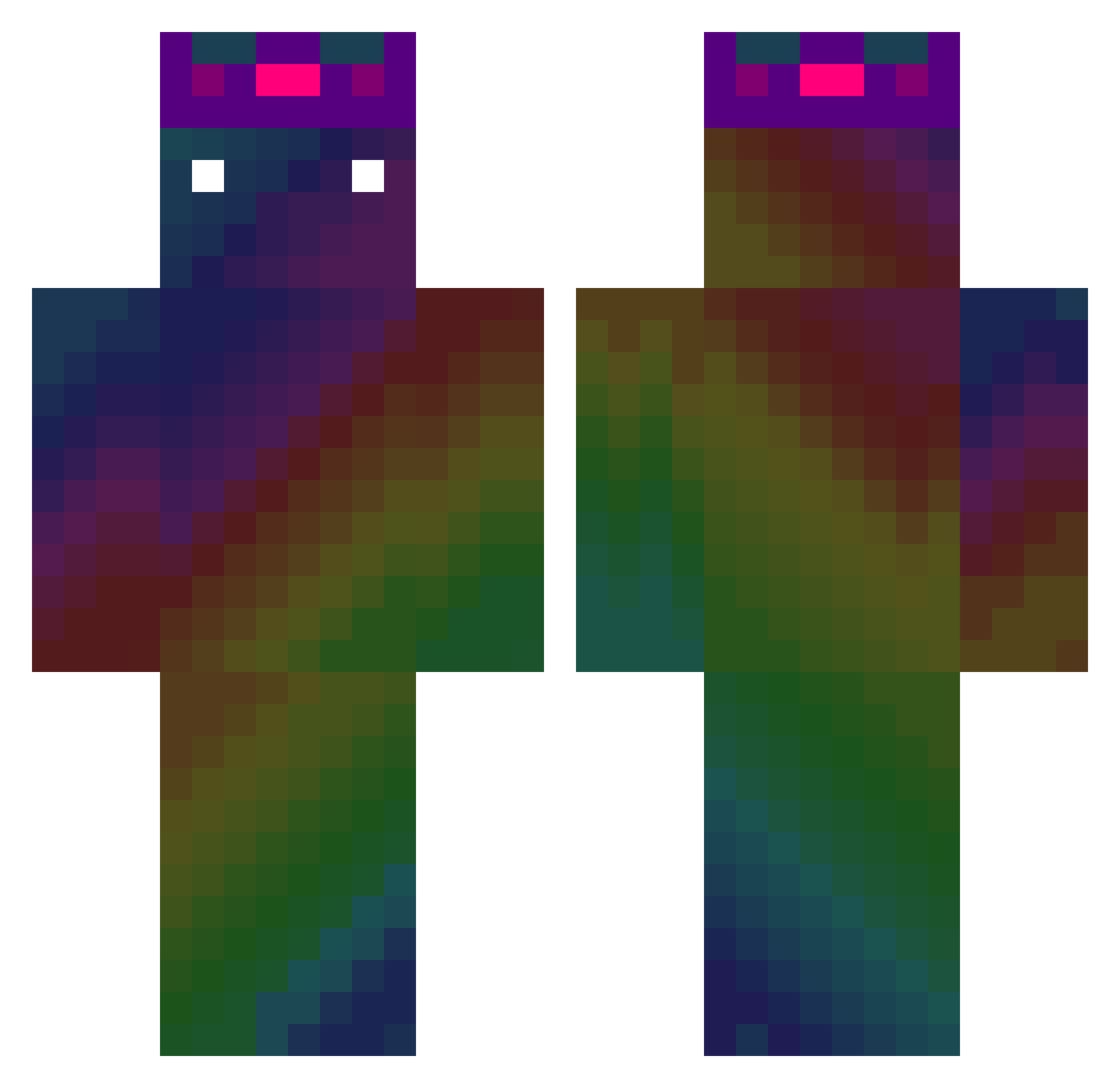
Current Minecraft skin of the player Pocs51, loaded from the official Mojang API. Rotate the 3D model with your mouse or finger, then download the skin as a PNG file and use it in Minecraft: Bedrock Edition or Java Edition for free. When Pocs51 changes their skin, this page updates automatically and the old skin stays in the history below.
Other players with this skin (403)
Pocs51 was the 116th player we have seen with this skin, first spotted on 20.08.2026. The same skin was seen on these players. Open a nickname to see their current skin and skin history.
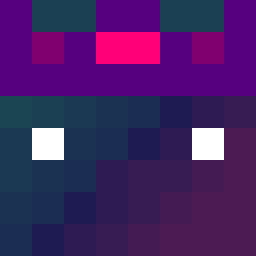 TheRealOmbrahh DeineQueen01 Salve_Laranjo ___Dream_ clhorng ScionWu Machina0310 Monster9037 qqppABA Ezlime1 tata0221 shotgun_duck snuske1212 quev123 DrSunnday xiaoheimod Aded haymer07 JavierMachuca vegetableb8 daniL0205 QuadChair928736 seggia11 KeryaS CGFelwinter FBLderechte ptg0723p LibertyBeyTR NineVIP Drawing_boy4 blueisforme_2 louidlip liang_sang zzang_jh PowerYamete klghhf LouisNBest ZGORZEL Nexu94 Prododo32 ftigh chen_on wdddada Jul0508 nepnepnep kousuke126 Kivelag TheNinja1000 _KoMar__ YuanShin_TW goondo_12 m1njun404 bilibili_yangyan Ha4ku cattf4455 Rupe_137 elioto56 LucianoFly18 yoon567 Ouvelkiemi
How to install the Pocs51 skin
- Press the Download button above to save the skin as a PNG file.
- Minecraft: Bedrock Edition (PE): open the Dressing Room from the main menu (or tap your character → Edit Character), go to Classic Skins → Owned, press the + (new skin) button, choose the downloaded PNG and pick the Classic (Steve) model. Works on PC and mobile; consoles cannot import custom skins.
- Minecraft: Java Edition: open the Minecraft Launcher, go to the Skins tab, click New Skin, load the PNG, pick the Classic (Steve) model and press Save & Use. You can also upload it at minecraft.net → Profile → Change Skin.
The skin does not show up after import - what should I do?
Restart Minecraft and open the Dressing Room again - imported skins sometimes appear only after a restart. Also make sure you selected the imported skin and picked the Classic (Steve) model.
Which model should I choose, Classic or Slim?
This skin is designed for the Classic (Steve) model. If you pick the wrong model, the arms of the skin will look stretched or squeezed.
Is the skin of Pocs51 free to download?
Yes. Press Download, save the PNG file and use it in Minecraft: Bedrock Edition or Java Edition - no payment or registration needed. The skin also works on multiplayer servers and Realms.
More skins
Looking for more? Go back to all Minecraft skins and check the top skins of the week, month and all time, or find any player's skin by nickname.