
PistachiioMilkk - Minecraft Skins & Skin History
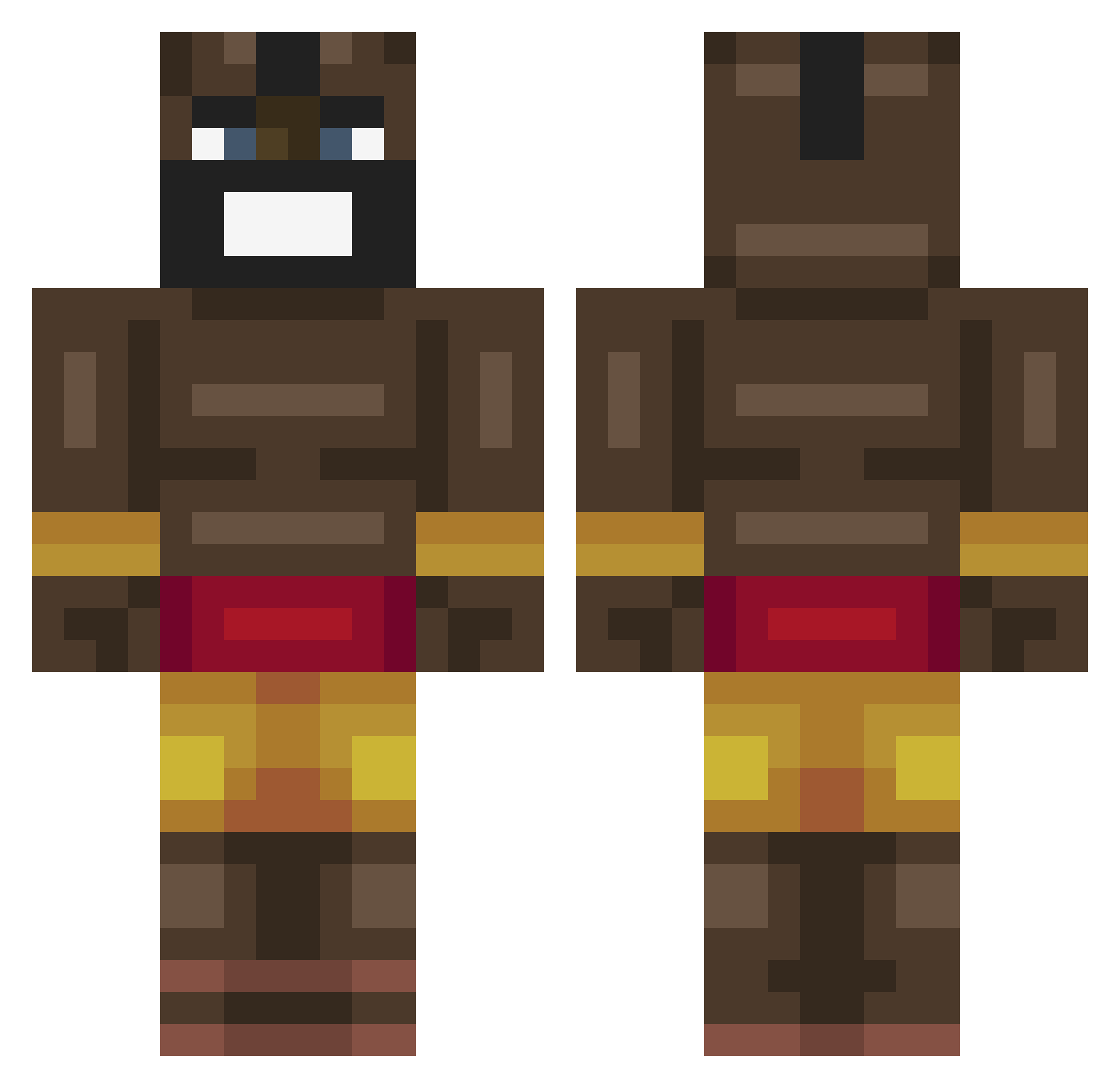
Current Minecraft skin of the player PistachiioMilkk, loaded from the official Mojang API. Rotate the 3D model with your mouse or finger, then download the skin as a PNG file and use it in Minecraft: Bedrock Edition or Java Edition for free. When PistachiioMilkk changes their skin, this page updates automatically and the old skin stays in the history below.
Other players with this skin (463)
PistachiioMilkk was the 124th player we have seen with this skin, first spotted on 23.08.2026. The same skin was seen on these players. Open a nickname to see their current skin and skin history.
 Barabito ThatKid157 NoWes0202 Filthegoat23 CaptainMollusk Respam6020 Elmo8220 PingWink53 Dario99 gabeAlex1 Bolors619 SW168SW ZTREXX257 croodv2 Walkinglizard_ RangaZane OrhunT Mas77 Lewcass KimKs_hotmother tommyvdg GO_AWAY_77 piz12 BiteableDanger Kolej0rz SweetShw yair_dor TypischMau ShadowCharmer115 Ukulele1 SensiChang26 chqc _Melox_ loejuken kristianss
 KTN_Crimson shallow805
 GMKminecart Huundog Binyanggg Royalistik SaveMeBrother GoldenKhan50202 The_Burnt_Waffle ElToroAguirre joaq_m Wazzup1 DankLaw420 KS_WANG11 Arturus_Maximus ChromeHeartPatta tommyisepic2003 trashchungus69 riley_cube bruce0223 Striker091190 Rubannn ocean_1919 enderportaltoass BladedCake41514
More Celebrity Minecraft skins
How to install the PistachiioMilkk skin
- Press the Download button above to save the skin as a PNG file.
- Minecraft: Bedrock Edition (PE): open the Dressing Room from the main menu (or tap your character → Edit Character), go to Classic Skins → Owned, press the + (new skin) button, choose the downloaded PNG and pick the Classic (Steve) model. Works on PC and mobile; consoles cannot import custom skins.
- Minecraft: Java Edition: open the Minecraft Launcher, go to the Skins tab, click New Skin, load the PNG, pick the Classic (Steve) model and press Save & Use. You can also upload it at minecraft.net → Profile → Change Skin.
The skin does not show up after import - what should I do?
Restart Minecraft and open the Dressing Room again - imported skins sometimes appear only after a restart. Also make sure you selected the imported skin and picked the Classic (Steve) model.
Which model should I choose, Classic or Slim?
This skin is designed for the Classic (Steve) model. If you pick the wrong model, the arms of the skin will look stretched or squeezed.
Is the skin of PistachiioMilkk free to download?
Yes. Press Download, save the PNG file and use it in Minecraft: Bedrock Edition or Java Edition - no payment or registration needed. The skin also works on multiplayer servers and Realms.
More skins
Looking for more? Go back to all Minecraft skins and check the top skins of the week, month and all time, or find any player's skin by nickname.