
PiratePineapple - Minecraft Skins & Skin History
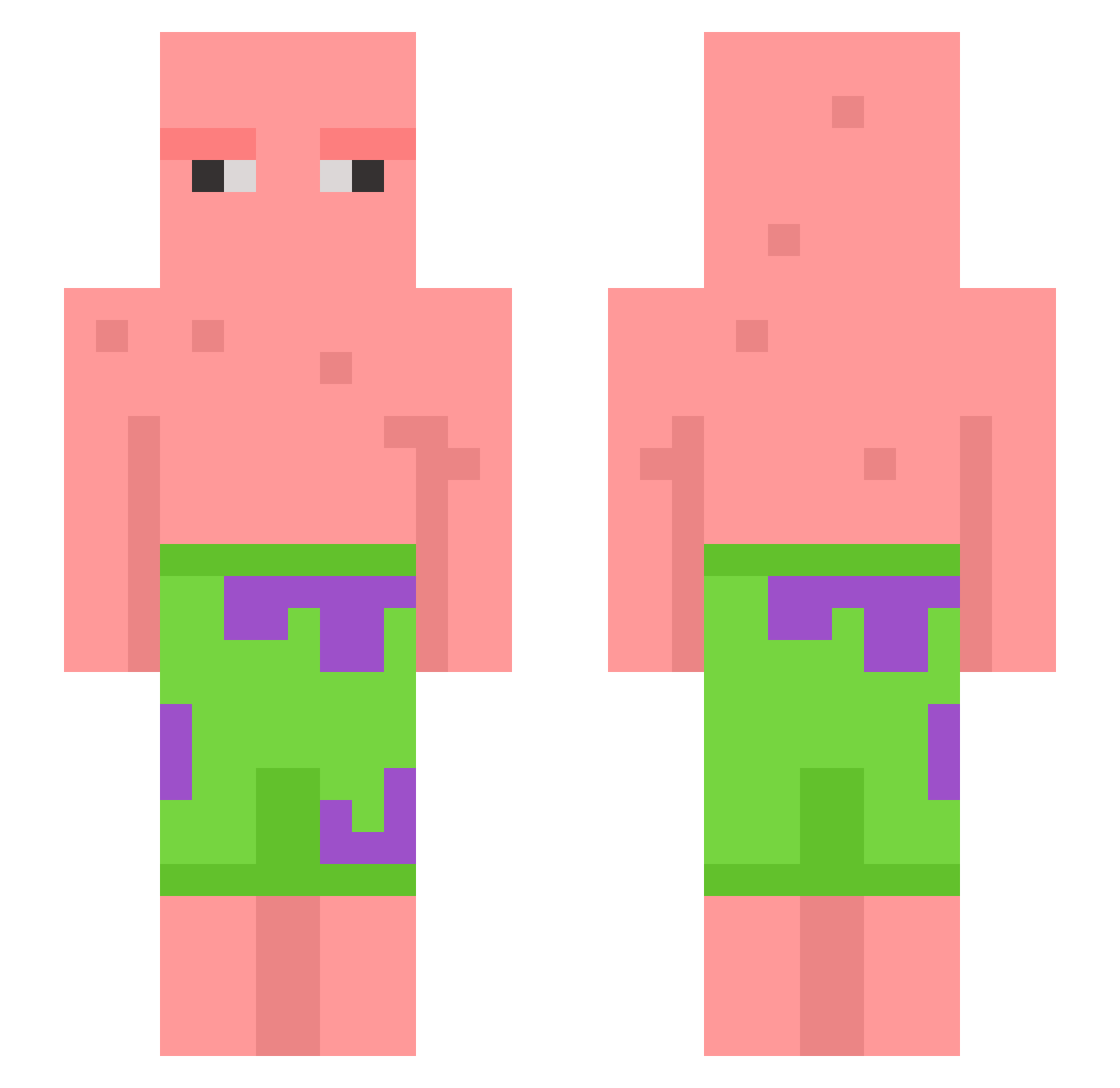
Current Minecraft skin of the player PiratePineapple, loaded from the official Mojang API. Rotate the 3D model with your mouse or finger, then download the skin as a PNG file and use it in Minecraft: Bedrock Edition or Java Edition for free. When PiratePineapple changes their skin, this page updates automatically and the old skin stays in the history below.
Other players with this skin (602)
PiratePineapple was the 496th player we have seen with this skin, first spotted on 17.10.2026. The same skin was seen on these players. Open a nickname to see their current skin and skin history.
 hajaM2 KvnnZ Proco_ aleskei k3nz13_ JebaitedMilk Booking27 sam_frfr KLEPINO Yasminominator Anoobys KimJong_un_beach Tempeststrike9 jim_othy kyc1016 petersyke imulumi5852 kentag00 buongyspongy j0nd3 elbajo57 Robatz8 Ethiaaa ____Dora____ zSkrim Giovanni_Paulus Flare4L X4naxed LornyLor MalleEimel hexlar101 FS_Maske Smelliboi_ sunyaheng nicholeslaw sera_firma Craven_Morhead_ emilytobail Sxong24 Gabo12 AnDagdaMC CouncilBark3908 HiddenJoker06 Foraax zilla_thekilla Aophi saltorico Veenit tomerhelper victorW33D GiorgioParra IamTHEbest693467 Raims Tinokins Everts_88 CallMePeblo SunkenJoker7128 danieljim2 Pinchedbison Z00TID
More Patrick Star Minecraft skins
See all 611 Patrick Star skins
How to install the PiratePineapple skin
- Press the Download button above to save the skin as a PNG file.
- Minecraft: Bedrock Edition (PE): open the Dressing Room from the main menu (or tap your character → Edit Character), go to Classic Skins → Owned, press the + (new skin) button, choose the downloaded PNG and pick the Slim (Alex) model. Works on PC and mobile; consoles cannot import custom skins.
- Minecraft: Java Edition: open the Minecraft Launcher, go to the Skins tab, click New Skin, load the PNG, pick the Slim (Alex) model and press Save & Use. You can also upload it at minecraft.net → Profile → Change Skin.
The skin does not show up after import - what should I do?
Restart Minecraft and open the Dressing Room again - imported skins sometimes appear only after a restart. Also make sure you selected the imported skin and picked the Slim (Alex) model.
Which model should I choose, Classic or Slim?
This skin is designed for the Slim (Alex) model. If you pick the wrong model, the arms of the skin will look stretched or squeezed.
Is the skin of PiratePineapple free to download?
Yes. Press Download, save the PNG file and use it in Minecraft: Bedrock Edition or Java Edition - no payment or registration needed. The skin also works on multiplayer servers and Realms.
More skins
Looking for more? Go back to all Minecraft skins and check the top skins of the week, month and all time, or find any player's skin by nickname.