
Ping__uin - Minecraft Skins & Skin History
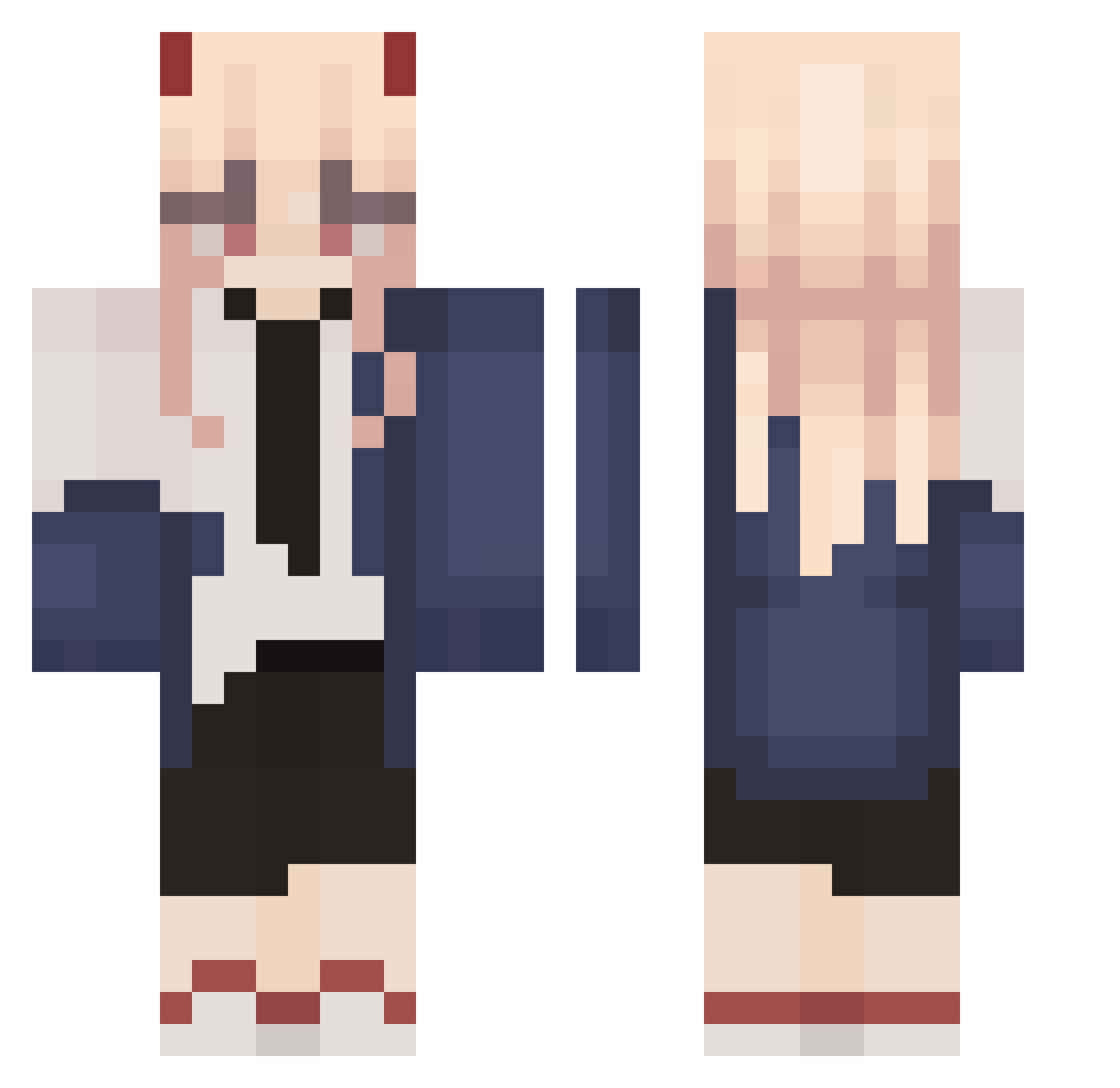
Current Minecraft skin of the player Ping__uin, loaded from the official Mojang API. Rotate the 3D model with your mouse or finger, then download the skin as a PNG file and use it in Minecraft: Bedrock Edition or Java Edition for free. When Ping__uin changes their skin, this page updates automatically and the old skin stays in the history below.
Other players with this skin (329)
Ping__uin was the 305th player we have seen with this skin, first spotted on 11.11.2026. The same skin was seen on these players. Open a nickname to see their current skin and skin history.
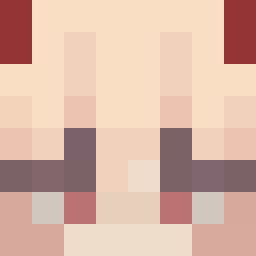 Mizu_22 zFoogles AlenSHARK_TW 420_pluto hutaoxx HaskiBro Aws1 asirois98 LCT_XD yangji_01 Alkaeee PumpedFireGames babyclouduwu Ytochka3 MelyMan Junhyung2377 Rainbowdumdum NotMoura Pokaiiii lasagagna Fatomica Zaeky SmokiMo ashyboilynx Vocotioria AllEsLaf LoveRaf_UwU AndreeZv oHstyle0 Celestyaz sekret_spin Iyuma_ MadeByMercy snow_woof dawn23235 LouciousLocks Getsuyoubi24 yawwnzzn Rodqzzz yurag1 N17tr0 meru_account BorowQa Akeno_Hiname Sakuraafubuki HunkBD lil_vodka420 Nahkano PrimeNights _zecu_ __JULKA Mellary CaosAgridulce Closey72 KAIO_CHEROSO Nick1418s Jennie1715 gogyJAM Rumiqx konii_001
More Power Minecraft skins
How to install the Ping__uin skin
- Press the Download button above to save the skin as a PNG file.
- Minecraft: Bedrock Edition (PE): open the Dressing Room from the main menu (or tap your character → Edit Character), go to Classic Skins → Owned, press the + (new skin) button, choose the downloaded PNG and pick the Classic (Steve) model. Works on PC and mobile; consoles cannot import custom skins.
- Minecraft: Java Edition: open the Minecraft Launcher, go to the Skins tab, click New Skin, load the PNG, pick the Classic (Steve) model and press Save & Use. You can also upload it at minecraft.net → Profile → Change Skin.
The skin does not show up after import - what should I do?
Restart Minecraft and open the Dressing Room again - imported skins sometimes appear only after a restart. Also make sure you selected the imported skin and picked the Classic (Steve) model.
Which model should I choose, Classic or Slim?
This skin is designed for the Classic (Steve) model. If you pick the wrong model, the arms of the skin will look stretched or squeezed.
Is the skin of Ping__uin free to download?
Yes. Press Download, save the PNG file and use it in Minecraft: Bedrock Edition or Java Edition - no payment or registration needed. The skin also works on multiplayer servers and Realms.
More skins
Looking for more? Go back to all Minecraft skins and check the top skins of the week, month and all time, or find any player's skin by nickname.