
Piggy_Corn - Minecraft Skins & Skin History
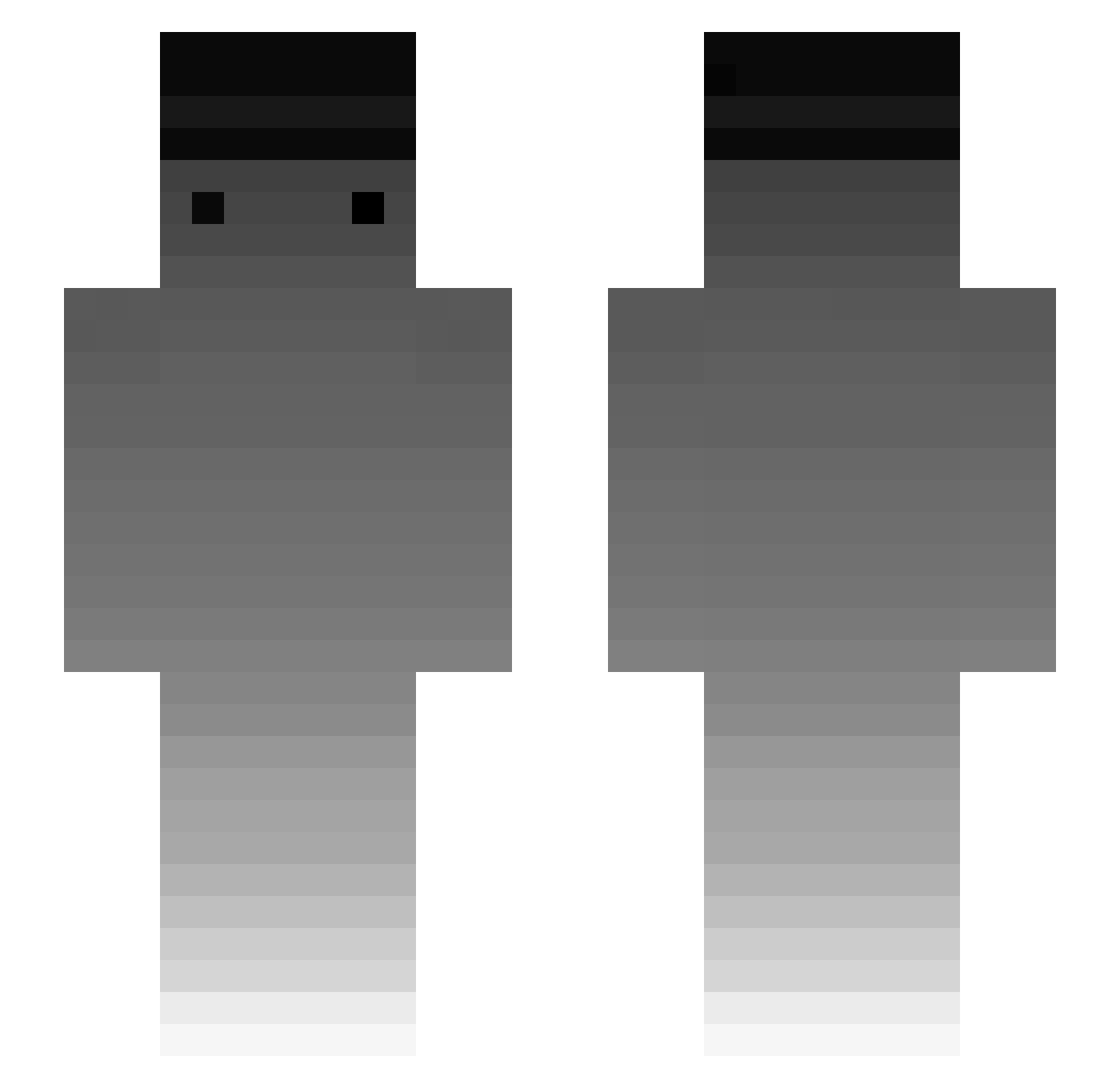
Current Minecraft skin of the player Piggy_Corn, loaded from the official Mojang API. Rotate the 3D model with your mouse or finger, then download the skin as a PNG file and use it in Minecraft: Bedrock Edition or Java Edition for free. When Piggy_Corn changes their skin, this page updates automatically and the old skin stays in the history below.
Other players with this skin (241)
Piggy_Corn was the 71st player we have seen with this skin, first spotted on 25.08.2026. The same skin was seen on these players. Open a nickname to see their current skin and skin history.
 shoper RumiXRrr hakanexe Lunxr_x08 charlieoplays101 FritzWalter20 SiBalreom GuumsTer gamefgg xtermigator Specifics5934 MinecraftGoon90 Grayless jimbolee28 hashioki xelph Nucleomituph0bia Kroketgamer2009 ObviouslyZimo Maddoxxo SenaJoa Dani_BOYYYY Liquid_Void Saqer_UAE_99 yo_0506 Neibar Lehmee davidmos12345 Grewal Norcross __3mk__ nenenanadodo AcidBloc Lerock212 zSxqond Feherbab inwoo3 midsuroy RolleRollsen Jordan17 Harisaucy Mohammed_fcb Allan50 Uzkuri KronchTime Gray_Color ChubZJ FreshTrademarked Baronrush der_echte_kekw JeromeBoateng
 Jadeer passi_mp4 NT811 katied15 Scerne soo9328 RWiz kimbyunggi Chwila_
How to install the Piggy_Corn skin
- Press the Download button above to save the skin as a PNG file.
- Minecraft: Bedrock Edition (PE): open the Dressing Room from the main menu (or tap your character → Edit Character), go to Classic Skins → Owned, press the + (new skin) button, choose the downloaded PNG and pick the Slim (Alex) model. Works on PC and mobile; consoles cannot import custom skins.
- Minecraft: Java Edition: open the Minecraft Launcher, go to the Skins tab, click New Skin, load the PNG, pick the Slim (Alex) model and press Save & Use. You can also upload it at minecraft.net → Profile → Change Skin.
The skin does not show up after import - what should I do?
Restart Minecraft and open the Dressing Room again - imported skins sometimes appear only after a restart. Also make sure you selected the imported skin and picked the Slim (Alex) model.
Which model should I choose, Classic or Slim?
This skin is designed for the Slim (Alex) model. If you pick the wrong model, the arms of the skin will look stretched or squeezed.
Is the skin of Piggy_Corn free to download?
Yes. Press Download, save the PNG file and use it in Minecraft: Bedrock Edition or Java Edition - no payment or registration needed. The skin also works on multiplayer servers and Realms.
More skins
Looking for more? Go back to all Minecraft skins and check the top skins of the week, month and all time, or find any player's skin by nickname.