
 supuun James0010 Leonto22 JorgeTheGamer37 zerohachi verkwyd ROB_SAM TheGunwin3 1123321a si16 Natxow Depe7 Gundress WindbreakOS Ultramicroscopic Serburger Yhwie Rando_Dude yRb4G AwesomeProGamer5 CSTgamer straatee wljww jione0310 III_Davide_III Phome91 BloodShot_Eyes Jdgreene Blacky0x blue023 Gneeh67 MrSnoop imablackman milesbritton LOOT_G Andromic_MC Sidies9947 mutluluk Jarjuraz EchoPPEcho RWiz Gianfruzz conxyyy Snowha1e AKAMINN22 Biwa74 Mdn__ 0CoZyBoy0 equialium Chwila_ GuumsTer TehSkear Alexander_aalund xtermigator soo9328 midsuroy HOLMES1761 der_echte_kekw YEEEboys gamefgg
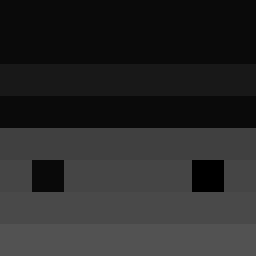
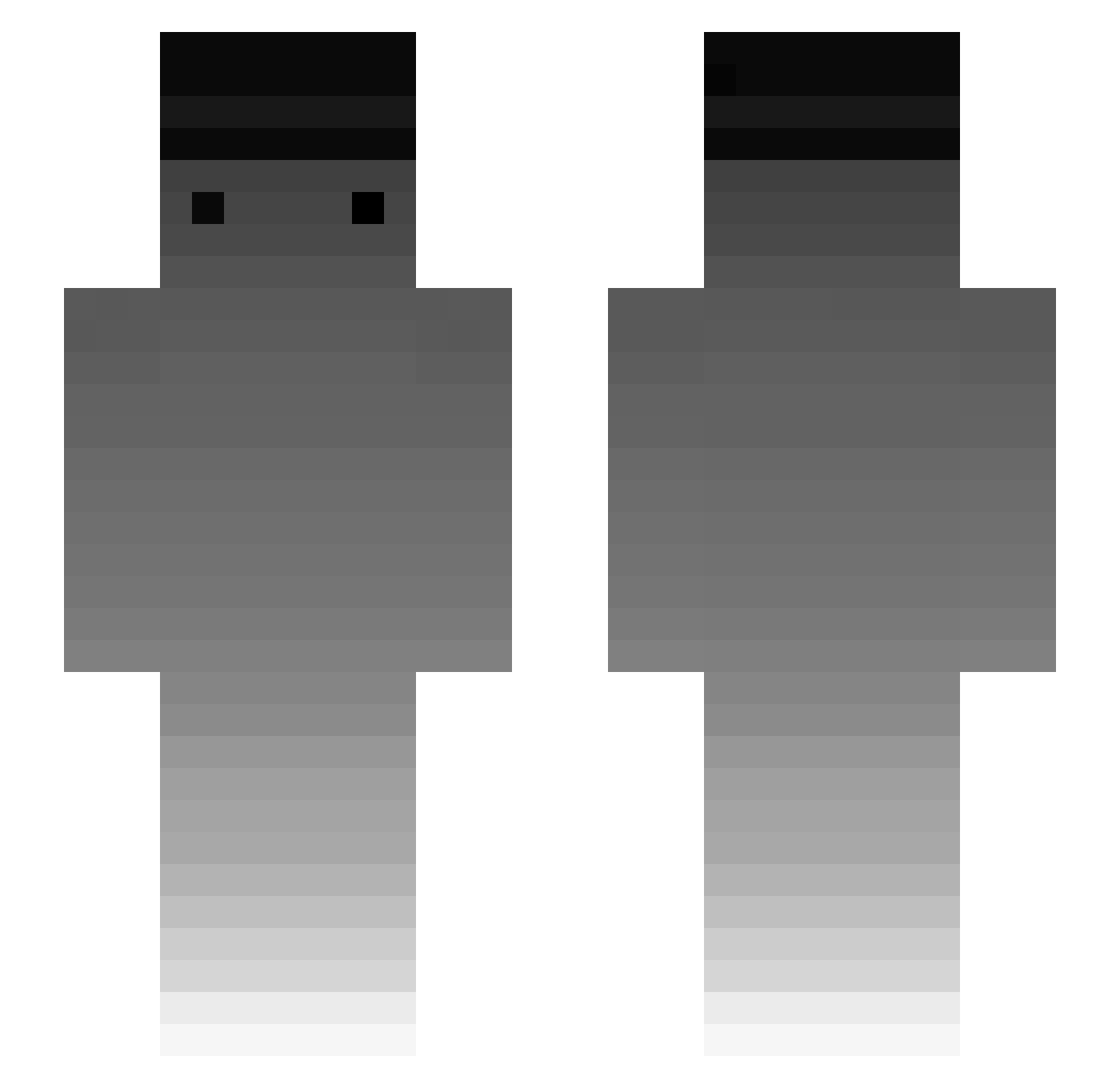
Minecraft skin of _Atari. Rotate the 3D model with your mouse or finger to view the skin from every angle, then download it as a PNG file and use it in Minecraft: Bedrock Edition or Java Edition for free. Rate the skin with stars to help other players find the best skins in our collection.
How to install the _Atari skin
- Press the Download button above to save the skin as a PNG file.
- Minecraft: Bedrock Edition (PE): open the Dressing Room from the main menu (or tap your character → Edit Character), go to Classic Skins → Owned, press the + (new skin) button, choose the downloaded PNG and pick the Slim (Alex) model. Works on PC and mobile; consoles cannot import custom skins.
- Minecraft: Java Edition: open the Minecraft Launcher, go to the Skins tab, click New Skin, load the PNG, pick the Slim (Alex) model and press Save & Use. You can also upload it at minecraft.net → Profile → Change Skin.
The skin does not show up after import - what should I do?
Restart Minecraft and open the Dressing Room again - imported skins sometimes appear only after a restart. Also make sure you selected the imported skin and picked the Slim (Alex) model.
Which model should I choose, Classic or Slim?
This skin is designed for the Slim (Alex) model. If you pick the wrong model, the arms of the skin will look stretched or squeezed.
Is this skin free to use?
Yes. Press Download, save the PNG file and use it in Minecraft: Bedrock Edition or Java Edition - no payment or registration needed. The skin also works on multiplayer servers and Realms.
More skins
Looking for more? Go back to all Minecraft skins and check the top skins of the week, month and all time, or find any player's skin by nickname.