
Pickensrsl - Minecraft Skins & Skin History
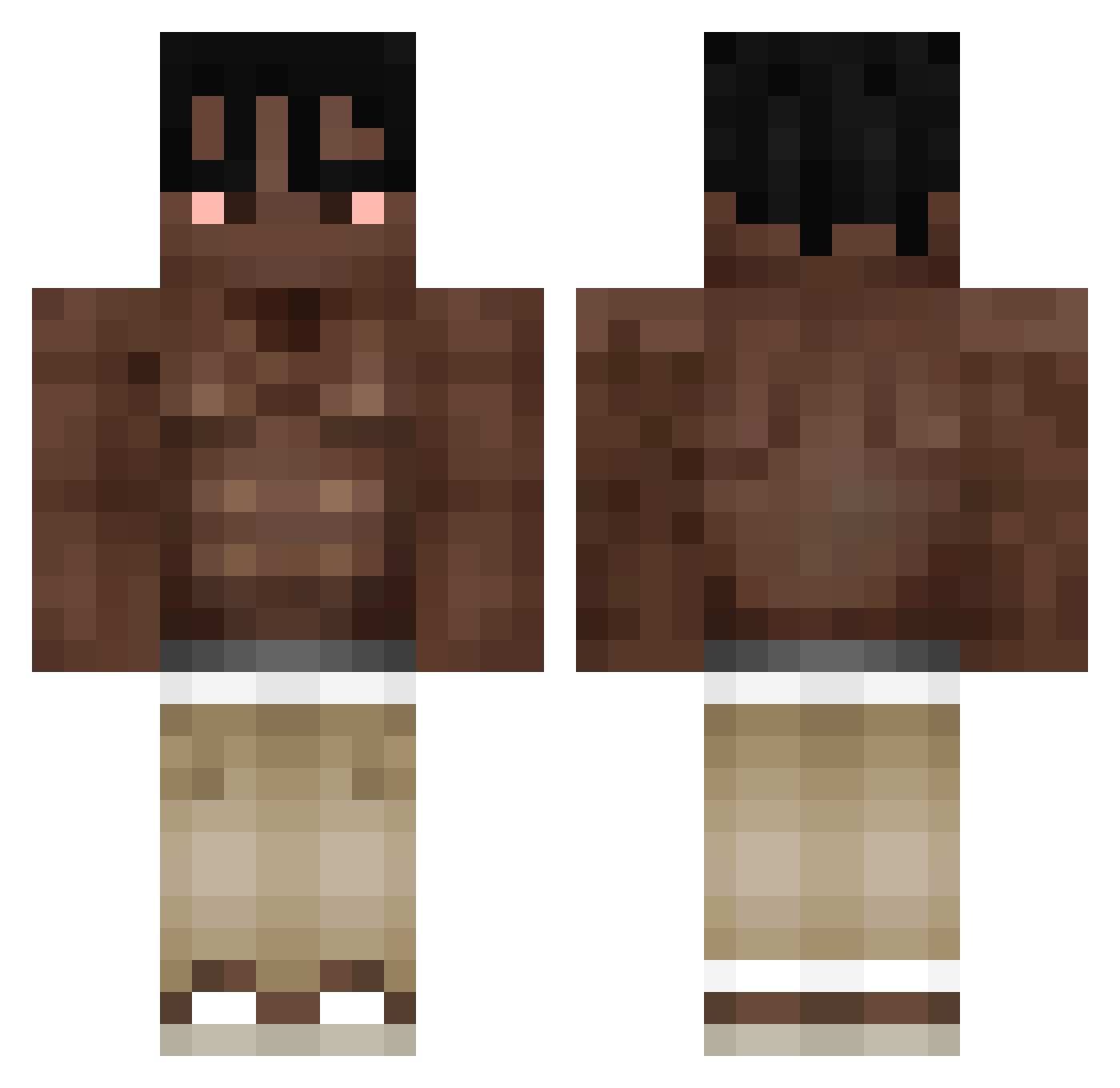
Current Minecraft skin of the player Pickensrsl, loaded from the official Mojang API. Rotate the 3D model with your mouse or finger, then download the skin as a PNG file and use it in Minecraft: Bedrock Edition or Java Edition for free. When Pickensrsl changes their skin, this page updates automatically and the old skin stays in the history below.
Other players with this skin (334)
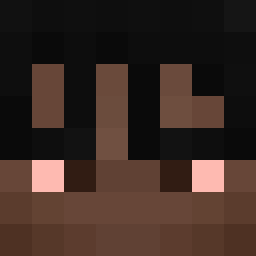
Pickensrsl was the 304th player we have seen with this skin, first spotted on 17.10.2026. The same skin was seen on these players. Open a nickname to see their current skin and skin history.
 iMaruan 4lexy OskurGigaSigma jayson036 GANGMEMBERFAT Kevineq_ GiorgosYT RobyBobiPeperoni maxfa08 NARUTOLEGAY Fs1449 Yotea971 nenlikesmining QuickRansom richard7w7 BradyJava yplupo xxinmg AshvinTan MedicWafflez matik11224 Isaajoss Aromero08 petitbanana22 juhcowb lolbag_ _Wylio_ MisterSpeck23 zennnnnnnnnnnnn5 100B_Tofu lalou6929 LightningMan126 SgtBPunkt Barducoin mswiftxcx L_ia_m Menteloca00 Kyuumylove jun0_k Benico26 BuBu_SOUZA PatoFut DJ1816 Eddie1219 wondtem mendupendu kanoks1k Lucas807 L0w0ngBearlc2_ Rokas2222 t4m4k1n Karasov_Legend Niicogo kainefrom42 s6avant beno6969 blvditrouble762 szczypiooor_ NXXDD657 __UIOP__
More Shirtless Minecraft skins
How to install the Pickensrsl skin
- Press the Download button above to save the skin as a PNG file.
- Minecraft: Bedrock Edition (PE): open the Dressing Room from the main menu (or tap your character → Edit Character), go to Classic Skins → Owned, press the + (new skin) button, choose the downloaded PNG and pick the Classic (Steve) model. Works on PC and mobile; consoles cannot import custom skins.
- Minecraft: Java Edition: open the Minecraft Launcher, go to the Skins tab, click New Skin, load the PNG, pick the Classic (Steve) model and press Save & Use. You can also upload it at minecraft.net → Profile → Change Skin.
The skin does not show up after import - what should I do?
Restart Minecraft and open the Dressing Room again - imported skins sometimes appear only after a restart. Also make sure you selected the imported skin and picked the Classic (Steve) model.
Which model should I choose, Classic or Slim?
This skin is designed for the Classic (Steve) model. If you pick the wrong model, the arms of the skin will look stretched or squeezed.
Is the skin of Pickensrsl free to download?
Yes. Press Download, save the PNG file and use it in Minecraft: Bedrock Edition or Java Edition - no payment or registration needed. The skin also works on multiplayer servers and Realms.
More skins
Looking for more? Go back to all Minecraft skins and check the top skins of the week, month and all time, or find any player's skin by nickname.