
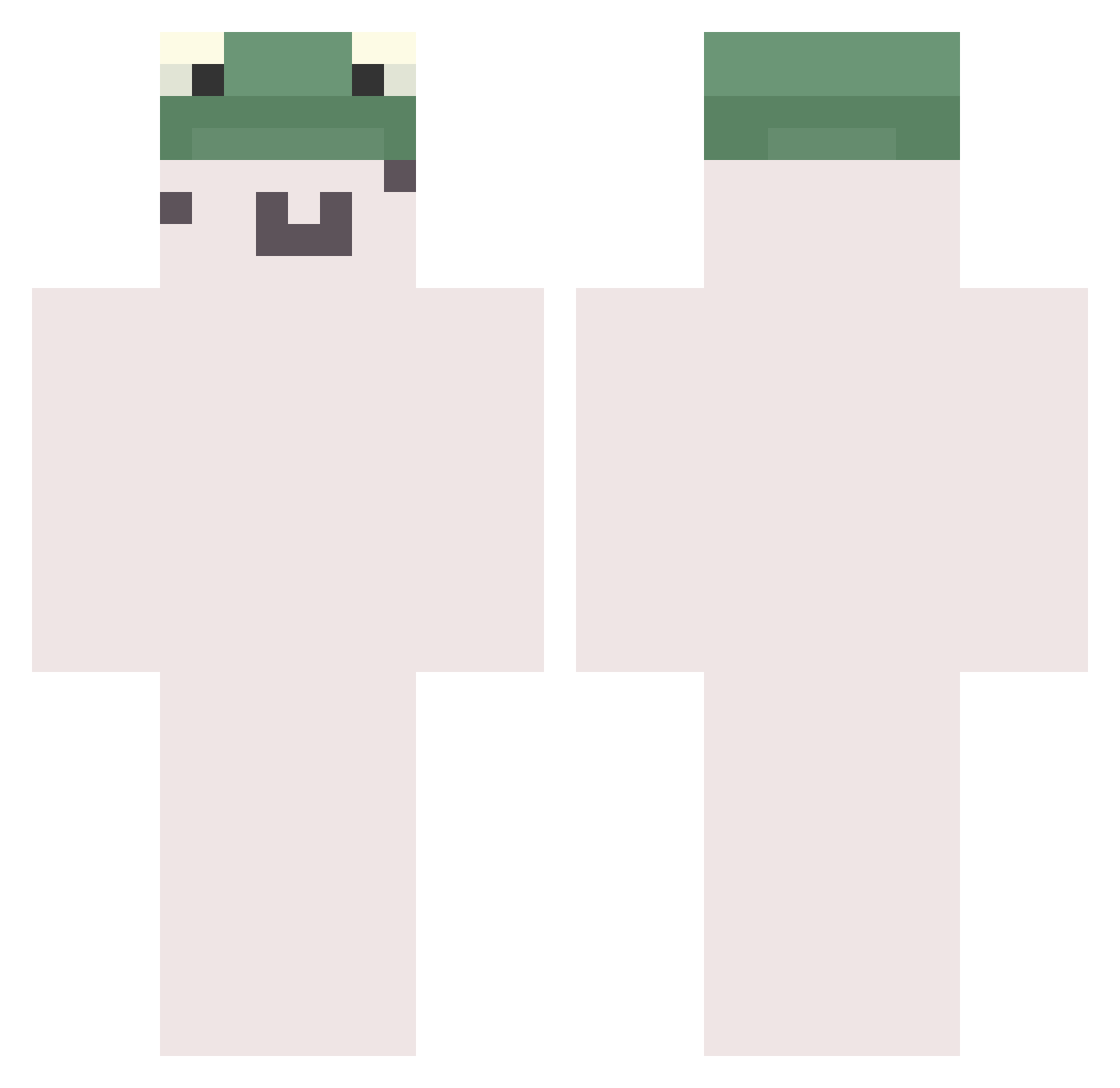
Current Minecraft skin of the player PhantomSaMa, loaded from the official Mojang API. Rotate the 3D model with your mouse or finger, then download the skin as a PNG file and use it in Minecraft: Bedrock Edition or Java Edition for free. When PhantomSaMa changes their skin, this page updates automatically and the old skin stays in the history below.
Other players with this skin (607)
PhantomSaMa was the 376th player we have seen with this skin, first spotted on 20.09.2026. The same skin was seen on these players. Open a nickname to see their current skin and skin history.
 frog0205 J3pzy kimimamaru Big_Meow17 Dollar666 silver_iron_ AlSh0302 Lee_Chang_jun kiyo3939 NohQue gusgh_333 ato1401 i12bp8 03483 Sugawarass Gunny_o_o_ tophjoh SUPER_BABO JustTommyBoy BIRCHHHHH Dots67 clothfish Nyzzor cornfield5240 l3tic Yiann_ minchanhyuk winner1025 TuoLoe Migming limain Kyvon _Firee toki9035 v_on1 _Chery Er_777 tkddb_ _Noflx_ Fifteen_years Flickz___ TaeGunH dogToge13 Culin Frogggee iceywashi BaiwanZ Rynxies iGatoo kylanty nadoubanfan solaninnnnn Madridx7 XDVZT rainnfx Dyskatys xixi105 qiliua catmorph RrrCccLll
More Kermit The Frog Minecraft skins
See all 366 Kermit The Frog skins
How to install the PhantomSaMa skin
- Press the Download button above to save the skin as a PNG file.
- Minecraft: Bedrock Edition (PE): open the Dressing Room from the main menu (or tap your character → Edit Character), go to Classic Skins → Owned, press the + (new skin) button, choose the downloaded PNG and pick the Classic (Steve) model. Works on PC and mobile; consoles cannot import custom skins.
- Minecraft: Java Edition: open the Minecraft Launcher, go to the Skins tab, click New Skin, load the PNG, pick the Classic (Steve) model and press Save & Use. You can also upload it at minecraft.net → Profile → Change Skin.
The skin does not show up after import - what should I do?
Restart Minecraft and open the Dressing Room again - imported skins sometimes appear only after a restart. Also make sure you selected the imported skin and picked the Classic (Steve) model.
Which model should I choose, Classic or Slim?
This skin is designed for the Classic (Steve) model. If you pick the wrong model, the arms of the skin will look stretched or squeezed.
Is the skin of PhantomSaMa free to download?
Yes. Press Download, save the PNG file and use it in Minecraft: Bedrock Edition or Java Edition - no payment or registration needed. The skin also works on multiplayer servers and Realms.
More skins
Looking for more? Go back to all Minecraft skins and check the top skins of the week, month and all time, or find any player's skin by nickname.