
PatrickTKS - Minecraft Skins & Skin History
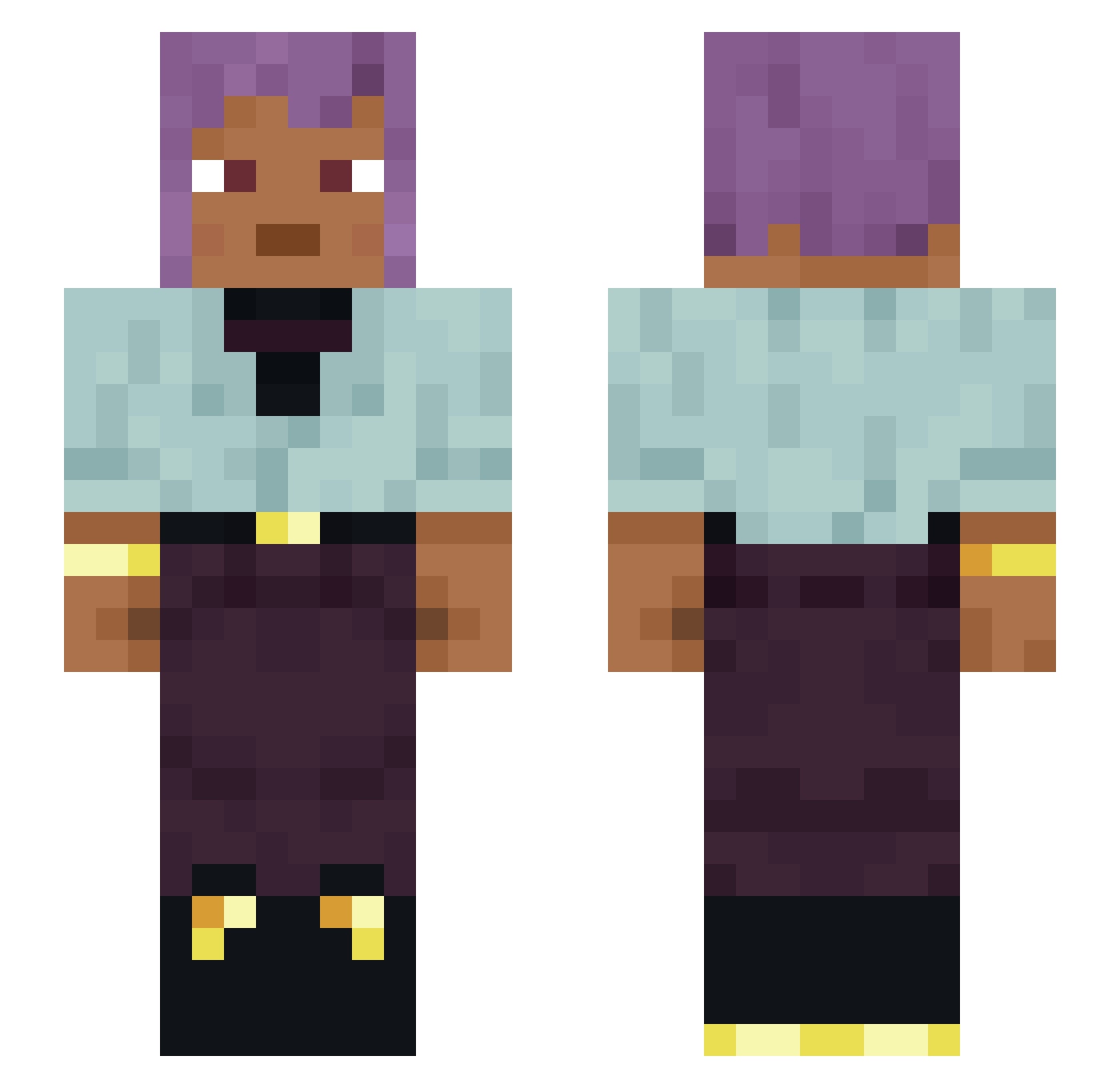
Current Minecraft skin of the player PatrickTKS, loaded from the official Mojang API. Rotate the 3D model with your mouse or finger, then download the skin as a PNG file and use it in Minecraft: Bedrock Edition or Java Edition for free. When PatrickTKS changes their skin, this page updates automatically and the old skin stays in the history below.
Other players with this skin (1337)
PatrickTKS was the 690th player we have seen with this skin, first spotted on 23.09.2026. The same skin was seen on these players. Open a nickname to see their current skin and skin history.
 DoDoByrd08 LurtZz KMRNP massivholzboden Bandusia Bisks lundromeda redcurrant Gadreeel Sladyn LANPATW Footages Marice EdenFern osieIpws Tonguer Xx_bambi_xX werent Uchiha333Naruto Karol90 Araponga csellie Anton414 burntweed cephalalgia tinael mcbaptized69 huydeptrai3 liluallami no1snecsa deadrise Reenforcing maximizer Presentation Mrphslaw lilbelv almeh Nhn_ OllerVadda Ducksauce631 AVengeress SharkChilLag kubaxe_yt CarlE HAWOK Trunterne Demiurgic whimbrel gunsel Bella_Giggi Sterilizing frynell thejester0001 Betell lincewtf ReggieThe___God leo_br_330 Morsel 10Baag Ice_SHIMON
How to install the PatrickTKS skin
- Press the Download button above to save the skin as a PNG file.
- Minecraft: Bedrock Edition (PE): open the Dressing Room from the main menu (or tap your character → Edit Character), go to Classic Skins → Owned, press the + (new skin) button, choose the downloaded PNG and pick the Slim (Alex) model. Works on PC and mobile; consoles cannot import custom skins.
- Minecraft: Java Edition: open the Minecraft Launcher, go to the Skins tab, click New Skin, load the PNG, pick the Slim (Alex) model and press Save & Use. You can also upload it at minecraft.net → Profile → Change Skin.
The skin does not show up after import - what should I do?
Restart Minecraft and open the Dressing Room again - imported skins sometimes appear only after a restart. Also make sure you selected the imported skin and picked the Slim (Alex) model.
Which model should I choose, Classic or Slim?
This skin is designed for the Slim (Alex) model. If you pick the wrong model, the arms of the skin will look stretched or squeezed.
Is the skin of PatrickTKS free to download?
Yes. Press Download, save the PNG file and use it in Minecraft: Bedrock Edition or Java Edition - no payment or registration needed. The skin also works on multiplayer servers and Realms.
More skins
Looking for more? Go back to all Minecraft skins and check the top skins of the week, month and all time, or find any player's skin by nickname.