
ParrootX2 - Minecraft Skins & Skin History
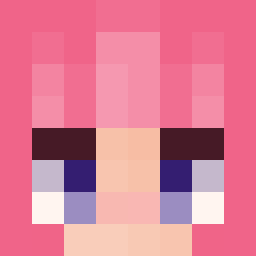
Current Minecraft skin of the player ParrootX2, loaded from the official Mojang API. Rotate the 3D model with your mouse or finger, then download the skin as a PNG file and use it in Minecraft: Bedrock Edition or Java Edition for free. When ParrootX2 changes their skin, this page updates automatically and the old skin stays in the history below.
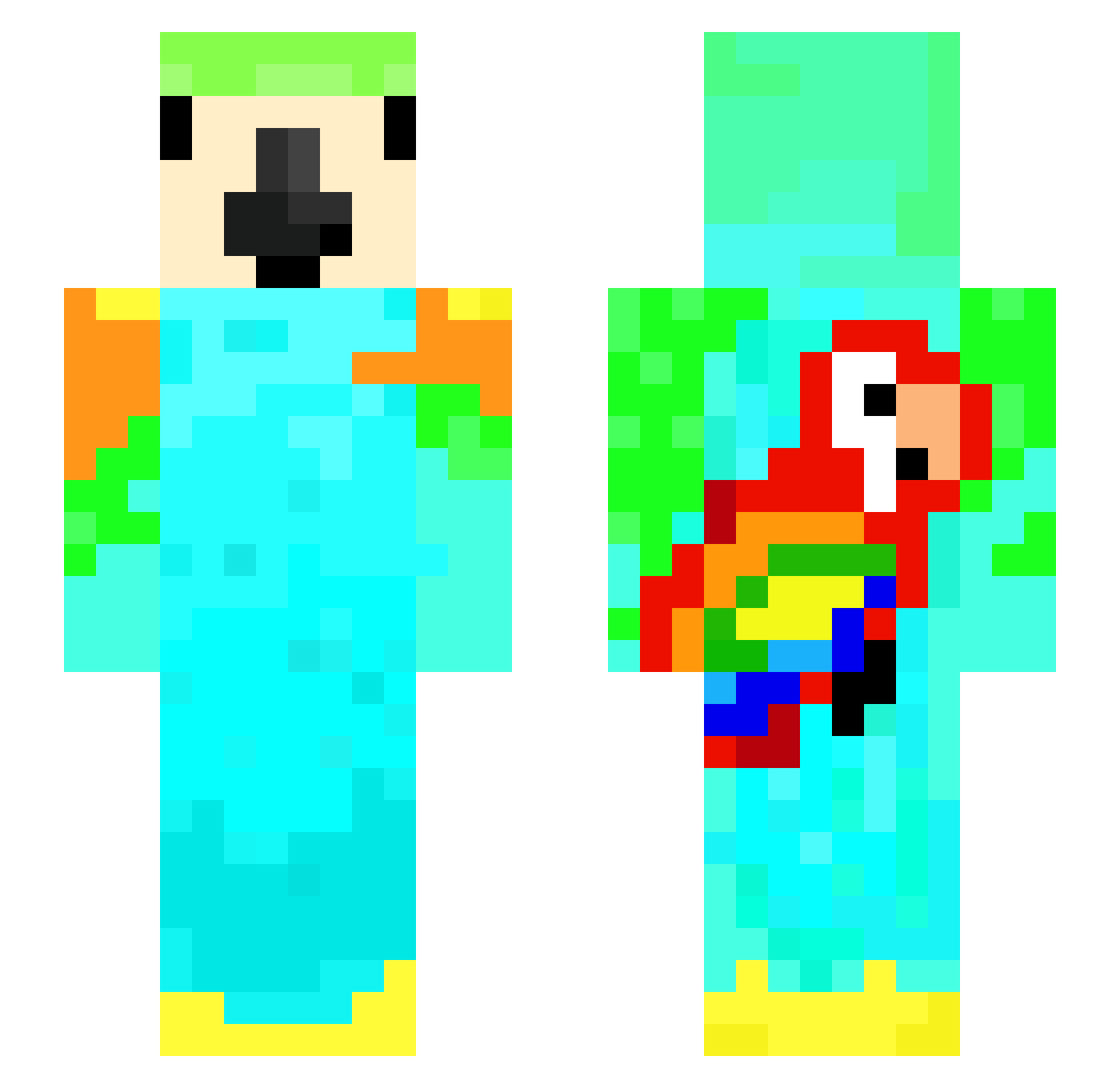
Other players with this skin (150)
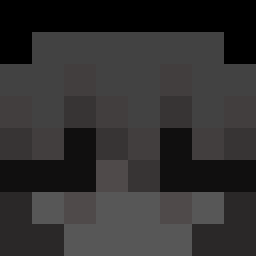
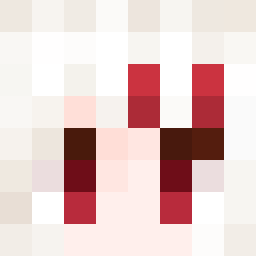
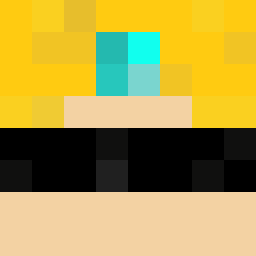
ParrootX2 was the 30th player we have seen with this skin, first spotted on 18.08.2026. The same skin was seen on these players. Open a nickname to see their current skin and skin history.
 TYPICALGAMING8 timmyjr221
 k1rofv KidTempo Zebathon
 will_burger17
 lilmaan23 Alessandro_2019 Gman_7272 Nani_Chanu aqeel_hafiz
 SchopseJunior
 MlkaelGHG ParrotXS
 UnIndividual Kurtys003 StarsWARS eitans Not_Shark_01 mohziad
 shoolwin
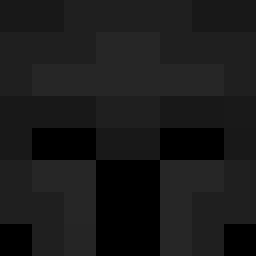 Alexxx_2011 YTyakk Gustavsenas MessiBoss10 rollo02 Egg4742 Armagedon7042 ultimategamer16
 blu3tO0th SASHESAP2 Edthefred83
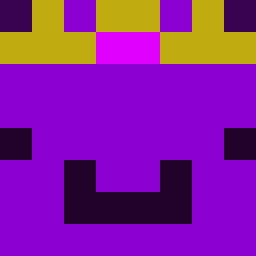 Wachiturros Lucas2014Klose _Enturia wondy_gamer
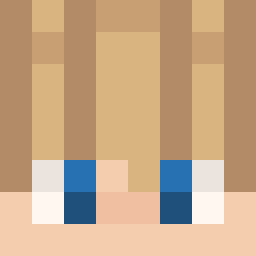 ParottX2 ItzRealMe10 ParrotX7_ ProCharizard14 Farsale prehistorics Dyndas5 Ejjnno quintus13
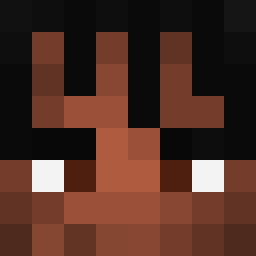 Mosaki64 Ameaturegamer Gh0st_Philipp046 Nemobest66 Holykitty35
 joonakoira Acesoulzz parrotx2_fan BraveBram Vort3xFlamin PARROT69 KJDIAZ castpeach3034 Parrotttttt Pradevel
More Parrot Minecraft skins
How to install the ParrootX2 skin
- Press the Download button above to save the skin as a PNG file.
- Minecraft: Bedrock Edition (PE): open the Dressing Room from the main menu (or tap your character → Edit Character), go to Classic Skins → Owned, press the + (new skin) button, choose the downloaded PNG and pick the Slim (Alex) model. Works on PC and mobile; consoles cannot import custom skins.
- Minecraft: Java Edition: open the Minecraft Launcher, go to the Skins tab, click New Skin, load the PNG, pick the Slim (Alex) model and press Save & Use. You can also upload it at minecraft.net → Profile → Change Skin.
The skin does not show up after import - what should I do?
Restart Minecraft and open the Dressing Room again - imported skins sometimes appear only after a restart. Also make sure you selected the imported skin and picked the Slim (Alex) model.
Which model should I choose, Classic or Slim?
This skin is designed for the Slim (Alex) model. If you pick the wrong model, the arms of the skin will look stretched or squeezed.
Is the skin of ParrootX2 free to download?
Yes. Press Download, save the PNG file and use it in Minecraft: Bedrock Edition or Java Edition - no payment or registration needed. The skin also works on multiplayer servers and Realms.
More skins
Looking for more? Go back to all Minecraft skins and check the top skins of the week, month and all time, or find any player's skin by nickname.