
Paquitoss - Minecraft Skins & Skin History
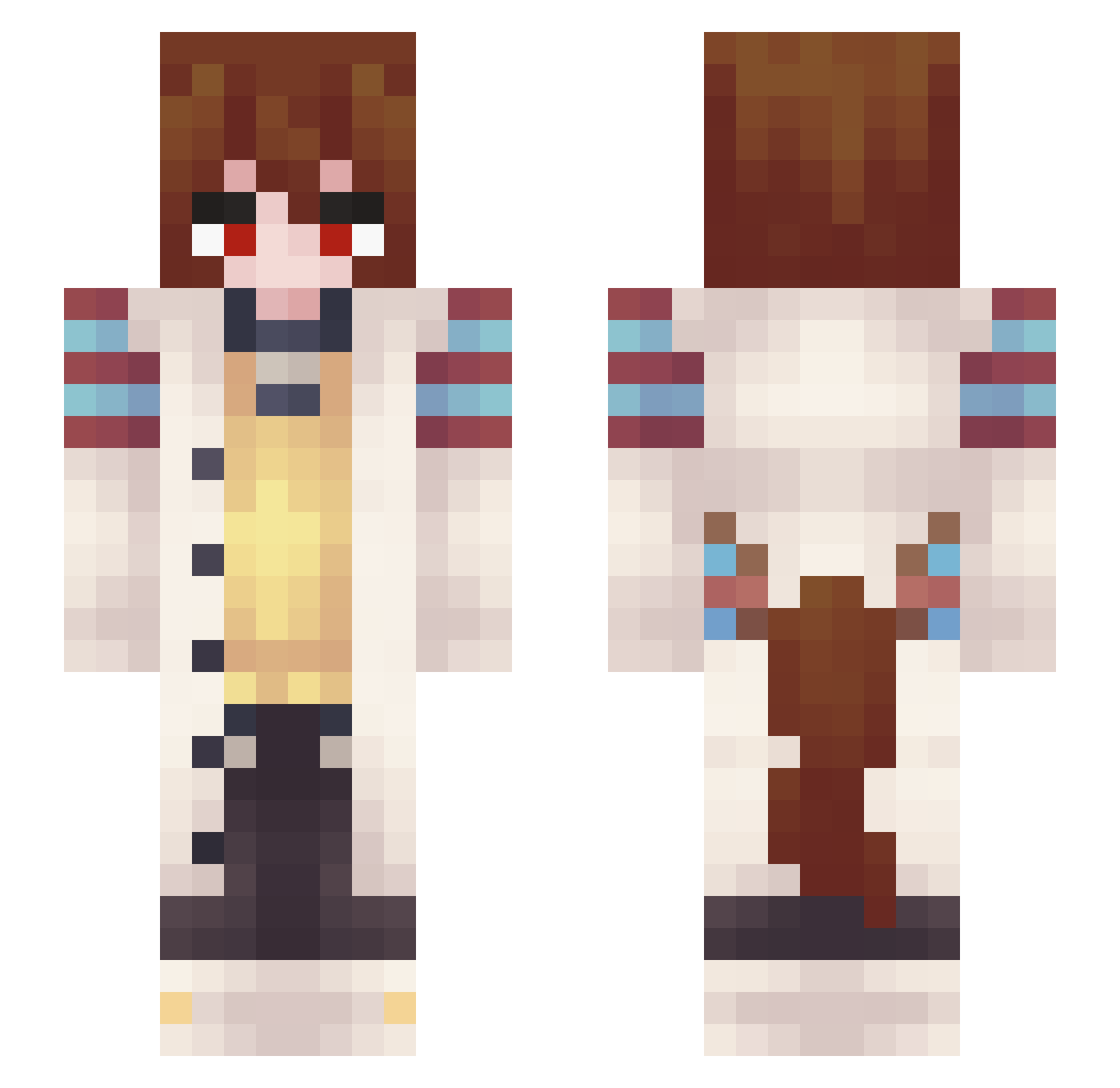
Current Minecraft skin of the player Paquitoss, loaded from the official Mojang API. Rotate the 3D model with your mouse or finger, then download the skin as a PNG file and use it in Minecraft: Bedrock Edition or Java Edition for free. When Paquitoss changes their skin, this page updates automatically and the old skin stays in the history below.
Other players with this skin (302)
Paquitoss was the 102nd player we have seen with this skin, first spotted on 26.08.2026. The same skin was seen on these players. Open a nickname to see their current skin and skin history.
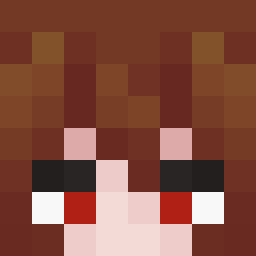 StrangerLamp824 Obito3pingos Ga_Lun Moratt JMD0705 Ematsu Meegw1nn3 CrypticChocobo Panboox Nomad_BO4
 dodoling123 Golubatnya Quemandoteh_ Strylexx SpinelVT YonTheShroom AngelGM23 Ceres_Sasha aiji100625 jagh9 Dix_black gtgeorge13 CATFTLY YoSoyFrasko Lyricx_ jegax WinterNade Moondazed_09 RubinaStarlight Goddchi Amianan AbsoluteUnit248 P1ay3rTw0 THeFastFLyer_ Fire_Breather777 BeCeJIHCuK orphanoblitratr bzMk98 VortexS2
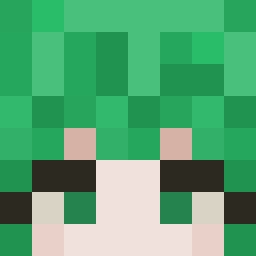 Charon_XIX FatHamster511 PolandRemix Dybaleon ShinyGrimReeper Captainqwq3 KanyeIsLife _Breadtao AJU55I Yubir02 CoffeeXKing sinofcringe IamsoTired Suirr DavidIsa Caveman47 Fireza Actually_th0 M0RPH1N3
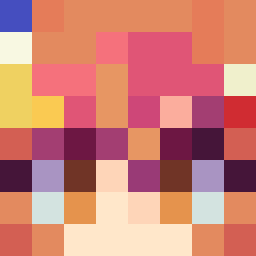 ShadowAkuma8756 Kzuma_840
More Anime Girl Minecraft skins
See all 11595 Anime Girl skins
How to install the Paquitoss skin
- Press the Download button above to save the skin as a PNG file.
- Minecraft: Bedrock Edition (PE): open the Dressing Room from the main menu (or tap your character → Edit Character), go to Classic Skins → Owned, press the + (new skin) button, choose the downloaded PNG and pick the Slim (Alex) model. Works on PC and mobile; consoles cannot import custom skins.
- Minecraft: Java Edition: open the Minecraft Launcher, go to the Skins tab, click New Skin, load the PNG, pick the Slim (Alex) model and press Save & Use. You can also upload it at minecraft.net → Profile → Change Skin.
The skin does not show up after import - what should I do?
Restart Minecraft and open the Dressing Room again - imported skins sometimes appear only after a restart. Also make sure you selected the imported skin and picked the Slim (Alex) model.
Which model should I choose, Classic or Slim?
This skin is designed for the Slim (Alex) model. If you pick the wrong model, the arms of the skin will look stretched or squeezed.
Is the skin of Paquitoss free to download?
Yes. Press Download, save the PNG file and use it in Minecraft: Bedrock Edition or Java Edition - no payment or registration needed. The skin also works on multiplayer servers and Realms.
More skins
Looking for more? Go back to all Minecraft skins and check the top skins of the week, month and all time, or find any player's skin by nickname.