
Papadoodle - Minecraft Skins & Skin History
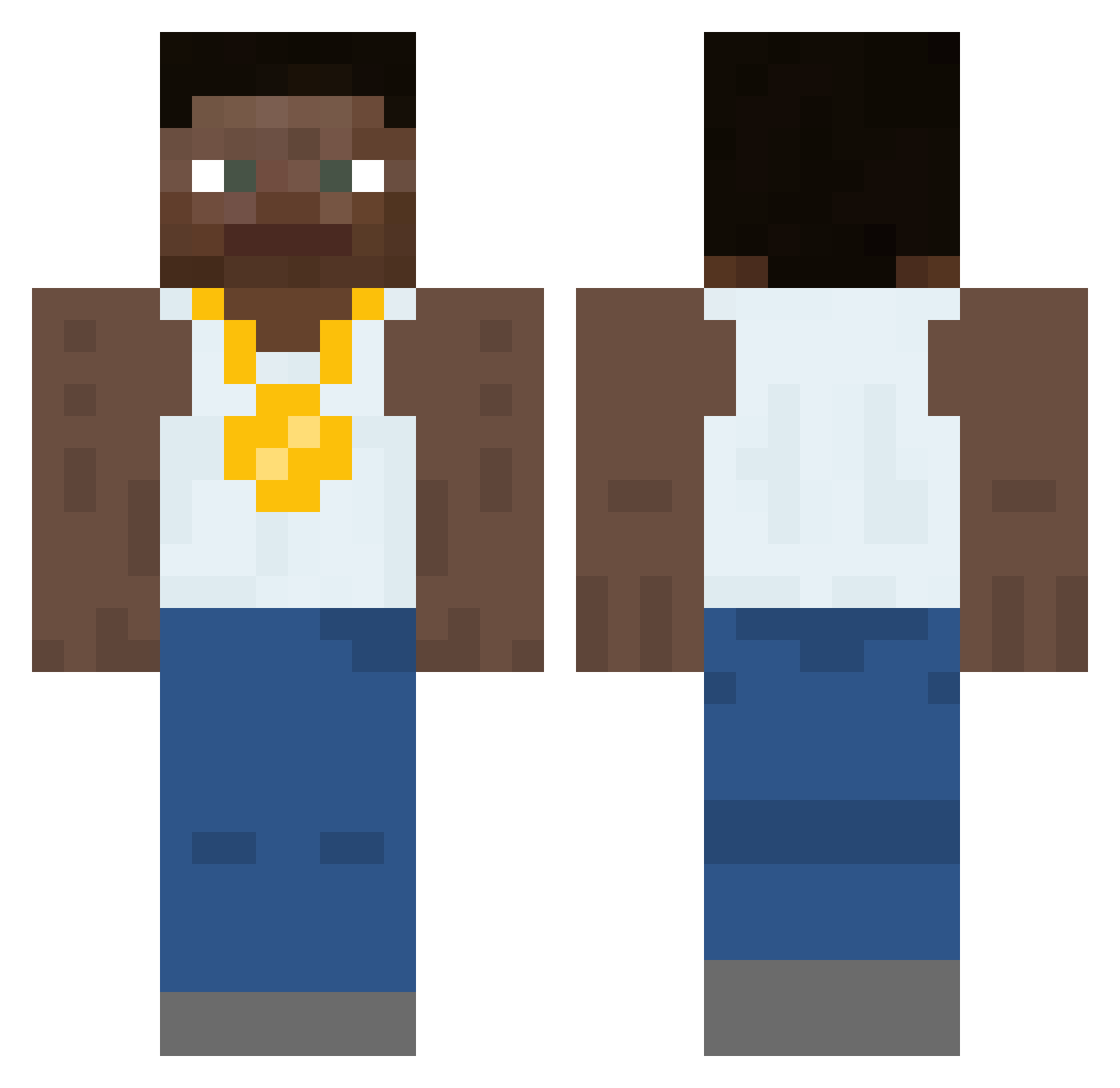
Current Minecraft skin of the player Papadoodle, loaded from the official Mojang API. Rotate the 3D model with your mouse or finger, then download the skin as a PNG file and use it in Minecraft: Bedrock Edition or Java Edition for free. When Papadoodle changes their skin, this page updates automatically and the old skin stays in the history below.
Other players with this skin (452)
Papadoodle was the 331st player we have seen with this skin, first spotted on 09.10.2026. The same skin was seen on these players. Open a nickname to see their current skin and skin history.
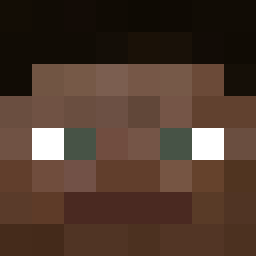 chronos54850 reynbe Viking_iroh _joshuajps_ DangaiSandia getbetter3 almighty_y XavDawg Choosy Sorcererking42 booher91 BoysKissin Not_Helpful ShickenStrip renoooooo yoyman500 Hoobna 1l9TDImoncopain Ken4ikr darealminks Vegetable237 Bethaniell Jamahou ThirtyDOGE KingCollin13 refenix_id nahhaz Brandon_1320 tonyyy_ Cason_Melberg67 Trendsetted Dr_Woro BOTTravis delego SH4NEEE Miniverosa Cazicin BigWongDon HeftySteak21 CookieMonsterJB Adam_G987 Graqe_Leaf TheBigdog1407 lordsasaking 7moslem Vntagonize cheeseface35 FerdaRiz sixpathscout342 eton9119 Flamesso m4ti1337 Hole2hades Fededico19 Haroldinho5 mannish0002 Teslastien Yanis05 dillopillo123 Octo_King
More Gold Chain Minecraft skins
How to install the Papadoodle skin
- Press the Download button above to save the skin as a PNG file.
- Minecraft: Bedrock Edition (PE): open the Dressing Room from the main menu (or tap your character → Edit Character), go to Classic Skins → Owned, press the + (new skin) button, choose the downloaded PNG and pick the Classic (Steve) model. Works on PC and mobile; consoles cannot import custom skins.
- Minecraft: Java Edition: open the Minecraft Launcher, go to the Skins tab, click New Skin, load the PNG, pick the Classic (Steve) model and press Save & Use. You can also upload it at minecraft.net → Profile → Change Skin.
The skin does not show up after import - what should I do?
Restart Minecraft and open the Dressing Room again - imported skins sometimes appear only after a restart. Also make sure you selected the imported skin and picked the Classic (Steve) model.
Which model should I choose, Classic or Slim?
This skin is designed for the Classic (Steve) model. If you pick the wrong model, the arms of the skin will look stretched or squeezed.
Is the skin of Papadoodle free to download?
Yes. Press Download, save the PNG file and use it in Minecraft: Bedrock Edition or Java Edition - no payment or registration needed. The skin also works on multiplayer servers and Realms.
More skins
Looking for more? Go back to all Minecraft skins and check the top skins of the week, month and all time, or find any player's skin by nickname.