
Pableaq - Minecraft Skins & Skin History
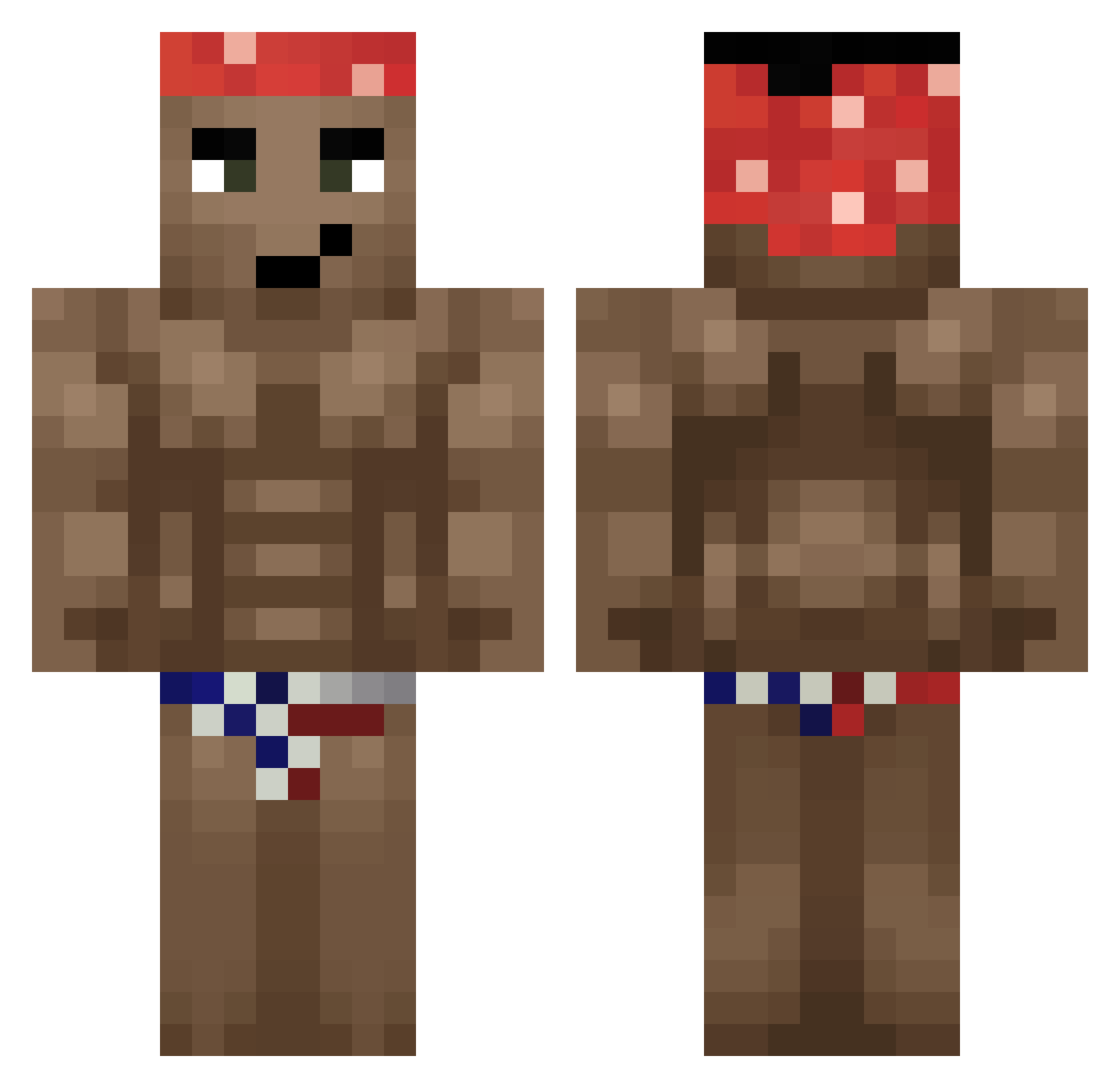
Current Minecraft skin of the player Pableaq, loaded from the official Mojang API. Rotate the 3D model with your mouse or finger, then download the skin as a PNG file and use it in Minecraft: Bedrock Edition or Java Edition for free. When Pableaq changes their skin, this page updates automatically and the old skin stays in the history below.
Other players with this skin (330)
Pableaq was the 290th player we have seen with this skin, first spotted on 20.10.2026. The same skin was seen on these players. Open a nickname to see their current skin and skin history.
 MargusNoob Babatunde2005 Lakers1128 boss12355 Nasik matusino123 Purkasek_ Und_95 kallangocego Jake_Love big_jerome_69 Trafik_Coe BigBoyDave Hamadryas_ GreenPig QuentiG Eldap JohnSida gabe_owners123 ILoveMinors1303 BoGuu SNAP5H0T ElCocow caerruu bistecca33 BENJX130ms Yirazy cris_avo Oncurbas aleex_paascual Mellano Cakmmto L0LE RallyeJenson__ Chocobo0623 VeteranSenpai Ideogram TheBone237 Skywan_ Gatocraft220 youareon9jai tingokolo rubelsinki hublaze MAXIMO2024 Ivster PMZS 10915 kimo0602 _DVID Pegourmandise Schersche SjamanDurek NIGGV Alcoholism _H_2_ Creepy0420 LewXii Volcanos 2enNain
More Dancer Minecraft skins
How to install the Pableaq skin
- Press the Download button above to save the skin as a PNG file.
- Minecraft: Bedrock Edition (PE): open the Dressing Room from the main menu (or tap your character → Edit Character), go to Classic Skins → Owned, press the + (new skin) button, choose the downloaded PNG and pick the Classic (Steve) model. Works on PC and mobile; consoles cannot import custom skins.
- Minecraft: Java Edition: open the Minecraft Launcher, go to the Skins tab, click New Skin, load the PNG, pick the Classic (Steve) model and press Save & Use. You can also upload it at minecraft.net → Profile → Change Skin.
The skin does not show up after import - what should I do?
Restart Minecraft and open the Dressing Room again - imported skins sometimes appear only after a restart. Also make sure you selected the imported skin and picked the Classic (Steve) model.
Which model should I choose, Classic or Slim?
This skin is designed for the Classic (Steve) model. If you pick the wrong model, the arms of the skin will look stretched or squeezed.
Is the skin of Pableaq free to download?
Yes. Press Download, save the PNG file and use it in Minecraft: Bedrock Edition or Java Edition - no payment or registration needed. The skin also works on multiplayer servers and Realms.
More skins
Looking for more? Go back to all Minecraft skins and check the top skins of the week, month and all time, or find any player's skin by nickname.