
LewXii - Minecraft Skins & Skin History
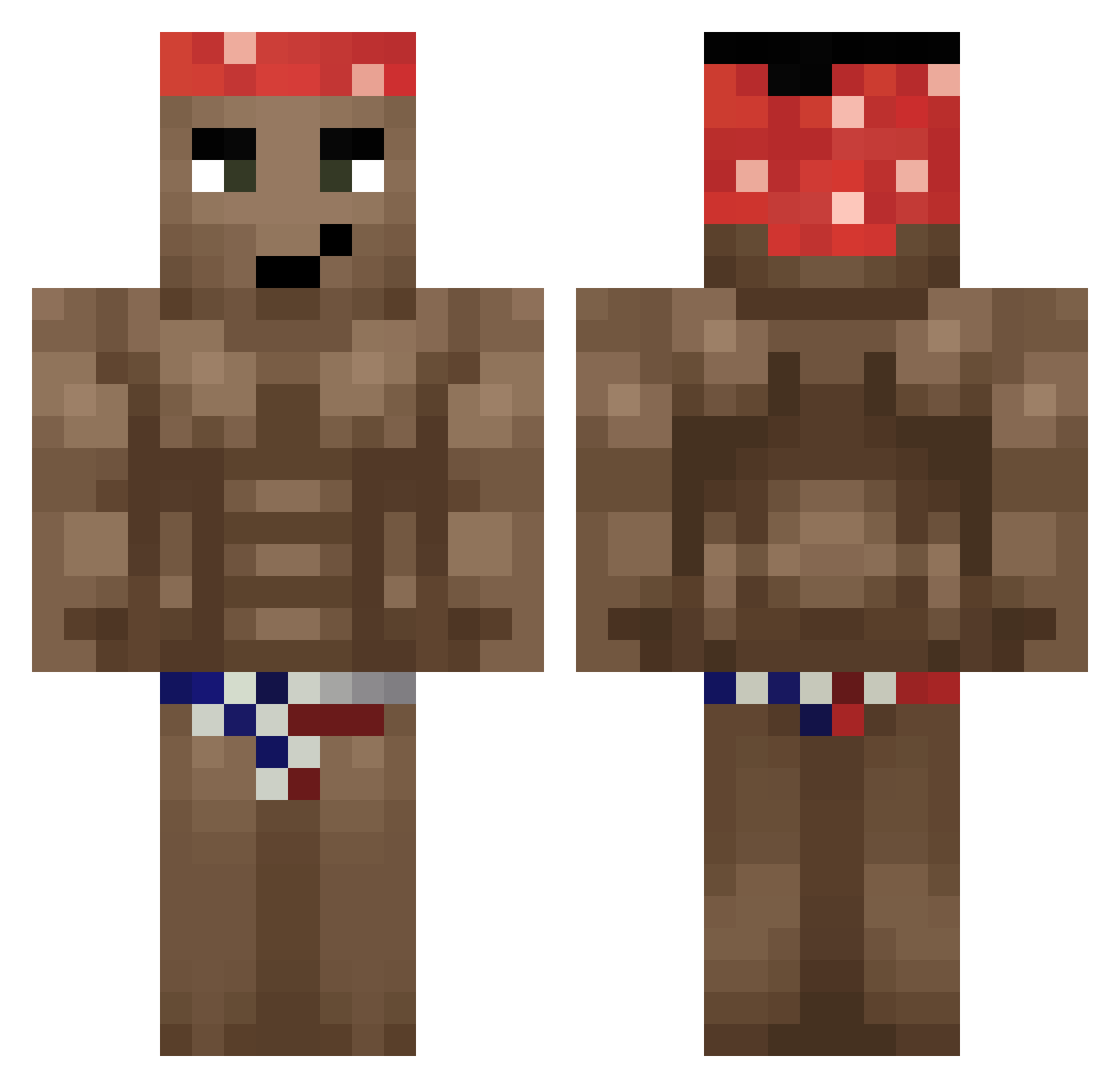
Current Minecraft skin of the player LewXii, loaded from the official Mojang API. Rotate the 3D model with your mouse or finger, then download the skin as a PNG file and use it in Minecraft: Bedrock Edition or Java Edition for free. When LewXii changes their skin, this page updates automatically and the old skin stays in the history below.
Other players with this skin (407)
LewXii was the 258th player we have seen with this skin, first spotted on 11.10.2026. The same skin was seen on these players. Open a nickname to see their current skin and skin history.
 2enNain uuuu332 Creepy0420 iamsohandsomes DIDLETMEDOWN cornplayer678 KMITTim_3 Howff_ Ciock06 NIGGV SjamanDurek droggiedigge Pegourmandise Hveisel kimo0602 10915 Ash2204 ZomlomGamer Frig0 Bixtro Ivster Retroc o_sig Rrrrron youareon9jai SoulBack13 cagrt Barack_neugeumma TheBone237 Ideogram C0MPL1ANCE VeteranSenpai DarkDX hellcatonline Mita_BR RallyeJenson__ CallousPelican52 Cakmmto Oncurbas LensenVL sasso_x Yirazy ooganga Kizio_PL ElCocow vKruton HIDEHIDE114514 SNAP5H0T BoGuu QuentiG GreenPig promacius FootHenry BigBoyDave big_jerome_69 Jake_Love kallangocego Und_95 Rusgarisi Purkasek_
More Dancer Minecraft skins
How to install the LewXii skin
- Press the Download button above to save the skin as a PNG file.
- Minecraft: Bedrock Edition (PE): open the Dressing Room from the main menu (or tap your character → Edit Character), go to Classic Skins → Owned, press the + (new skin) button, choose the downloaded PNG and pick the Classic (Steve) model. Works on PC and mobile; consoles cannot import custom skins.
- Minecraft: Java Edition: open the Minecraft Launcher, go to the Skins tab, click New Skin, load the PNG, pick the Classic (Steve) model and press Save & Use. You can also upload it at minecraft.net → Profile → Change Skin.
The skin does not show up after import - what should I do?
Restart Minecraft and open the Dressing Room again - imported skins sometimes appear only after a restart. Also make sure you selected the imported skin and picked the Classic (Steve) model.
Which model should I choose, Classic or Slim?
This skin is designed for the Classic (Steve) model. If you pick the wrong model, the arms of the skin will look stretched or squeezed.
Is the skin of LewXii free to download?
Yes. Press Download, save the PNG file and use it in Minecraft: Bedrock Edition or Java Edition - no payment or registration needed. The skin also works on multiplayer servers and Realms.
More skins
Looking for more? Go back to all Minecraft skins and check the top skins of the week, month and all time, or find any player's skin by nickname.