
PAPIcHan0515 - Minecraft Skins & Skin History
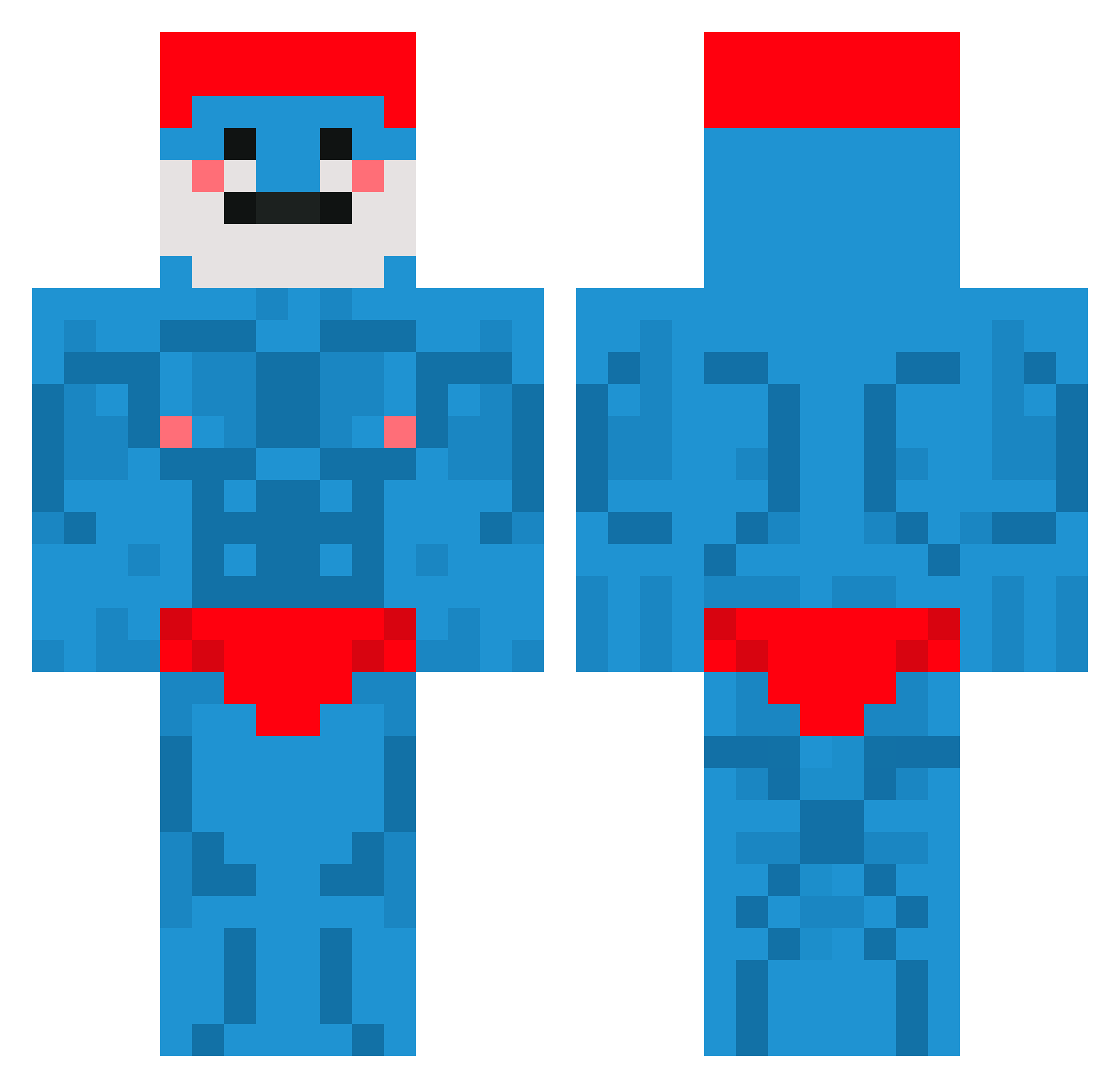
Current Minecraft skin of the player PAPIcHan0515, loaded from the official Mojang API. Rotate the 3D model with your mouse or finger, then download the skin as a PNG file and use it in Minecraft: Bedrock Edition or Java Edition for free. When PAPIcHan0515 changes their skin, this page updates automatically and the old skin stays in the history below.
Other players with this skin (660)
PAPIcHan0515 was the 209th player we have seen with this skin, first spotted on 29.08.2026. The same skin was seen on these players. Open a nickname to see their current skin and skin history.
 jetman370 Oli_Spoon Ambi6125 VavouchKo PowerNash ALIV315 Humdulla king0792 Sliidersss Ronin746 Zesdo Hegersen bootybandaid 20cmslap Xernosity jiyoungeee Hyperiuss BooRadley01 Nugens Jon_Garcia ThePizzaMan1300 pochigoroma Fanfan_La_Tulipe Warniko newjack11 Nolono Pyrros_55 Gigibuggy16 xXpusSSlayerXx T1_Pain KobeKV Jenos95 HenryWilHen JuanLopez76 AllPear JIMMYOSWALD1532 Mjaiiiv Lifon_ Natreomz paardenbroodje JhonnyChedda Shocaplk KAAPRIII BomberMan99Q8 cherg1 jochua15 Potatogab07
 SuPer_Koer C4LEEB TORBMAIN76 JotaMajestoso millzya GHOST547 zqkie08 Aaronbernardo_ Yonsah NanoPilin Hiugen ItzMatePvP1 0d28_
More Bodybuilder Minecraft skins
See all 1175 Bodybuilder skins
How to install the PAPIcHan0515 skin
- Press the Download button above to save the skin as a PNG file.
- Minecraft: Bedrock Edition (PE): open the Dressing Room from the main menu (or tap your character → Edit Character), go to Classic Skins → Owned, press the + (new skin) button, choose the downloaded PNG and pick the Classic (Steve) model. Works on PC and mobile; consoles cannot import custom skins.
- Minecraft: Java Edition: open the Minecraft Launcher, go to the Skins tab, click New Skin, load the PNG, pick the Classic (Steve) model and press Save & Use. You can also upload it at minecraft.net → Profile → Change Skin.
The skin does not show up after import - what should I do?
Restart Minecraft and open the Dressing Room again - imported skins sometimes appear only after a restart. Also make sure you selected the imported skin and picked the Classic (Steve) model.
Which model should I choose, Classic or Slim?
This skin is designed for the Classic (Steve) model. If you pick the wrong model, the arms of the skin will look stretched or squeezed.
Is the skin of PAPIcHan0515 free to download?
Yes. Press Download, save the PNG file and use it in Minecraft: Bedrock Edition or Java Edition - no payment or registration needed. The skin also works on multiplayer servers and Realms.
More skins
Looking for more? Go back to all Minecraft skins and check the top skins of the week, month and all time, or find any player's skin by nickname.