
Oxydez - Minecraft Skins & Skin History
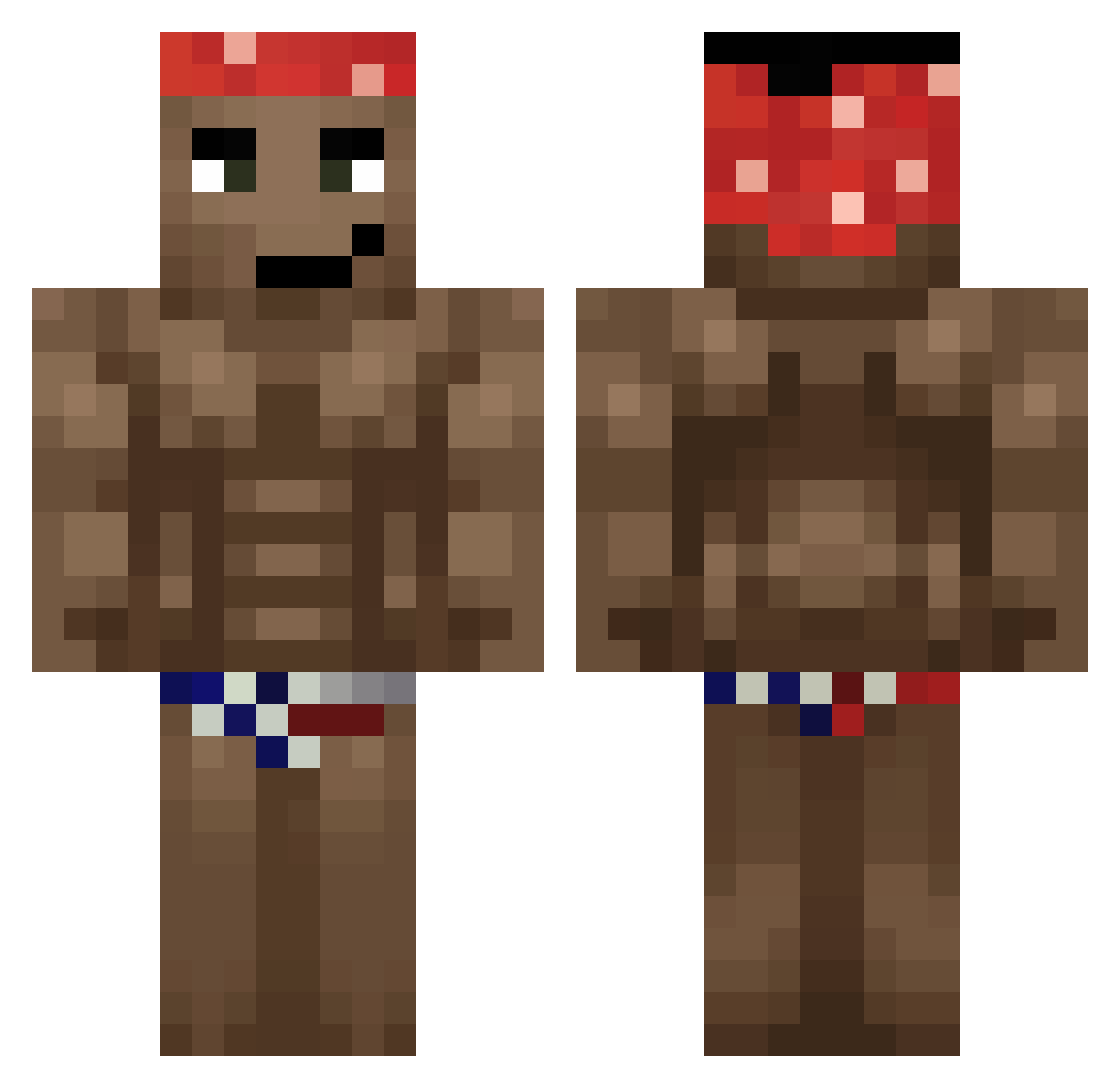
Current Minecraft skin of the player Oxydez, loaded from the official Mojang API. Rotate the 3D model with your mouse or finger, then download the skin as a PNG file and use it in Minecraft: Bedrock Edition or Java Edition for free. When Oxydez changes their skin, this page updates automatically and the old skin stays in the history below.
Other players with this skin (623)
Oxydez was the 403rd player we have seen with this skin, first spotted on 01.10.2026. The same skin was seen on these players. Open a nickname to see their current skin and skin history.
 nwm1234 jconn234 Komornik_999 xXGodMilosXx Joshi9996 SP4JSI Beaneater24 jimmy_2timez mtheys Whejje_ Naugs Reeden749 metTH2 xBigby Pinofles BananitaDolca00 YoElRyan13 DIDDYLORD philkindacute BOYNEXTDOORVAN69 _r1k1 Hak_3 AMIT00 Macr011 __Melodias_ Kotarek f1__ flvx_ donutt114 Ru1Zzi Jogador_do_Vasco Albertin_69 ruperto777 Kenny_Bell69 gallone17 DODOTVcomEXE Jaace0123 chunkaiii Bersher14 lkjy36 kongken isaaco555 Bomberpass82 PfirsischBumbser Jandoos iluvricardomilos SandarSandalar LukynBelo Stroncium Optimalitz Jumbo1105 BYBSIU lNiffo Carool26_ Brummard Eduwin NIKOTHECUTE Lobokser YoungOldy NaAngelDa
More Dancer Minecraft skins
How to install the Oxydez skin
- Press the Download button above to save the skin as a PNG file.
- Minecraft: Bedrock Edition (PE): open the Dressing Room from the main menu (or tap your character → Edit Character), go to Classic Skins → Owned, press the + (new skin) button, choose the downloaded PNG and pick the Classic (Steve) model. Works on PC and mobile; consoles cannot import custom skins.
- Minecraft: Java Edition: open the Minecraft Launcher, go to the Skins tab, click New Skin, load the PNG, pick the Classic (Steve) model and press Save & Use. You can also upload it at minecraft.net → Profile → Change Skin.
The skin does not show up after import - what should I do?
Restart Minecraft and open the Dressing Room again - imported skins sometimes appear only after a restart. Also make sure you selected the imported skin and picked the Classic (Steve) model.
Which model should I choose, Classic or Slim?
This skin is designed for the Classic (Steve) model. If you pick the wrong model, the arms of the skin will look stretched or squeezed.
Is the skin of Oxydez free to download?
Yes. Press Download, save the PNG file and use it in Minecraft: Bedrock Edition or Java Edition - no payment or registration needed. The skin also works on multiplayer servers and Realms.
More skins
Looking for more? Go back to all Minecraft skins and check the top skins of the week, month and all time, or find any player's skin by nickname.