
Ositoytsepulta - Minecraft Skins & Skin History
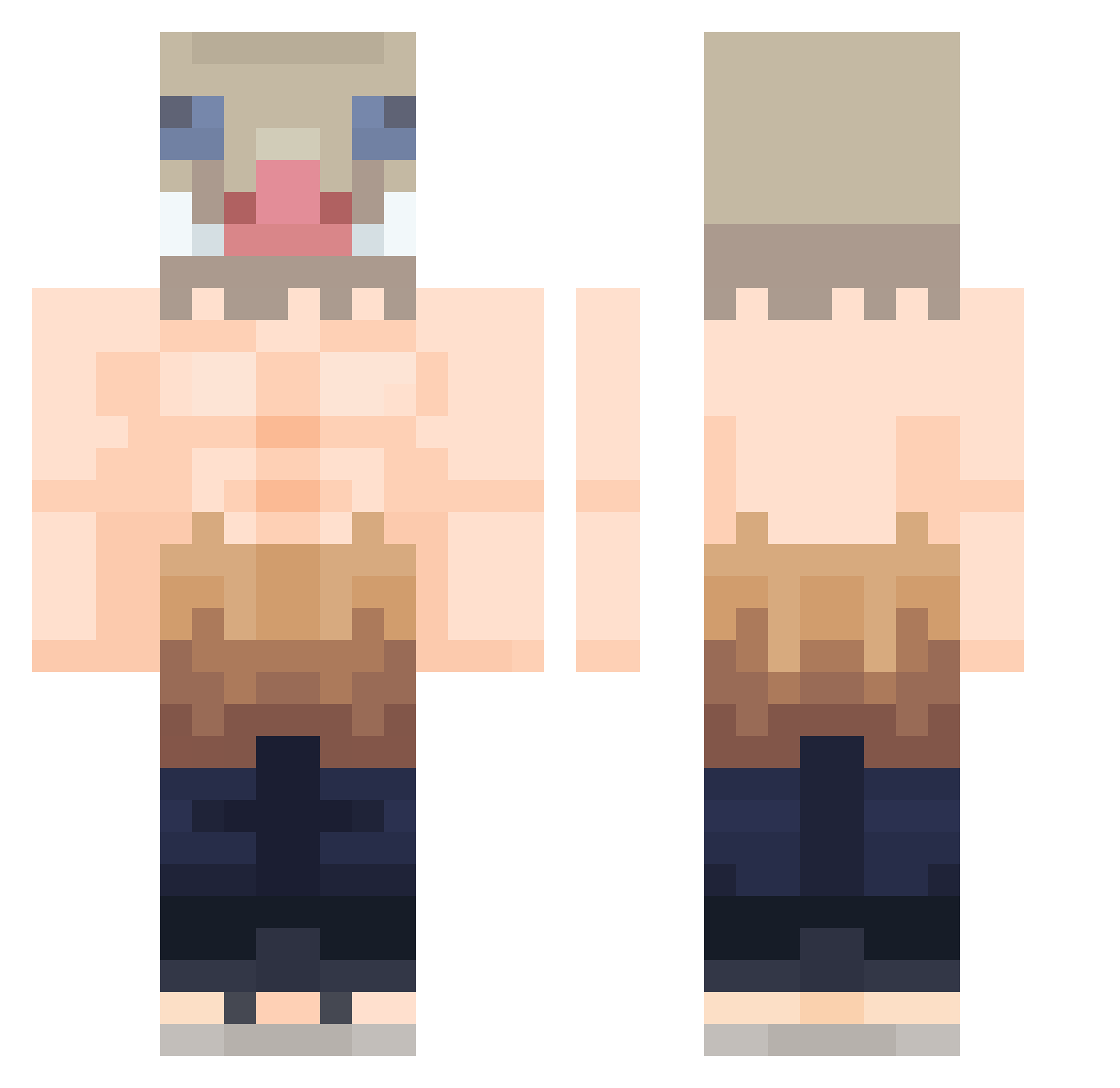
Current Minecraft skin of the player Ositoytsepulta, loaded from the official Mojang API. Rotate the 3D model with your mouse or finger, then download the skin as a PNG file and use it in Minecraft: Bedrock Edition or Java Edition for free. When Ositoytsepulta changes their skin, this page updates automatically and the old skin stays in the history below.
Other players with this skin (424)
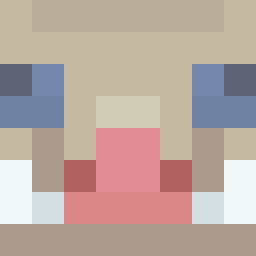
Ositoytsepulta was the 355th player we have seen with this skin, first spotted on 18.10.2026. The same skin was seen on these players. Open a nickname to see their current skin and skin history.
 DaddyChungus914 Aw4wa LOL_PUMP VanKnighto Chechorrol Sejas24 xXCrimsonFrostXx Ar4ta DragosFTWGam3r Leneisty ThatOneGuest2222 Bedrockium MrNiceGuy2 maismogo Joyp_22 Spongyfurioso ElPompas JayDexPlay fuguiyzz OllieGreen05 Elivate Inosuko Teroblade mfocas UIZEM MissPanda0906 KC_MAYAK AguilarJR TheCrackou kenay_exe nachistio4000 JarlLoki1 TakTakK00ng JJ_Lethal Spooky9115 pipinopopo DoubleDroop Juancalas WarYoDaGG JohnnyT_T XVopulentXV Impala_1953 BerserkRWBY 1krome marvinem13 IHAWKEN Kishisaru Ashfordd _molecule_ LonelyWolf2067 Hello_kitue JSK1230 GeRo14 Jair1993 MaxwellDavidson Mash2447 DrKit Ukkon Steba24 Creylon
More Boar Mask Minecraft skins
How to install the Ositoytsepulta skin
- Press the Download button above to save the skin as a PNG file.
- Minecraft: Bedrock Edition (PE): open the Dressing Room from the main menu (or tap your character → Edit Character), go to Classic Skins → Owned, press the + (new skin) button, choose the downloaded PNG and pick the Classic (Steve) model. Works on PC and mobile; consoles cannot import custom skins.
- Minecraft: Java Edition: open the Minecraft Launcher, go to the Skins tab, click New Skin, load the PNG, pick the Classic (Steve) model and press Save & Use. You can also upload it at minecraft.net → Profile → Change Skin.
The skin does not show up after import - what should I do?
Restart Minecraft and open the Dressing Room again - imported skins sometimes appear only after a restart. Also make sure you selected the imported skin and picked the Classic (Steve) model.
Which model should I choose, Classic or Slim?
This skin is designed for the Classic (Steve) model. If you pick the wrong model, the arms of the skin will look stretched or squeezed.
Is the skin of Ositoytsepulta free to download?
Yes. Press Download, save the PNG file and use it in Minecraft: Bedrock Edition or Java Edition - no payment or registration needed. The skin also works on multiplayer servers and Realms.
More skins
Looking for more? Go back to all Minecraft skins and check the top skins of the week, month and all time, or find any player's skin by nickname.