
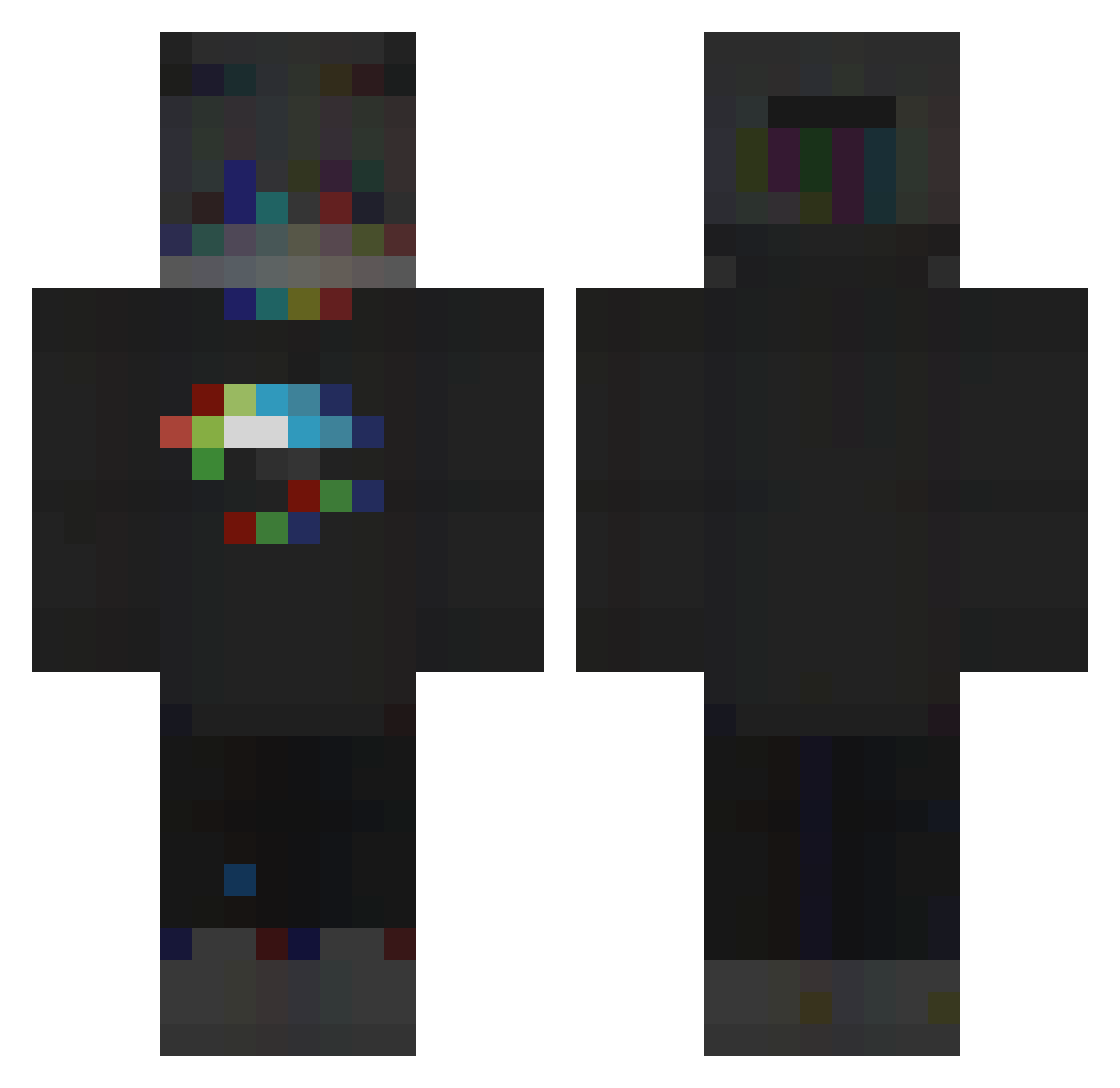
Current Minecraft skin of the player Official_Joeri, loaded from the official Mojang API. Rotate the 3D model with your mouse or finger, then download the skin as a PNG file and use it in Minecraft: Bedrock Edition or Java Edition for free. When Official_Joeri changes their skin, this page updates automatically and the old skin stays in the history below.
Other players with this skin (150)
Official_Joeri was the 28th player we have seen with this skin, first spotted on 11.08.2026. The same skin was seen on these players. Open a nickname to see their current skin and skin history.
 MoFengYa Lazoneestmine Smortmeister Mudrocks Catharsisss Snakeboard PinkyMolly jfwark GodlyRealities UnsoundGodly70 liebtsie Kizord nori1118 _Bora__ Lucilich Yoyollo jakeplayzgames20 Apency DasherDerCoole Wizturzion Taksie Lanriel Den4ik666012 camillash FogiTV jakub751359 zOberbulle cukierniczka lunaticbuilder SvenSationn dublinmango Al3To AGENT_Ross76 MatteyG MrVitOO CRSmiley ElStepBro Rush_ParaLize Koidency LuinyCv Zyphhh KipiJl ChuckiXD nullstep _Gefs_ xSleeplessx MedikplZ Swarm_Long Xortex583 penbis iOS_Toastbrot Xshz_ Sinneri 7zrm TerdBurgerson54 Xeniura killercr4ft Q4de xDeadForStorm AvenYz_
More RGB Minecraft skins
How to install the Official_Joeri skin
- Press the Download button above to save the skin as a PNG file.
- Minecraft: Bedrock Edition (PE): open the Dressing Room from the main menu (or tap your character → Edit Character), go to Classic Skins → Owned, press the + (new skin) button, choose the downloaded PNG and pick the Classic (Steve) model. Works on PC and mobile; consoles cannot import custom skins.
- Minecraft: Java Edition: open the Minecraft Launcher, go to the Skins tab, click New Skin, load the PNG, pick the Classic (Steve) model and press Save & Use. You can also upload it at minecraft.net → Profile → Change Skin.
The skin does not show up after import - what should I do?
Restart Minecraft and open the Dressing Room again - imported skins sometimes appear only after a restart. Also make sure you selected the imported skin and picked the Classic (Steve) model.
Which model should I choose, Classic or Slim?
This skin is designed for the Classic (Steve) model. If you pick the wrong model, the arms of the skin will look stretched or squeezed.
Is the skin of Official_Joeri free to download?
Yes. Press Download, save the PNG file and use it in Minecraft: Bedrock Edition or Java Edition - no payment or registration needed. The skin also works on multiplayer servers and Realms.
More skins
Looking for more? Go back to all Minecraft skins and check the top skins of the week, month and all time, or find any player's skin by nickname.