
Offensivewizard - Minecraft Skins & Skin History
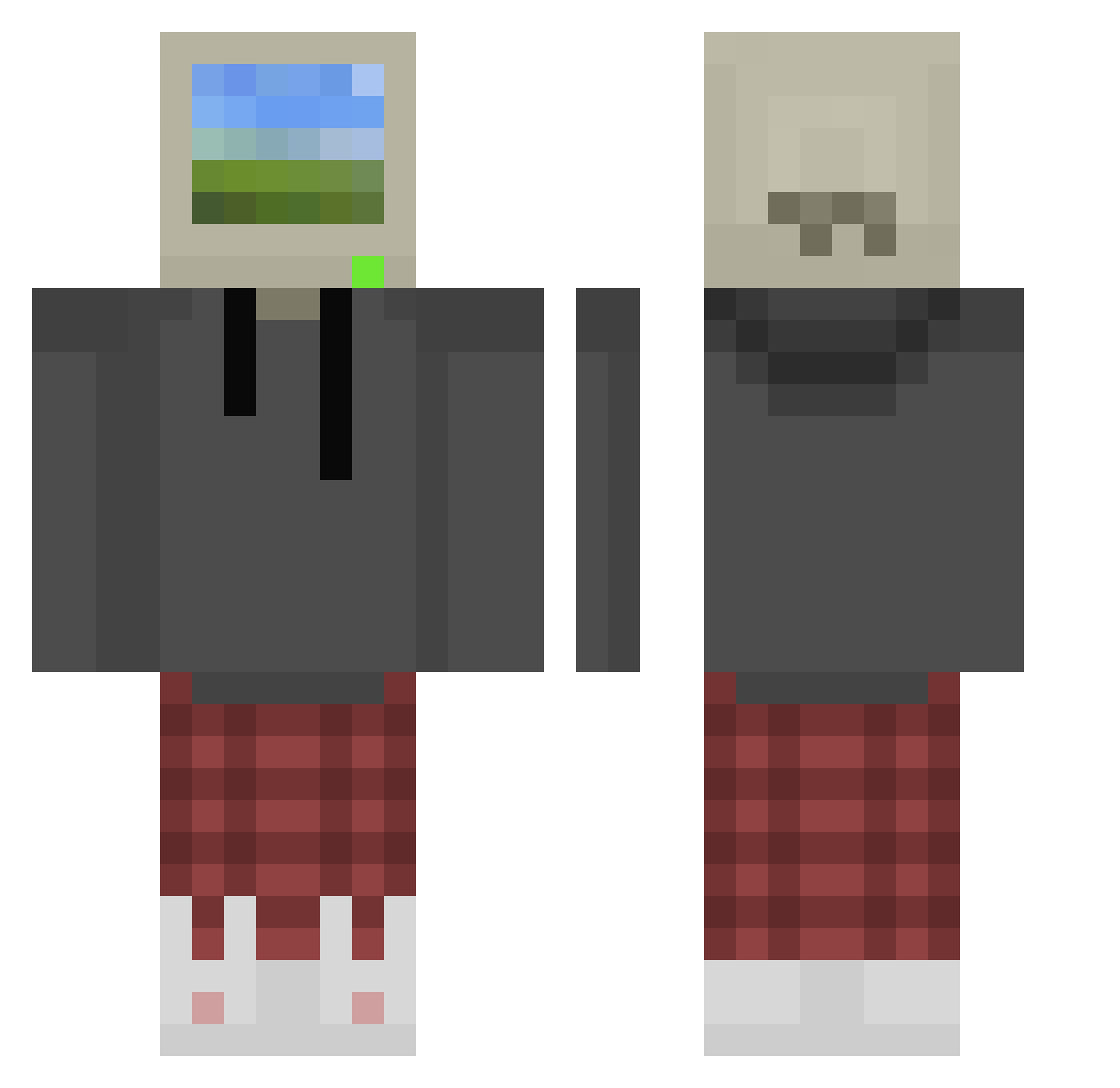
Current Minecraft skin of the player Offensivewizard, loaded from the official Mojang API. Rotate the 3D model with your mouse or finger, then download the skin as a PNG file and use it in Minecraft: Bedrock Edition or Java Edition for free. When Offensivewizard changes their skin, this page updates automatically and the old skin stays in the history below.
Other players with this skin (876)
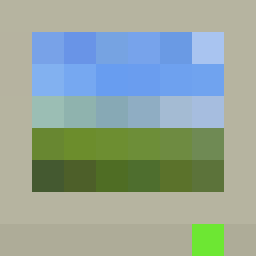
Offensivewizard was the 556th player we have seen with this skin, first spotted on 02.10.2026. The same skin was seen on these players. Open a nickname to see their current skin and skin history.
 Predator_C4 inkymore Zozizeeon BioAshe w1l0n4 AstralPlayzy Chittr Andy2077 Bobertothebee_ imZontik iurigilc Slushu HydroneOG seraphhis matrix7953 DonutTriangle NotAlfonso7 wonmin0423 MACIAV1 Vailedstar7114 joshd2608 Rapdog123 PastaBoi42069 daddyjustin22 slippington34 Raphael_2802 Nava0505 MeDicenTQM is300alan LA0b Edwin17_ Kabazine HeadHoncho1245 Dereism Djboxer666 krt__ ale3xXxX MyNamesTim darth_oatmeal aarrar0342 OmeBassiee garangye E46SAINT ARIANCC TGChip_ pedroZG R0bl0xlsBetter ErickGarcia Rhaegalor Kaotiqx SharkBaitHulala Marky_Mark420 Zumutung Pwnyboyv DJ7up_ Kurlee azozy999 Santoryu0039 ThisPleasesSnowy MoodKillr25
More Windows XP Minecraft skins
How to install the Offensivewizard skin
- Press the Download button above to save the skin as a PNG file.
- Minecraft: Bedrock Edition (PE): open the Dressing Room from the main menu (or tap your character → Edit Character), go to Classic Skins → Owned, press the + (new skin) button, choose the downloaded PNG and pick the Classic (Steve) model. Works on PC and mobile; consoles cannot import custom skins.
- Minecraft: Java Edition: open the Minecraft Launcher, go to the Skins tab, click New Skin, load the PNG, pick the Classic (Steve) model and press Save & Use. You can also upload it at minecraft.net → Profile → Change Skin.
The skin does not show up after import - what should I do?
Restart Minecraft and open the Dressing Room again - imported skins sometimes appear only after a restart. Also make sure you selected the imported skin and picked the Classic (Steve) model.
Which model should I choose, Classic or Slim?
This skin is designed for the Classic (Steve) model. If you pick the wrong model, the arms of the skin will look stretched or squeezed.
Is the skin of Offensivewizard free to download?
Yes. Press Download, save the PNG file and use it in Minecraft: Bedrock Edition or Java Edition - no payment or registration needed. The skin also works on multiplayer servers and Realms.
More skins
Looking for more? Go back to all Minecraft skins and check the top skins of the week, month and all time, or find any player's skin by nickname.