
OMGitzFROST - Minecraft Skins & Skin History
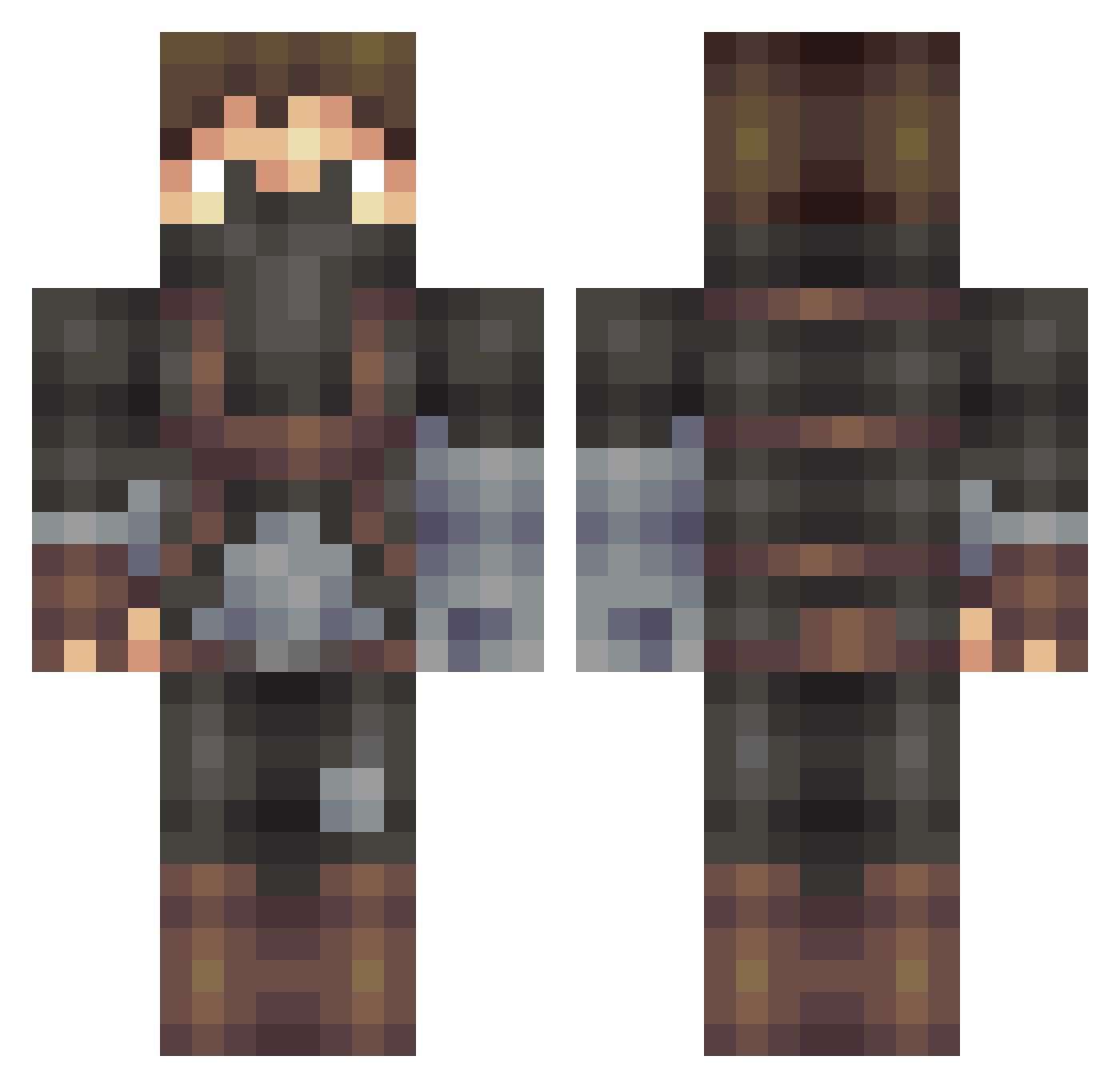
Current Minecraft skin of the player OMGitzFROST, loaded from the official Mojang API. Rotate the 3D model with your mouse or finger, then download the skin as a PNG file and use it in Minecraft: Bedrock Edition or Java Edition for free. When OMGitzFROST changes their skin, this page updates automatically and the old skin stays in the history below.
Other players with this skin (509)
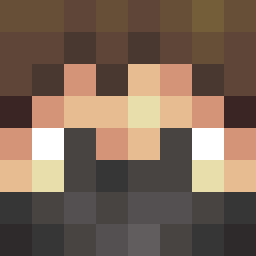
OMGitzFROST was the 62nd player we have seen with this skin, first spotted on 05.08.2026. The same skin was seen on these players. Open a nickname to see their current skin and skin history.
 OriginalGamer84 Remi257 Doowy_P Nicolas42 PittyCent27 FreeToBMe DaKing_11 Black_Connor_ ProfessorGul LARS_MEYER maxxsjack2 Blastatron1 louisp06 ChiefBasti DorianTheGray Alienz51 TheOhioHippie arc123 AFTERTHESHOCK Spike_Beer procraften Vitxli EnderKing130 Minecraft_Evimiz michaels1977 evan4443 alexx260 Oddysseus 3DS1R SteelWind Redcreeper9595 Scootyy Ztairon PanmGG IronTager Jeremy2451 Azd sandgoon Fuujo_ Killstofferson marsh1999 notadrianmejia_ Azesion Skolder SoupJesus centurian95 buckibarnz AntiSkidz Ranne mista_vista Jakal101 slatterHouse Boowaa21 PMBr Pingo_MC CD_DC diamond1965 Trooper_Daddy ImPsychoo CptMcDeekins
More Assassin Minecraft skins
How to install the OMGitzFROST skin
- Press the Download button above to save the skin as a PNG file.
- Minecraft: Bedrock Edition (PE): open the Dressing Room from the main menu (or tap your character → Edit Character), go to Classic Skins → Owned, press the + (new skin) button, choose the downloaded PNG and pick the Classic (Steve) model. Works on PC and mobile; consoles cannot import custom skins.
- Minecraft: Java Edition: open the Minecraft Launcher, go to the Skins tab, click New Skin, load the PNG, pick the Classic (Steve) model and press Save & Use. You can also upload it at minecraft.net → Profile → Change Skin.
The skin does not show up after import - what should I do?
Restart Minecraft and open the Dressing Room again - imported skins sometimes appear only after a restart. Also make sure you selected the imported skin and picked the Classic (Steve) model.
Which model should I choose, Classic or Slim?
This skin is designed for the Classic (Steve) model. If you pick the wrong model, the arms of the skin will look stretched or squeezed.
Is the skin of OMGitzFROST free to download?
Yes. Press Download, save the PNG file and use it in Minecraft: Bedrock Edition or Java Edition - no payment or registration needed. The skin also works on multiplayer servers and Realms.
More skins
Looking for more? Go back to all Minecraft skins and check the top skins of the week, month and all time, or find any player's skin by nickname.