
O5rrrk - Minecraft Skins & Skin History
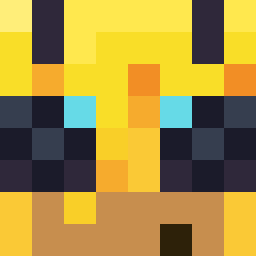
Current Minecraft skin of the player O5rrrk, loaded from the official Mojang API. Rotate the 3D model with your mouse or finger, then download the skin as a PNG file and use it in Minecraft: Bedrock Edition or Java Edition for free. When O5rrrk changes their skin, this page updates automatically and the old skin stays in the history below.
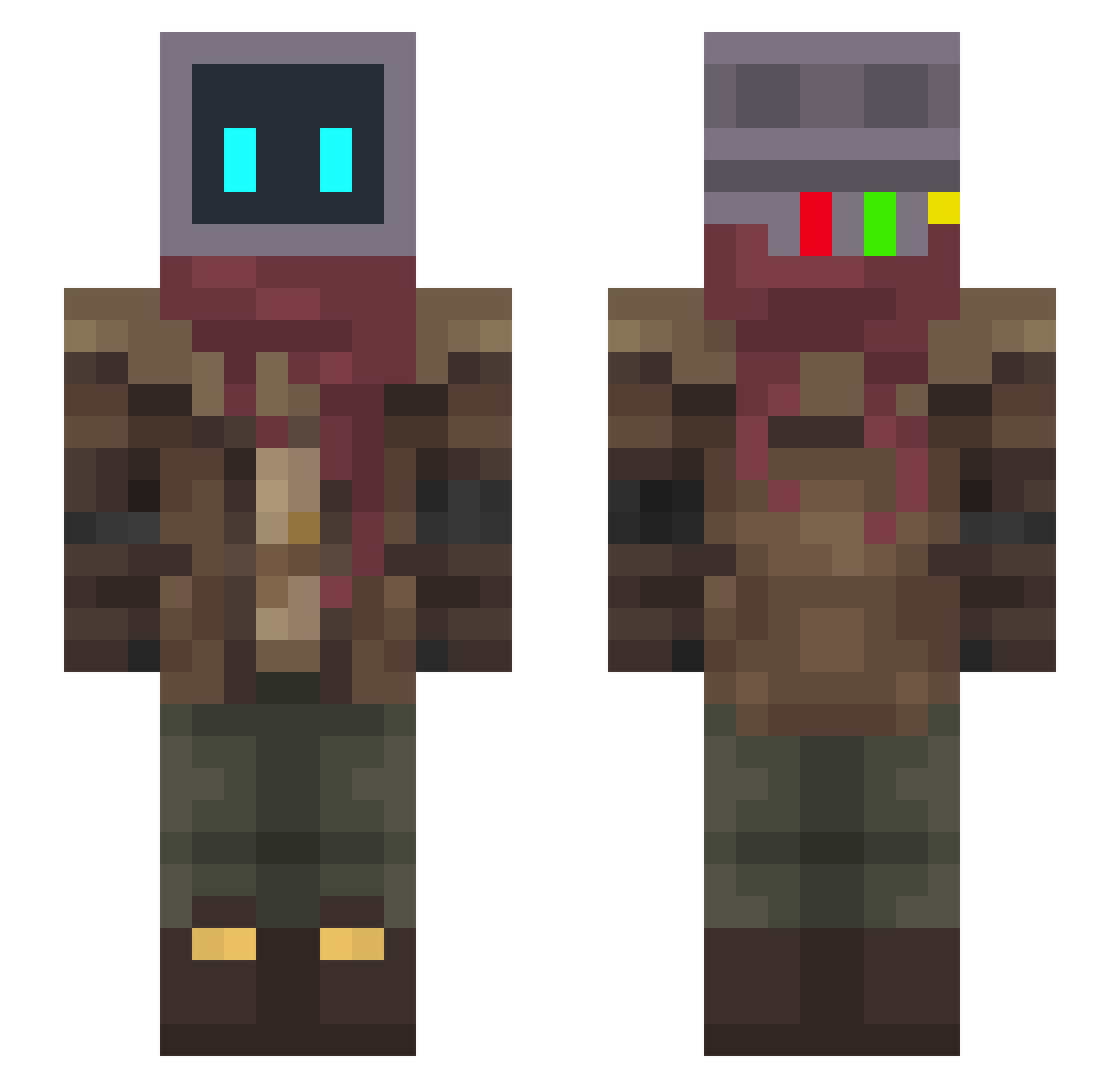
Other players with this skin (334)
O5rrrk was the 113th player we have seen with this skin, first spotted on 31.08.2026. The same skin was seen on these players. Open a nickname to see their current skin and skin history.
 ApathyV12 junglewolfje Fackzin Shakytail Rygja darwinskarma Calendar0 FaelLR Grompe DUZiiiiiii xBigRed760x Z4cKoo99 SunLounger Hamzah Bort4444 0_007 Br0wny0 PsiNeon Ehmrow lalombrisXD ydh0000 YOUNG_QUE FredsterJelliott SectoP_ beelzebun_ c15erick AkZill WhyAmIDepressed
 JazenSUN StarrDynamo Archapothecary Sideswiper FeliPinFromBA minecraft_mort HRW82 kirri_ Endo_Paragon FizolovaSolata iAmEvo Darklifex3 Haigh GhostAngel10 Astrolaire Drakarion_ EterK coconut_yezi
 OuterWild rubik13331 BillCipher224 xETSocrateSx YoNion14 BreakDownOne Gjero
 RushGaming Envy_J13 Jester_Thief MintGround Yuro___ Connectors MrKrawn
More Post Apocalyptic Minecraft skins
See all 582 Post Apocalyptic skins
How to install the O5rrrk skin
- Press the Download button above to save the skin as a PNG file.
- Minecraft: Bedrock Edition (PE): open the Dressing Room from the main menu (or tap your character → Edit Character), go to Classic Skins → Owned, press the + (new skin) button, choose the downloaded PNG and pick the Slim (Alex) model. Works on PC and mobile; consoles cannot import custom skins.
- Minecraft: Java Edition: open the Minecraft Launcher, go to the Skins tab, click New Skin, load the PNG, pick the Slim (Alex) model and press Save & Use. You can also upload it at minecraft.net → Profile → Change Skin.
The skin does not show up after import - what should I do?
Restart Minecraft and open the Dressing Room again - imported skins sometimes appear only after a restart. Also make sure you selected the imported skin and picked the Slim (Alex) model.
Which model should I choose, Classic or Slim?
This skin is designed for the Slim (Alex) model. If you pick the wrong model, the arms of the skin will look stretched or squeezed.
Is the skin of O5rrrk free to download?
Yes. Press Download, save the PNG file and use it in Minecraft: Bedrock Edition or Java Edition - no payment or registration needed. The skin also works on multiplayer servers and Realms.
More skins
Looking for more? Go back to all Minecraft skins and check the top skins of the week, month and all time, or find any player's skin by nickname.