
Ny833 - Minecraft Skins & Skin History
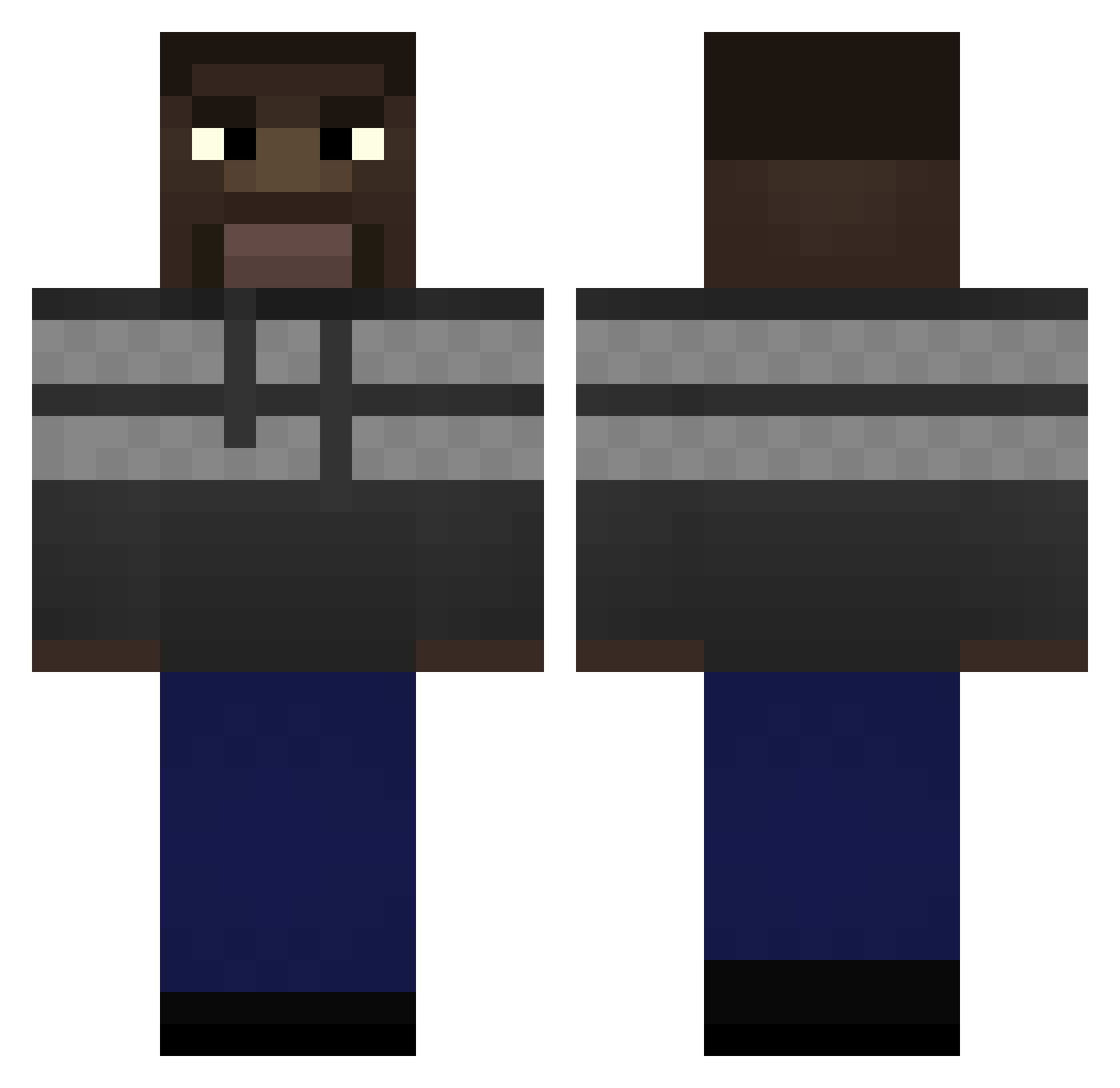
Current Minecraft skin of the player Ny833, loaded from the official Mojang API. Rotate the 3D model with your mouse or finger, then download the skin as a PNG file and use it in Minecraft: Bedrock Edition or Java Edition for free. When Ny833 changes their skin, this page updates automatically and the old skin stays in the history below.
Other players with this skin (291)
Ny833 was the 23rd player we have seen with this skin, first spotted on 05.08.2026. The same skin was seen on these players. Open a nickname to see their current skin and skin history.
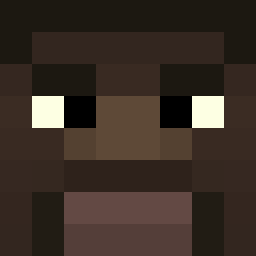 4xb_msmc_kk4 doalittledance abdimusti szkarlatekk wincis SK1B1Dl Draxon2502 Gambomeister GrzegorzFloryd TravisScott420 Shrekiller Debiteur dvadcatb MakumbaSlayer Misogamy nphillybrawler foomm DiegoDeDios1337 Im_Confident_ George_gotFloyd Jesiu chochla1 Grasso420
 MaliKurcic SacredMp4 PugnaMCMXCV Zerold812 Logman6480 RAFDLASHOSHO Zupan scaller9 Banjett NaByNuB owlosionacipa GeorgeBreath Sqlerix bilifej poopypants6767 allfeen dubtjd Adzia33 MaTeeo26 pourinjuice
 170euroboete Qu_bea Non_zn solaralts_RZRA7Z rsims3rd xoneflybrrr Skeptz civercras H1Days RickyLaFleur_ Tancredi_ AlojzyPopiuszko RudyeOn ShazLighterrr Viickou ReapersOnline Yrimic
How to install the Ny833 skin
- Press the Download button above to save the skin as a PNG file.
- Minecraft: Bedrock Edition (PE): open the Dressing Room from the main menu (or tap your character → Edit Character), go to Classic Skins → Owned, press the + (new skin) button, choose the downloaded PNG and pick the Classic (Steve) model. Works on PC and mobile; consoles cannot import custom skins.
- Minecraft: Java Edition: open the Minecraft Launcher, go to the Skins tab, click New Skin, load the PNG, pick the Classic (Steve) model and press Save & Use. You can also upload it at minecraft.net → Profile → Change Skin.
The skin does not show up after import - what should I do?
Restart Minecraft and open the Dressing Room again - imported skins sometimes appear only after a restart. Also make sure you selected the imported skin and picked the Classic (Steve) model.
Which model should I choose, Classic or Slim?
This skin is designed for the Classic (Steve) model. If you pick the wrong model, the arms of the skin will look stretched or squeezed.
Is the skin of Ny833 free to download?
Yes. Press Download, save the PNG file and use it in Minecraft: Bedrock Edition or Java Edition - no payment or registration needed. The skin also works on multiplayer servers and Realms.
More skins
Looking for more? Go back to all Minecraft skins and check the top skins of the week, month and all time, or find any player's skin by nickname.