
Novrix47 - Minecraft Skins & Skin History
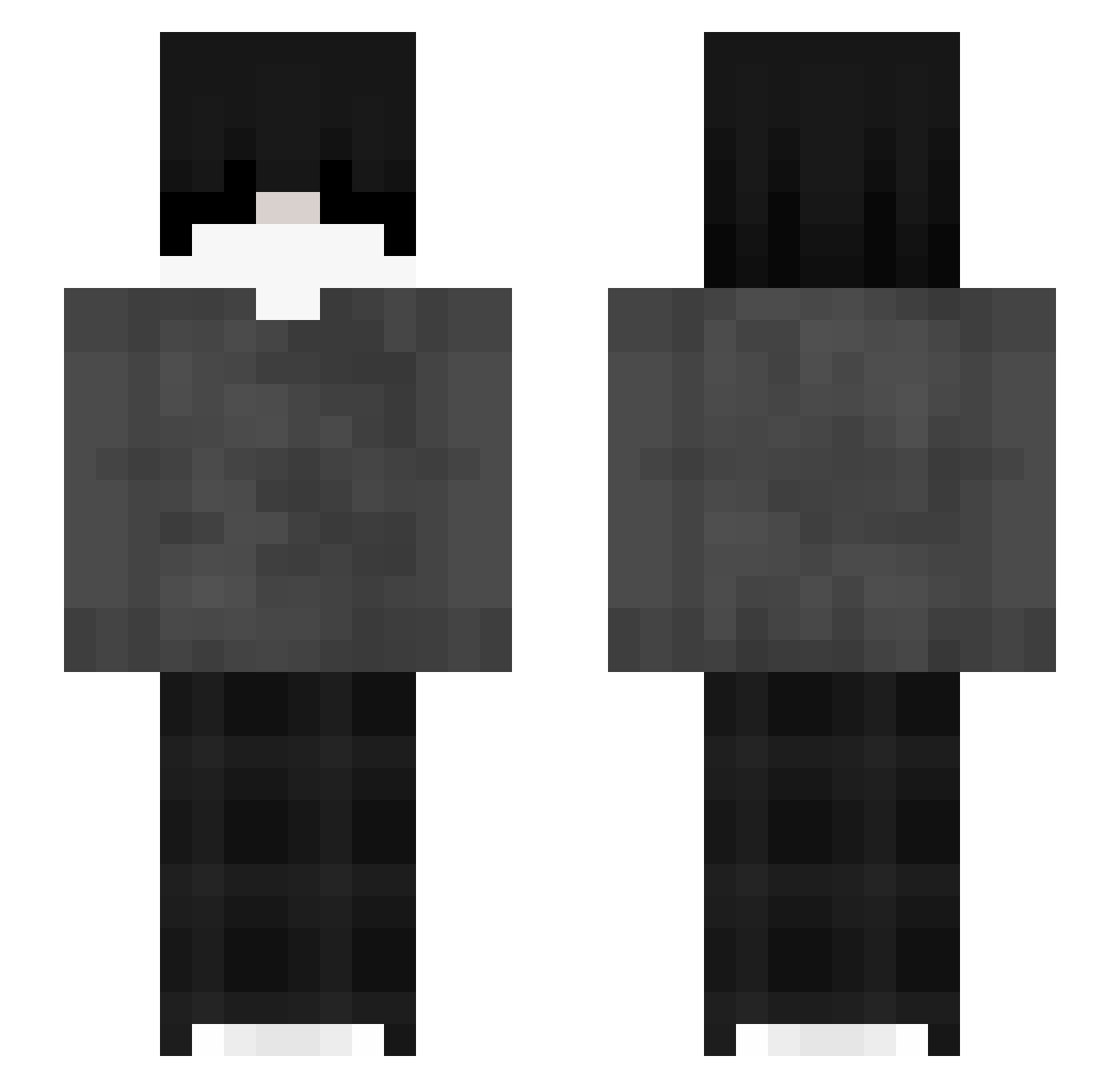
Current Minecraft skin of the player Novrix47, loaded from the official Mojang API. Rotate the 3D model with your mouse or finger, then download the skin as a PNG file and use it in Minecraft: Bedrock Edition or Java Edition for free. When Novrix47 changes their skin, this page updates automatically and the old skin stays in the history below.
Other players with this skin (39)
Novrix47 was the 26th player we have seen with this skin, first spotted on 01.10.2026. The same skin was seen on these players. Open a nickname to see their current skin and skin history.
 yunsoli _z1ter0k_ joelay _delfiv_ ItsVicents ytzmp4 Kiamuu mortuex Cesarz_Cfe_luf Matcosta Sticky_Bro Itz7Mackalister Bambi_Enjoyer DaiamondCraft99 Hotcoco_3 muben01 sqlaw kosiarz_ yNyrox_ fortnitegod593 T0astbrot_ zAyano_ backbuyform luxx_yt denmois progamer3695 milosz_1234 AggyBPro stomp3343 Demon1434 rui225
 liqhts Cxmpxr _365k _washedlt3 jackson9999999
 ziemniaczek19 xdqv
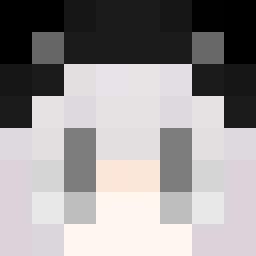 Codie
CodieMore Grayscale Minecraft skins
How to install the Novrix47 skin
- Press the Download button above to save the skin as a PNG file.
- Minecraft: Bedrock Edition (PE): open the Dressing Room from the main menu (or tap your character → Edit Character), go to Classic Skins → Owned, press the + (new skin) button, choose the downloaded PNG and pick the Slim (Alex) model. Works on PC and mobile; consoles cannot import custom skins.
- Minecraft: Java Edition: open the Minecraft Launcher, go to the Skins tab, click New Skin, load the PNG, pick the Slim (Alex) model and press Save & Use. You can also upload it at minecraft.net → Profile → Change Skin.
The skin does not show up after import - what should I do?
Restart Minecraft and open the Dressing Room again - imported skins sometimes appear only after a restart. Also make sure you selected the imported skin and picked the Slim (Alex) model.
Which model should I choose, Classic or Slim?
This skin is designed for the Slim (Alex) model. If you pick the wrong model, the arms of the skin will look stretched or squeezed.
Is the skin of Novrix47 free to download?
Yes. Press Download, save the PNG file and use it in Minecraft: Bedrock Edition or Java Edition - no payment or registration needed. The skin also works on multiplayer servers and Realms.
More skins
Looking for more? Go back to all Minecraft skins and check the top skins of the week, month and all time, or find any player's skin by nickname.