
NoteEffect_ - Minecraft Skins & Skin History
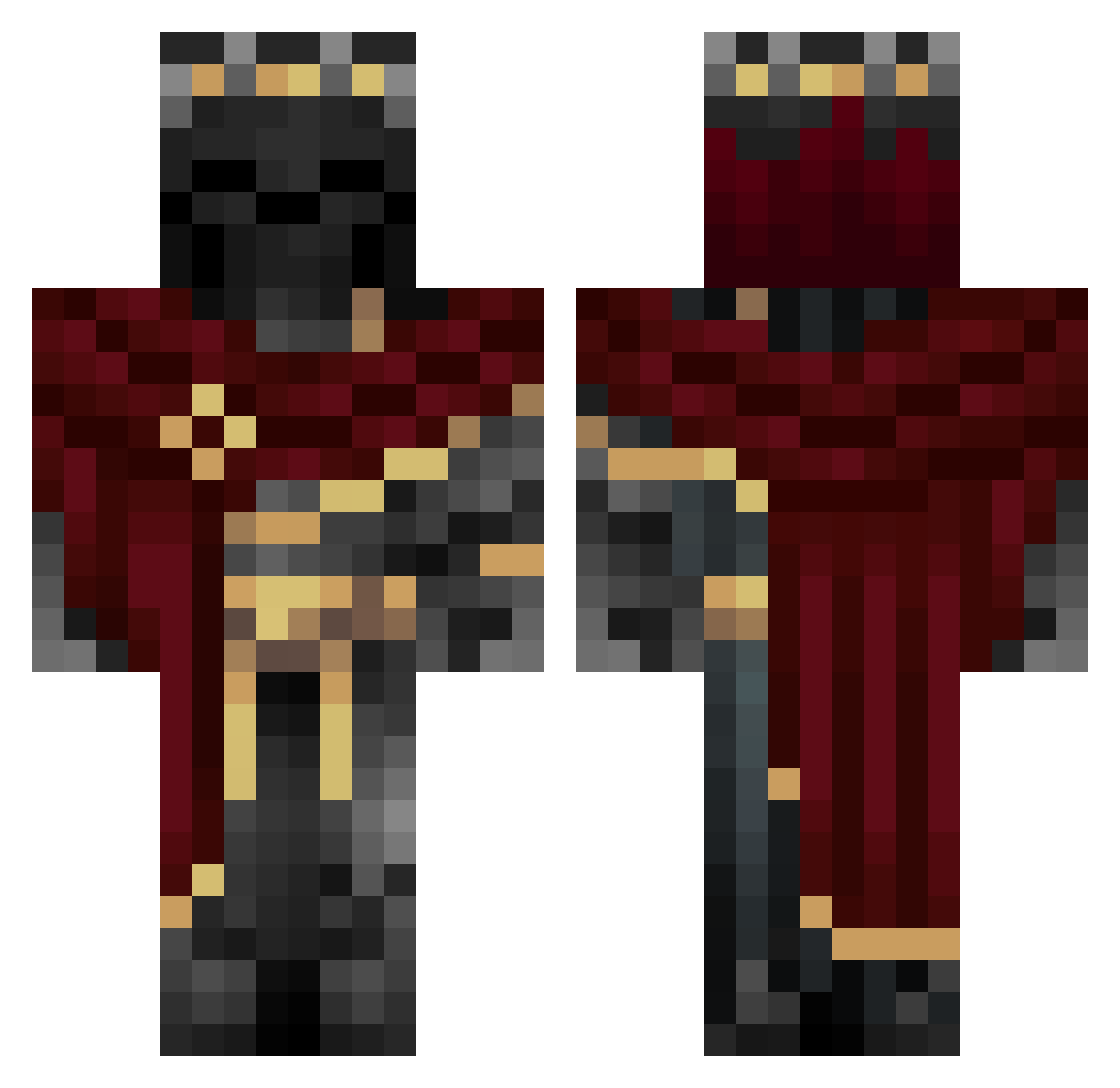
Current Minecraft skin of the player NoteEffect_, loaded from the official Mojang API. Rotate the 3D model with your mouse or finger, then download the skin as a PNG file and use it in Minecraft: Bedrock Edition or Java Edition for free. When NoteEffect_ changes their skin, this page updates automatically and the old skin stays in the history below.
Other players with this skin (982)
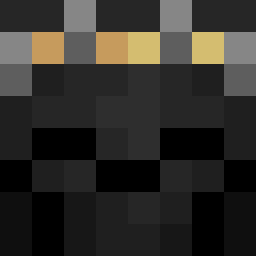
NoteEffect_ was the 862nd player we have seen with this skin, first spotted on 20.10.2026. The same skin was seen on these players. Open a nickname to see their current skin and skin history.
 AMAHHHH DOneSellout XdadoLonga Letorr IronFangXTV nneeoom Flapyjoke thewolfqc420 Ismaa____ ThrotTheUclean Retributioner gabe_059 KireZ0R VAMP1RISMM Munifu Sanz01 YIPPE1234_5 Wolfgodx12 CHAIPER Zeyro0001 DCxFENIX GoldMaverick Trust___ Herokoda kuchenesser2_0 ShrekIsSeksi _Tunnis_ LeRoiGrzesiu Kapiszonski DavenStorm213 DarknessRainbow ShadowFight_ helldog111 Timothy1267 Tejkinox Marckoss itsKairei Aaron585 Pietahh enayz Januxx7 MickeyBooo MaidenlessGuy69 k_leday41 bueno2784 voxerismeWxlf akan97728 SB1A MikeyBoss1 SoupDeity 4P3Godz K1LL3R33 Sledger7112 Rydo9899 Sebastiankawaii Pendrup siberia1314 ANDYYY333 ANTOVITZ lucifer19944991
More King Minecraft skins
How to install the NoteEffect_ skin
- Press the Download button above to save the skin as a PNG file.
- Minecraft: Bedrock Edition (PE): open the Dressing Room from the main menu (or tap your character → Edit Character), go to Classic Skins → Owned, press the + (new skin) button, choose the downloaded PNG and pick the Classic (Steve) model. Works on PC and mobile; consoles cannot import custom skins.
- Minecraft: Java Edition: open the Minecraft Launcher, go to the Skins tab, click New Skin, load the PNG, pick the Classic (Steve) model and press Save & Use. You can also upload it at minecraft.net → Profile → Change Skin.
The skin does not show up after import - what should I do?
Restart Minecraft and open the Dressing Room again - imported skins sometimes appear only after a restart. Also make sure you selected the imported skin and picked the Classic (Steve) model.
Which model should I choose, Classic or Slim?
This skin is designed for the Classic (Steve) model. If you pick the wrong model, the arms of the skin will look stretched or squeezed.
Is the skin of NoteEffect_ free to download?
Yes. Press Download, save the PNG file and use it in Minecraft: Bedrock Edition or Java Edition - no payment or registration needed. The skin also works on multiplayer servers and Realms.
More skins
Looking for more? Go back to all Minecraft skins and check the top skins of the week, month and all time, or find any player's skin by nickname.