
NoahBrmn_11 - Minecraft Skins & Skin History
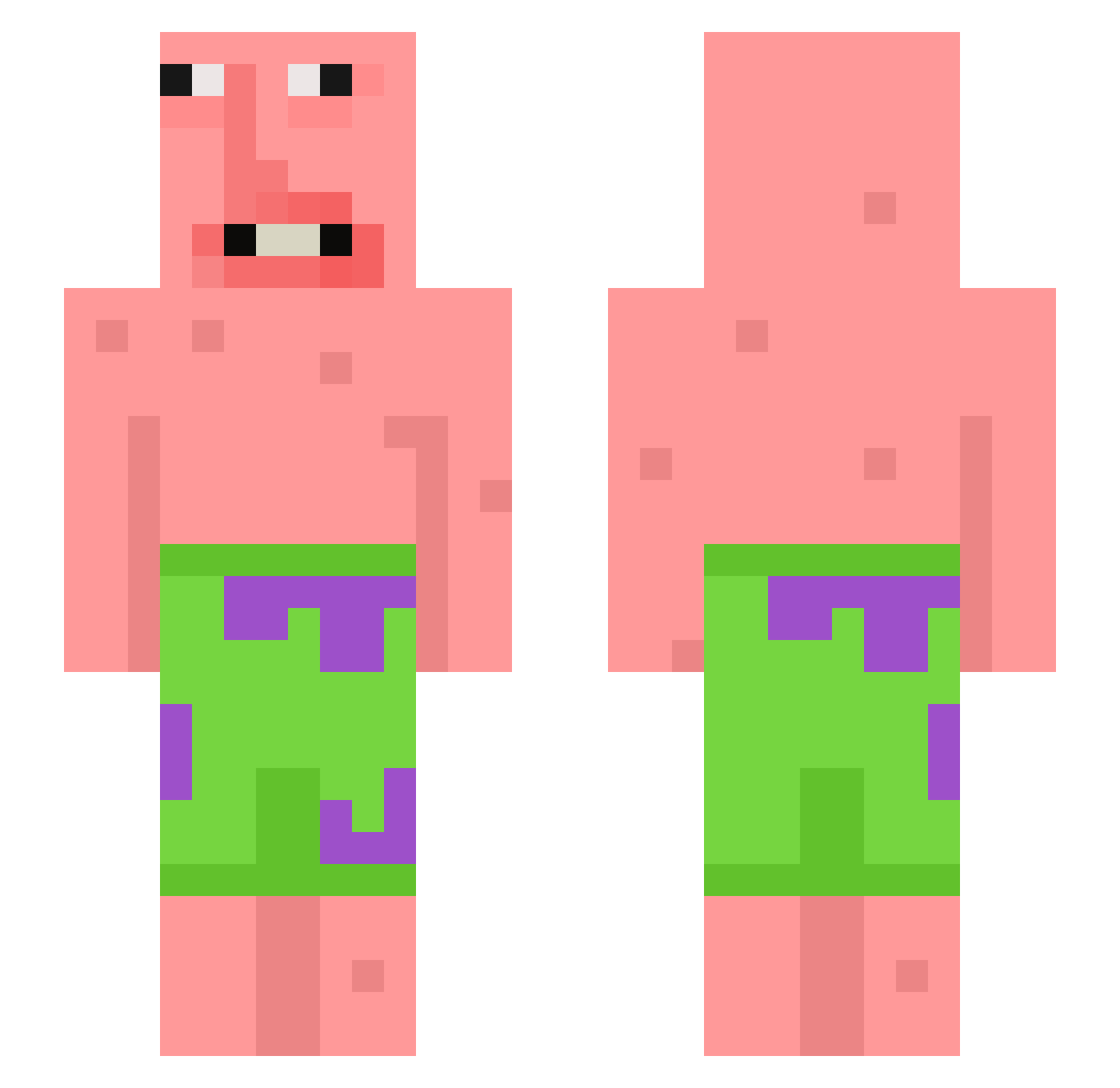
Current Minecraft skin of the player NoahBrmn_11, loaded from the official Mojang API. Rotate the 3D model with your mouse or finger, then download the skin as a PNG file and use it in Minecraft: Bedrock Edition or Java Edition for free. When NoahBrmn_11 changes their skin, this page updates automatically and the old skin stays in the history below.
Other players with this skin (398)
NoahBrmn_11 was the 383rd player we have seen with this skin, first spotted on 28.10.2026. The same skin was seen on these players. Open a nickname to see their current skin and skin history.
 zradin whatslife Curse_Foot u8midog i_love_wangbang Imagine__YT Hickman756 catwearingpants Leasy deadinsde_ idontcaxe WagWanPiftin1 WornYashiro VerySmallRocks7 AllenLee1108 uttb tinyjelly oOAmayaOo OjiGuyo joycey4 lilcaca10000 LuigiRocks0700 Mugabes GuyinnaSpeed0 CHlNOOO jeongmaldalkomhe szypki_paczus pqeew JANECZEK0102 zkdl0509 BerkleeMusic Terry01240124 Tagudin LeeLie Zobeater lolbobiscool JiggyGetSome HurgNugget SpankyMcMuffinz LilBubTub KuzBey TheHotQuacker pInK_patty123 Enya837 Introv old_boy_HAN L__JK PADDE08 ASIANBOYHAYDEN Levinhas1 STEWI3 Xelus2841 OmpaLompa3 PATRICKSTAR247 KHIthePeanut Hoppitt insomniaa_ SeasonedBread TyTyandBaxter spacemoles
More Patrick Star Minecraft skins
See all 611 Patrick Star skins
How to install the NoahBrmn_11 skin
- Press the Download button above to save the skin as a PNG file.
- Minecraft: Bedrock Edition (PE): open the Dressing Room from the main menu (or tap your character → Edit Character), go to Classic Skins → Owned, press the + (new skin) button, choose the downloaded PNG and pick the Slim (Alex) model. Works on PC and mobile; consoles cannot import custom skins.
- Minecraft: Java Edition: open the Minecraft Launcher, go to the Skins tab, click New Skin, load the PNG, pick the Slim (Alex) model and press Save & Use. You can also upload it at minecraft.net → Profile → Change Skin.
The skin does not show up after import - what should I do?
Restart Minecraft and open the Dressing Room again - imported skins sometimes appear only after a restart. Also make sure you selected the imported skin and picked the Slim (Alex) model.
Which model should I choose, Classic or Slim?
This skin is designed for the Slim (Alex) model. If you pick the wrong model, the arms of the skin will look stretched or squeezed.
Is the skin of NoahBrmn_11 free to download?
Yes. Press Download, save the PNG file and use it in Minecraft: Bedrock Edition or Java Edition - no payment or registration needed. The skin also works on multiplayer servers and Realms.
More skins
Looking for more? Go back to all Minecraft skins and check the top skins of the week, month and all time, or find any player's skin by nickname.