
Nipa22_ - Minecraft Skins & Skin History
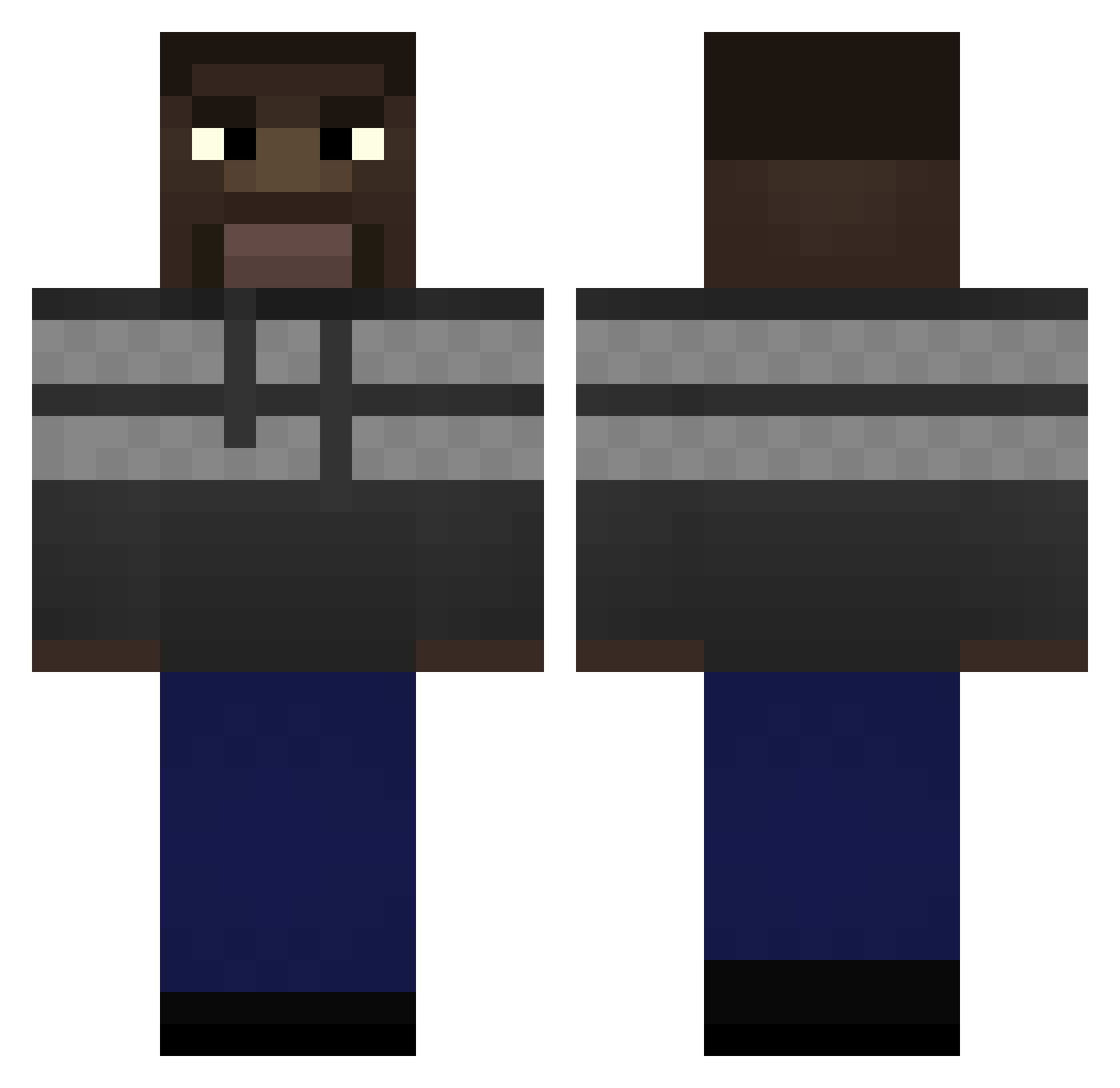
Current Minecraft skin of the player Nipa22_, loaded from the official Mojang API. Rotate the 3D model with your mouse or finger, then download the skin as a PNG file and use it in Minecraft: Bedrock Edition or Java Edition for free. When Nipa22_ changes their skin, this page updates automatically and the old skin stays in the history below.
Other players with this skin (291)
Nipa22_ was the 93rd player we have seen with this skin, first spotted on 31.08.2026. The same skin was seen on these players. Open a nickname to see their current skin and skin history.
 xSpyte Izumi_zenji HGould Shayyuwu Viper216 Kubzonek Aespa_MY Thealoz damomomo 1_34 ketboi69 PopUpTowerMaster D3m0nDre4d1ord Lonely_yteronik Lambsauce_ Holgerrj Alexsongz10 korboi Adrianzuku SrCompletos_ ShadowPapaya geekem FentAbuser32 Fxsion69 dzbanq Bobotka HACKEIAMICROSOFT carter391 Oziowaty 7VC ptot Xizzy Daniel_defece frannmiro BoneofMySword21 Annihilluss VIP_Iffy Parmersan TheJojoGuyy takyxn ToEntertain CharlesJDenson 6mew Camooow GSmoove sprites0 baloknee lParzl blademoon8 Magnusak23 Noni245 xo7_msmc_k40 waldemar67 nico2340 AvokadoPaj Nassix Moon__Man LavaTusManos Chaliced stervyich
How to install the Nipa22_ skin
- Press the Download button above to save the skin as a PNG file.
- Minecraft: Bedrock Edition (PE): open the Dressing Room from the main menu (or tap your character → Edit Character), go to Classic Skins → Owned, press the + (new skin) button, choose the downloaded PNG and pick the Classic (Steve) model. Works on PC and mobile; consoles cannot import custom skins.
- Minecraft: Java Edition: open the Minecraft Launcher, go to the Skins tab, click New Skin, load the PNG, pick the Classic (Steve) model and press Save & Use. You can also upload it at minecraft.net → Profile → Change Skin.
The skin does not show up after import - what should I do?
Restart Minecraft and open the Dressing Room again - imported skins sometimes appear only after a restart. Also make sure you selected the imported skin and picked the Classic (Steve) model.
Which model should I choose, Classic or Slim?
This skin is designed for the Classic (Steve) model. If you pick the wrong model, the arms of the skin will look stretched or squeezed.
Is the skin of Nipa22_ free to download?
Yes. Press Download, save the PNG file and use it in Minecraft: Bedrock Edition or Java Edition - no payment or registration needed. The skin also works on multiplayer servers and Realms.
More skins
Looking for more? Go back to all Minecraft skins and check the top skins of the week, month and all time, or find any player's skin by nickname.