
Nerumiiii - Minecraft Skins & Skin History
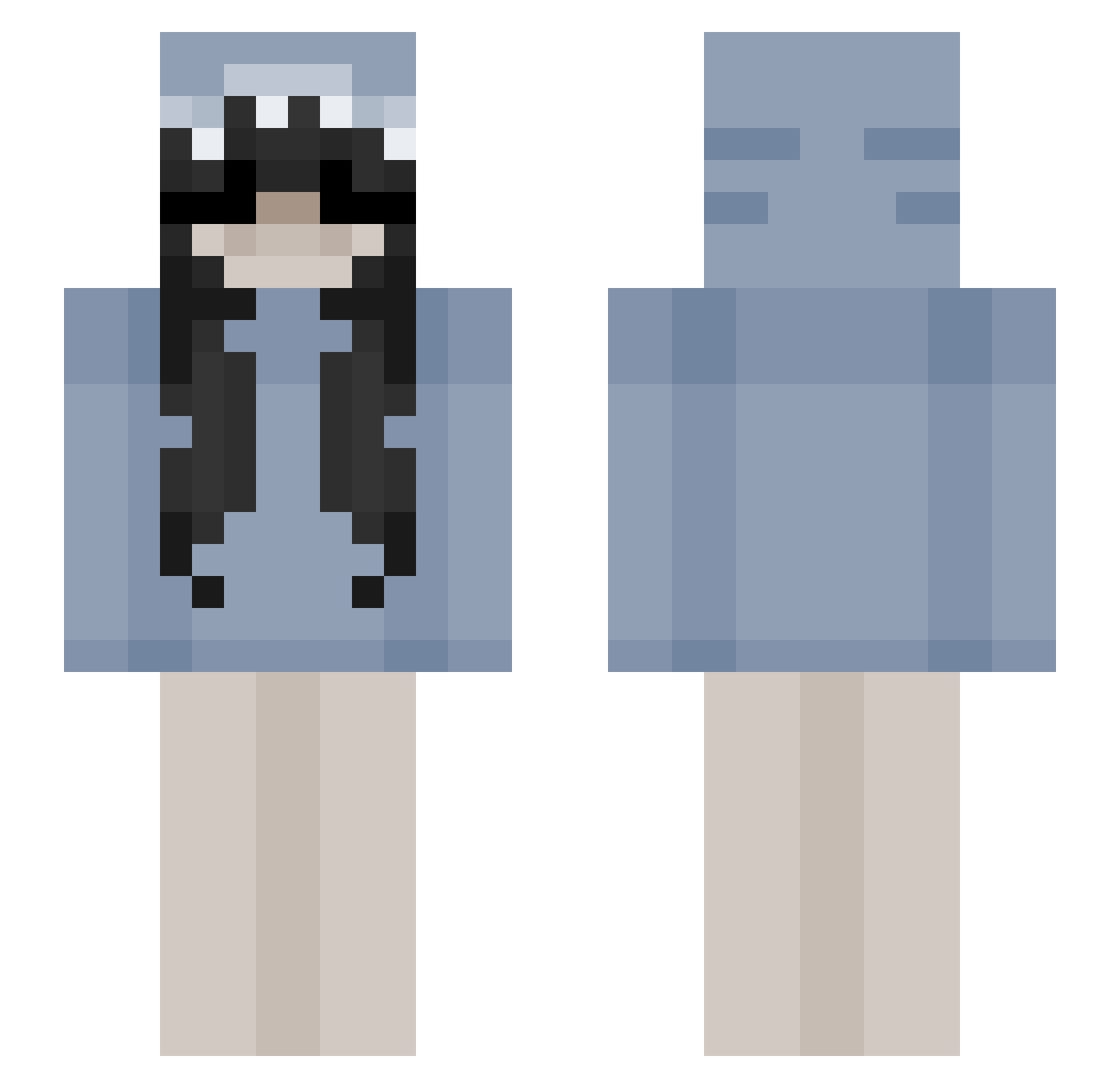
Current Minecraft skin of the player Nerumiiii, loaded from the official Mojang API. Rotate the 3D model with your mouse or finger, then download the skin as a PNG file and use it in Minecraft: Bedrock Edition or Java Edition for free. When Nerumiiii changes their skin, this page updates automatically and the old skin stays in the history below.
Other players with this skin (85)
Nerumiiii was the 25th player we have seen with this skin, first spotted on 18.08.2026. The same skin was seen on these players. Open a nickname to see their current skin and skin history.
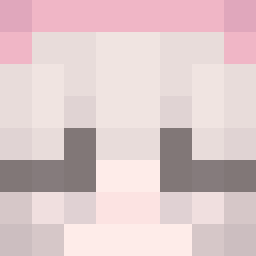 Daimont81
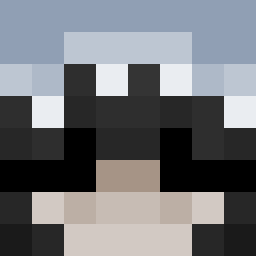 Jot444h
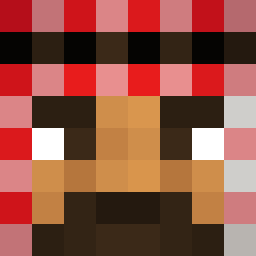 V0ID_X03
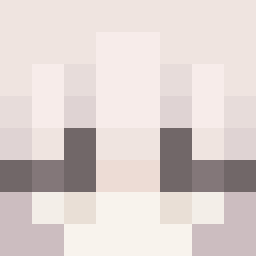 Lordified
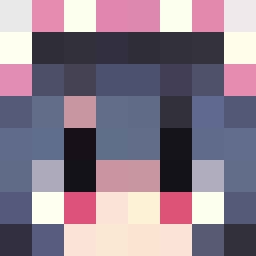 PLLucky Bloodveils2 chonafr
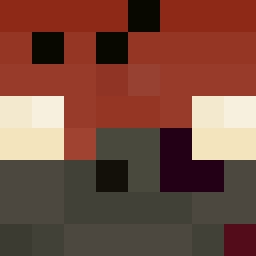 ziomio_XD
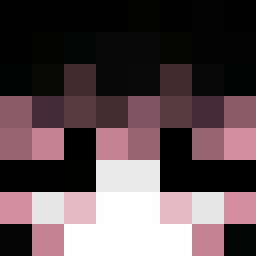 Fallenllynx_ undesgined
 Martynkqa Baumw0llArbeiter
 SaphiraNoble
 JANISY StichDD_God
 _Doves_ ReperGod RawDawg_06
 legionn2 ko1ee deadfoxsucks _hopefu11y 1greenybean RAKU2211
 1731IsHere
 MOREK_MARCEL1
 Khloweh
 Kiemon124
 sKacper0808 Kittens_ok 1zabella
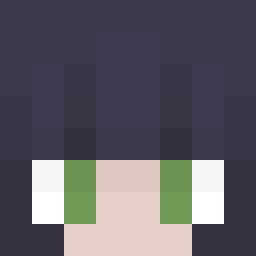 Embers389 Hizz Ihavegv
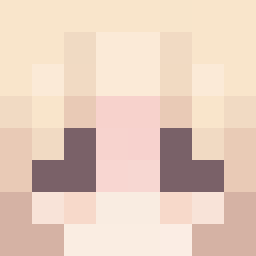 _lynee XXX4NAX
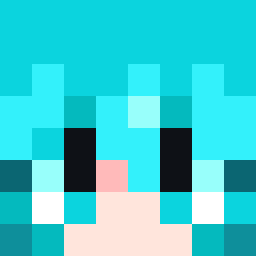 Filus341 1has awa_nb
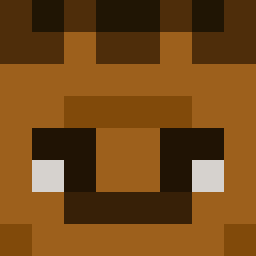 kuuhrel Michalek_SagiPL bunee_ vZyth Woonezz AmdKiller blaqn WhiteShey vexiolet pukulee Pringlemk Claudis1251 AlexiaStar_ snorlaxx_og _Lukeeeee luvvy_ natlka__ nominbat PlaneWinner5492 Momo161013 DerBananeGHG
More Anime Girl Minecraft skins
See all 12938 Anime Girl skins
How to install the Nerumiiii skin
- Press the Download button above to save the skin as a PNG file.
- Minecraft: Bedrock Edition (PE): open the Dressing Room from the main menu (or tap your character → Edit Character), go to Classic Skins → Owned, press the + (new skin) button, choose the downloaded PNG and pick the Slim (Alex) model. Works on PC and mobile; consoles cannot import custom skins.
- Minecraft: Java Edition: open the Minecraft Launcher, go to the Skins tab, click New Skin, load the PNG, pick the Slim (Alex) model and press Save & Use. You can also upload it at minecraft.net → Profile → Change Skin.
The skin does not show up after import - what should I do?
Restart Minecraft and open the Dressing Room again - imported skins sometimes appear only after a restart. Also make sure you selected the imported skin and picked the Slim (Alex) model.
Which model should I choose, Classic or Slim?
This skin is designed for the Slim (Alex) model. If you pick the wrong model, the arms of the skin will look stretched or squeezed.
Is the skin of Nerumiiii free to download?
Yes. Press Download, save the PNG file and use it in Minecraft: Bedrock Edition or Java Edition - no payment or registration needed. The skin also works on multiplayer servers and Realms.
More skins
Looking for more? Go back to all Minecraft skins and check the top skins of the week, month and all time, or find any player's skin by nickname.