
Napochy - Minecraft Skins & Skin History
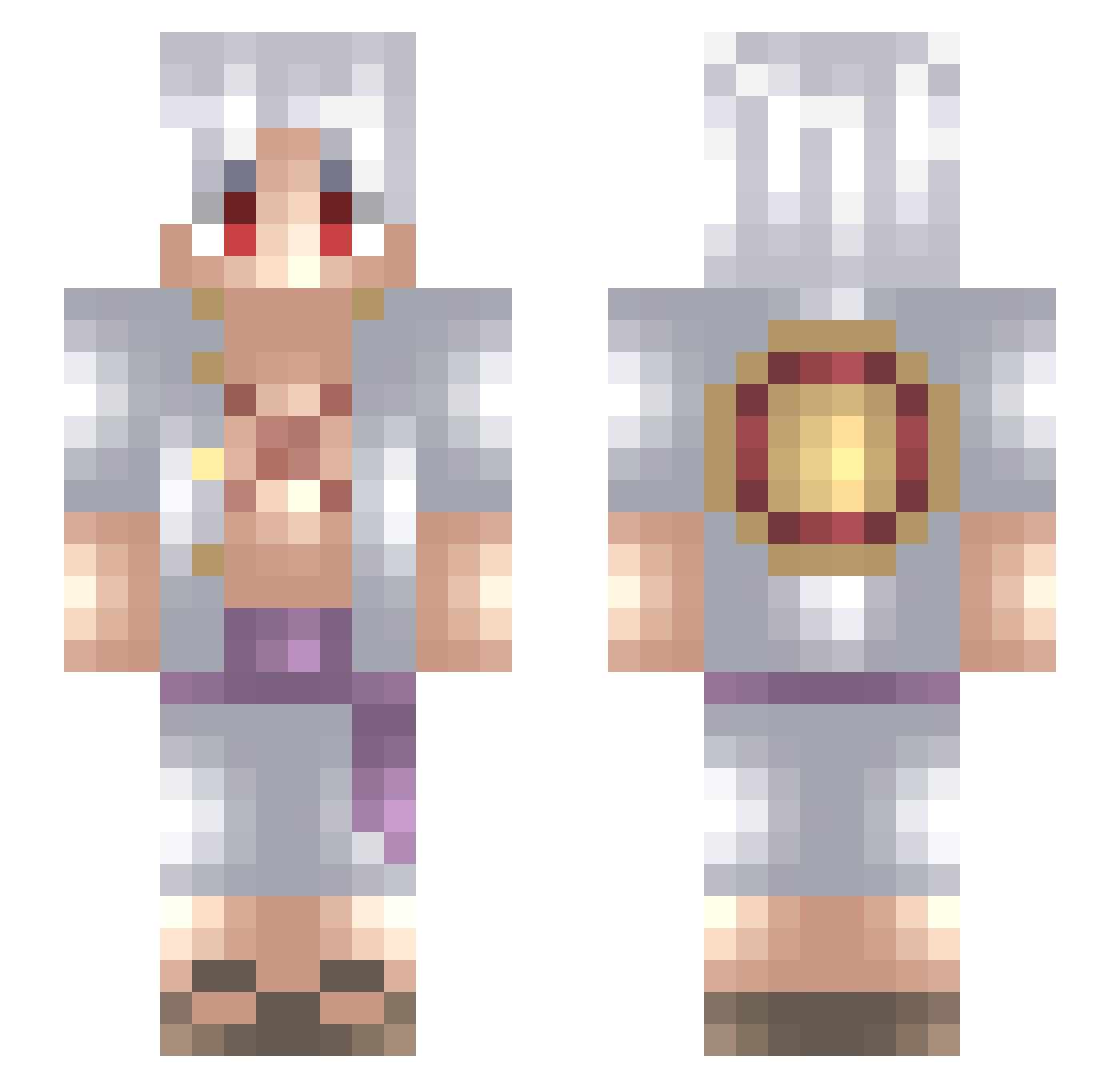
Current Minecraft skin of the player Napochy, loaded from the official Mojang API. Rotate the 3D model with your mouse or finger, then download the skin as a PNG file and use it in Minecraft: Bedrock Edition or Java Edition for free. When Napochy changes their skin, this page updates automatically and the old skin stays in the history below.
Other players with this skin (727)
Napochy was the 612th player we have seen with this skin, first spotted on 23.10.2026. The same skin was seen on these players. Open a nickname to see their current skin and skin history.
 Wyzzard11 bluecherry_hue tek_julian xSkoris zRafael_PVP7 DarkSpartan237 yoonjin140731 nasspash Devil_Rex0904 WangKaye Captainfalcon8 Nathanael27200 justin_Bridou_ Wikiesqueletos SLPJG Vawaveed yehoonwon Rseu Ashito57 sandtsunami cypek CheshireCarrol Stuar19 Byken mathiasdaniel24 haydeqq Deimas JOYXBOYX Feufeu_ Ajtocool44 KenDaBosss RikudoIII RenaVal End_Lucas ABERKAT Bi3w3l_88 nico78x MasterChiefX259 Benkika Tsukoyomi28 S2615 Biscochito17 StylingSteve MicheleMix88 Lorenzo_ESCAPE KingBehemoth13 Shefo31 LuffyJoestar7 blizzqw VasyXD Scolarek Guignol12 henlatoz Dan_05 mugiwara_no_Octa zaxify12 Luihan1014 ynophta PeiDai Titiano04
More Monkey D Luffy Minecraft skins
See all 967 Monkey D Luffy skins
How to install the Napochy skin
- Press the Download button above to save the skin as a PNG file.
- Minecraft: Bedrock Edition (PE): open the Dressing Room from the main menu (or tap your character → Edit Character), go to Classic Skins → Owned, press the + (new skin) button, choose the downloaded PNG and pick the Slim (Alex) model. Works on PC and mobile; consoles cannot import custom skins.
- Minecraft: Java Edition: open the Minecraft Launcher, go to the Skins tab, click New Skin, load the PNG, pick the Slim (Alex) model and press Save & Use. You can also upload it at minecraft.net → Profile → Change Skin.
The skin does not show up after import - what should I do?
Restart Minecraft and open the Dressing Room again - imported skins sometimes appear only after a restart. Also make sure you selected the imported skin and picked the Slim (Alex) model.
Which model should I choose, Classic or Slim?
This skin is designed for the Slim (Alex) model. If you pick the wrong model, the arms of the skin will look stretched or squeezed.
Is the skin of Napochy free to download?
Yes. Press Download, save the PNG file and use it in Minecraft: Bedrock Edition or Java Edition - no payment or registration needed. The skin also works on multiplayer servers and Realms.
More skins
Looking for more? Go back to all Minecraft skins and check the top skins of the week, month and all time, or find any player's skin by nickname.