
Napex_ - Minecraft Skins & Skin History
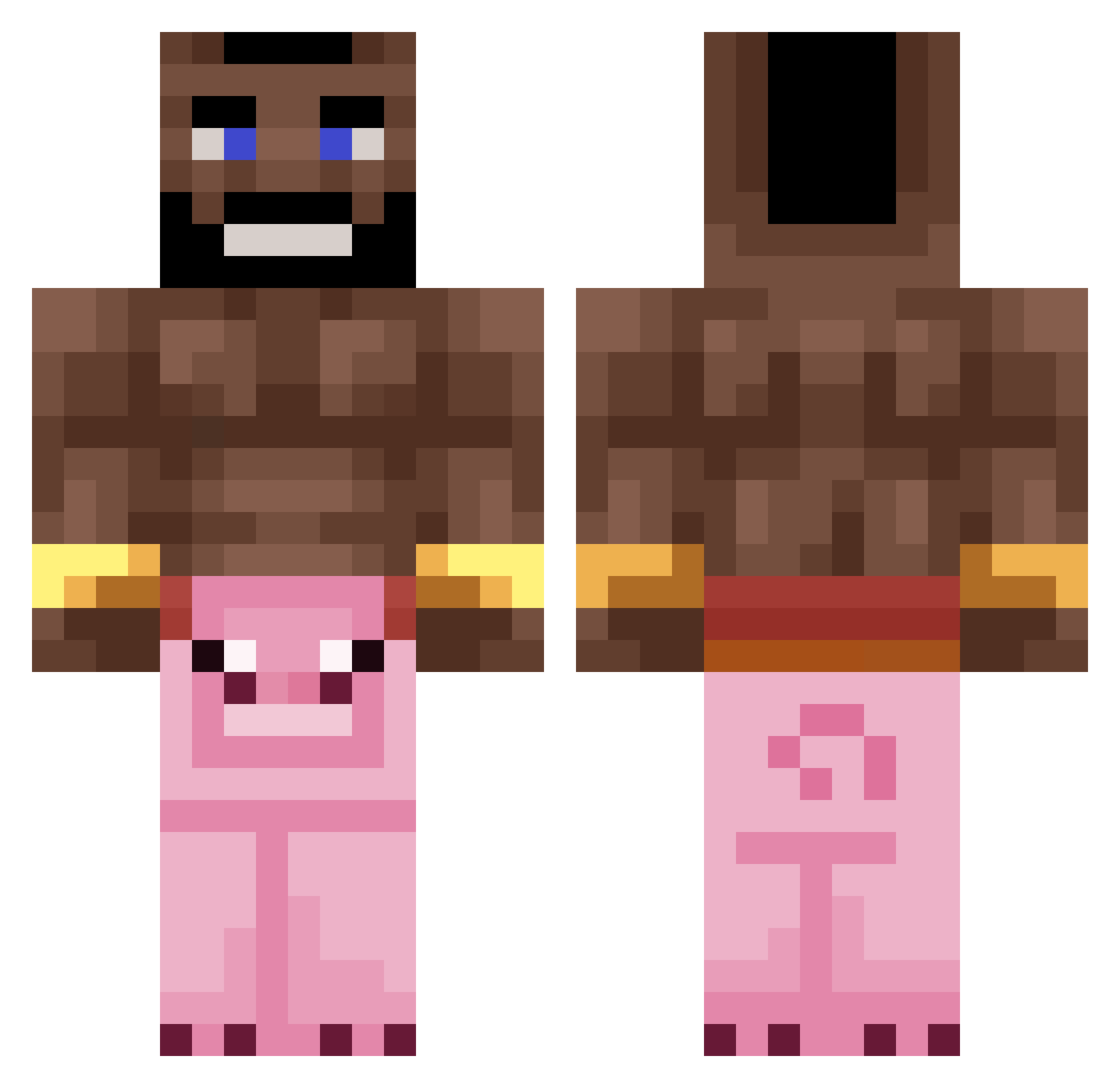
Current Minecraft skin of the player Napex_, loaded from the official Mojang API. Rotate the 3D model with your mouse or finger, then download the skin as a PNG file and use it in Minecraft: Bedrock Edition or Java Edition for free. When Napex_ changes their skin, this page updates automatically and the old skin stays in the history below.
Other players with this skin (235)
Napex_ was the 128th player we have seen with this skin, first spotted on 19.09.2026. The same skin was seen on these players. Open a nickname to see their current skin and skin history.
 kepa2013 Tdrip1 yair_lavy25 westways jsesjses072424 X4X PapitoLudiq StarWarsJetPack Akiogare Tuchekrl filip4485 VINXEN_ Anubi69 chillidogs300 Aquiver780 epicxd61 Souless98 bonedxddy Passiertjcrtp j0e_da_k1ng lukasfuzek UFO_Spider ZandwiTx wxstedMqa DoritosDOrivaldo Vova148869 chuchomixv Bugadaomat Seniorrski BingMyBong XDminecraftDK Wetbwread Niyxn 2frg b4ptou carlitosex
 fxbb Latif123 SuperDog7001 ch1firovskiy_ WitteTepel Thndrstruck20 apd1830999 husospalacsinta TyronOnBusiness OfcElias Kissoukiss CaptSabo lmt666 Arnoldss Peperas PsrNiQuZ TheNameIsSemuel zP1st BraiN_BuckeT_ Wout506 ThisManzBazza IamTheBird_ GANS_001 CrazyGamerHD449
More Mohawk Minecraft skins
How to install the Napex_ skin
- Press the Download button above to save the skin as a PNG file.
- Minecraft: Bedrock Edition (PE): open the Dressing Room from the main menu (or tap your character → Edit Character), go to Classic Skins → Owned, press the + (new skin) button, choose the downloaded PNG and pick the Classic (Steve) model. Works on PC and mobile; consoles cannot import custom skins.
- Minecraft: Java Edition: open the Minecraft Launcher, go to the Skins tab, click New Skin, load the PNG, pick the Classic (Steve) model and press Save & Use. You can also upload it at minecraft.net → Profile → Change Skin.
The skin does not show up after import - what should I do?
Restart Minecraft and open the Dressing Room again - imported skins sometimes appear only after a restart. Also make sure you selected the imported skin and picked the Classic (Steve) model.
Which model should I choose, Classic or Slim?
This skin is designed for the Classic (Steve) model. If you pick the wrong model, the arms of the skin will look stretched or squeezed.
Is the skin of Napex_ free to download?
Yes. Press Download, save the PNG file and use it in Minecraft: Bedrock Edition or Java Edition - no payment or registration needed. The skin also works on multiplayer servers and Realms.
More skins
Looking for more? Go back to all Minecraft skins and check the top skins of the week, month and all time, or find any player's skin by nickname.