
Peperas - Minecraft Skins & Skin History
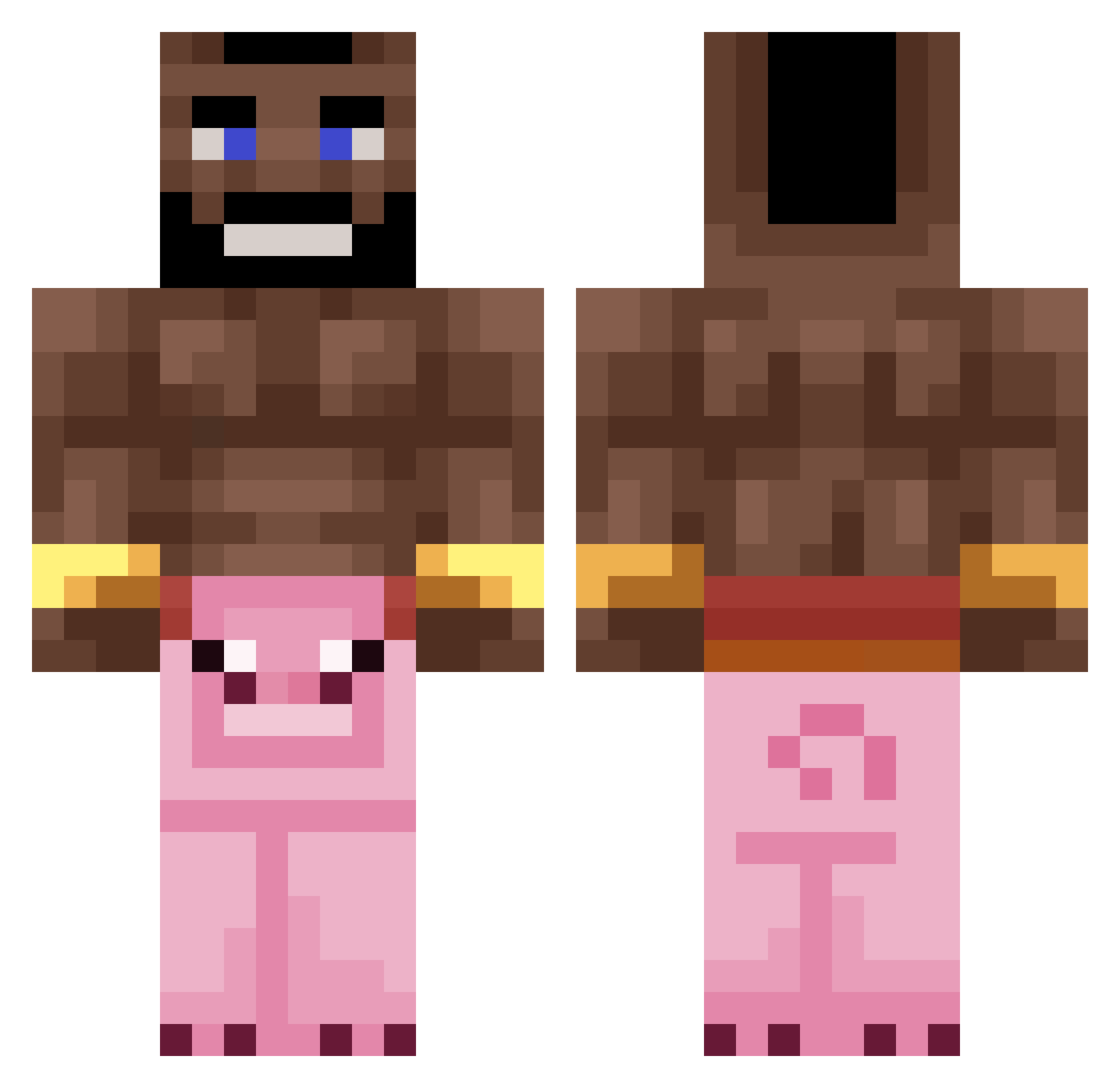
Current Minecraft skin of the player Peperas, loaded from the official Mojang API. Rotate the 3D model with your mouse or finger, then download the skin as a PNG file and use it in Minecraft: Bedrock Edition or Java Edition for free. When Peperas changes their skin, this page updates automatically and the old skin stays in the history below.
Other players with this skin (268)
Peperas was the 162nd player we have seen with this skin, first spotted on 01.10.2026. The same skin was seen on these players. Open a nickname to see their current skin and skin history.
 PsrNiQuZ TheNameIsSemuel Arnoldss lmt666 CaptSabo zP1st Wout506 Kissoukiss ThisManzBazza OfcElias IamTheBird_ GANS_001 husospalacsinta Thndrstruck20 CrazyGamerHD449 ch1firovskiy_ RobakMocy679 PittiHD11 SuperDog7001 ItsNoxxy Prince0921 carlitosex Marfad HeheHwitek Bafius BingMyBong Seniorrski Sargent_Mango ShiroXVI Bugadaomat sampige_vis Sasha_ls chuchomixv 23T9 dgzindelasofc Vova148869 DoritosDOrivaldo Radicalgoose ManuelENP Filipejda ZandwiTx Vigo876 lukasfuzek j0e_da_k1ng OrisKubas Yuugure0 MikeTheBanana13 Passiertjcrtp omarbinabbas 0wenLikesFeet estocc_ _3mi Souless98 Lukzzleee pixelmondeez epicxd61 AkWhay Aquiver780 chillidogs300 PoZyTeK
More Mohawk Minecraft skins
How to install the Peperas skin
- Press the Download button above to save the skin as a PNG file.
- Minecraft: Bedrock Edition (PE): open the Dressing Room from the main menu (or tap your character → Edit Character), go to Classic Skins → Owned, press the + (new skin) button, choose the downloaded PNG and pick the Classic (Steve) model. Works on PC and mobile; consoles cannot import custom skins.
- Minecraft: Java Edition: open the Minecraft Launcher, go to the Skins tab, click New Skin, load the PNG, pick the Classic (Steve) model and press Save & Use. You can also upload it at minecraft.net → Profile → Change Skin.
The skin does not show up after import - what should I do?
Restart Minecraft and open the Dressing Room again - imported skins sometimes appear only after a restart. Also make sure you selected the imported skin and picked the Classic (Steve) model.
Which model should I choose, Classic or Slim?
This skin is designed for the Classic (Steve) model. If you pick the wrong model, the arms of the skin will look stretched or squeezed.
Is the skin of Peperas free to download?
Yes. Press Download, save the PNG file and use it in Minecraft: Bedrock Edition or Java Edition - no payment or registration needed. The skin also works on multiplayer servers and Realms.
More skins
Looking for more? Go back to all Minecraft skins and check the top skins of the week, month and all time, or find any player's skin by nickname.