
Nanoo96 - Minecraft Skins & Skin History
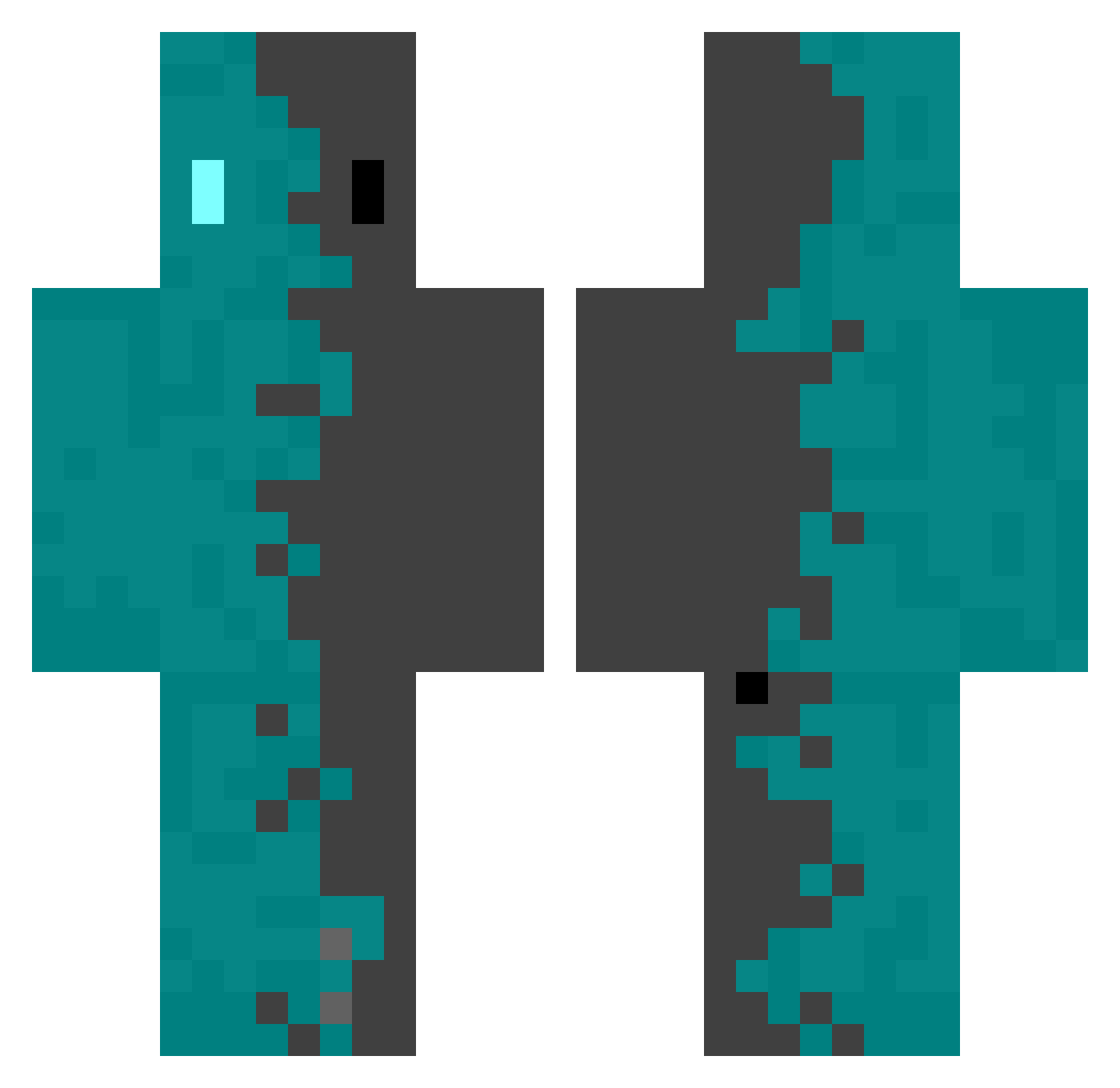
Current Minecraft skin of the player Nanoo96, loaded from the official Mojang API. Rotate the 3D model with your mouse or finger, then download the skin as a PNG file and use it in Minecraft: Bedrock Edition or Java Edition for free. When Nanoo96 changes their skin, this page updates automatically and the old skin stays in the history below.
Other players with this skin (508)
Nanoo96 was the 134th player we have seen with this skin, first spotted on 21.08.2026. The same skin was seen on these players. Open a nickname to see their current skin and skin history.
 AYxxxx
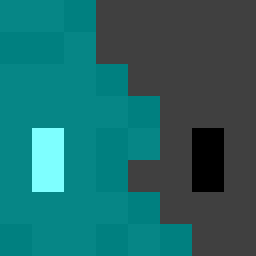 Zelxor Kleenx_ IChuXia Monsternoob01 Tomolicious waverkill ADdbdgun c4atr66 Creedeye roby_05 DaSH_ES fai_jai Friendlly SennarVi dash357 Ace_of_Kings Lowckyx Murdred LocoBinks Xzerro mob0794 Mmmotorrr fraferru Horda98 samuel_ww Agdrop chenggggg Celine0 Friitzu BLUE_BLUE__ Omochi__ xgrinnerx MythicRhino2371 kickstart2022 Coldron xuanyu2020 Tachankov Silver_erode Defalt0_o ZLEX__ D1amond_Star Dr_Morphis SylSensati0n Gaiyas chen7775 HeySn0w Corvus_Zen ShadJager SaifSMajeed24 Maunel_ Timmynartor zatarains Dragnous1984 wackyo86 Ascer93 Desry911 D_Falconer daBluePickle shark226_
How to install the Nanoo96 skin
- Press the Download button above to save the skin as a PNG file.
- Minecraft: Bedrock Edition (PE): open the Dressing Room from the main menu (or tap your character → Edit Character), go to Classic Skins → Owned, press the + (new skin) button, choose the downloaded PNG and pick the Classic (Steve) model. Works on PC and mobile; consoles cannot import custom skins.
- Minecraft: Java Edition: open the Minecraft Launcher, go to the Skins tab, click New Skin, load the PNG, pick the Classic (Steve) model and press Save & Use. You can also upload it at minecraft.net → Profile → Change Skin.
The skin does not show up after import - what should I do?
Restart Minecraft and open the Dressing Room again - imported skins sometimes appear only after a restart. Also make sure you selected the imported skin and picked the Classic (Steve) model.
Which model should I choose, Classic or Slim?
This skin is designed for the Classic (Steve) model. If you pick the wrong model, the arms of the skin will look stretched or squeezed.
Is the skin of Nanoo96 free to download?
Yes. Press Download, save the PNG file and use it in Minecraft: Bedrock Edition or Java Edition - no payment or registration needed. The skin also works on multiplayer servers and Realms.
More skins
Looking for more? Go back to all Minecraft skins and check the top skins of the week, month and all time, or find any player's skin by nickname.