
N_MH - Minecraft Skins & Skin History
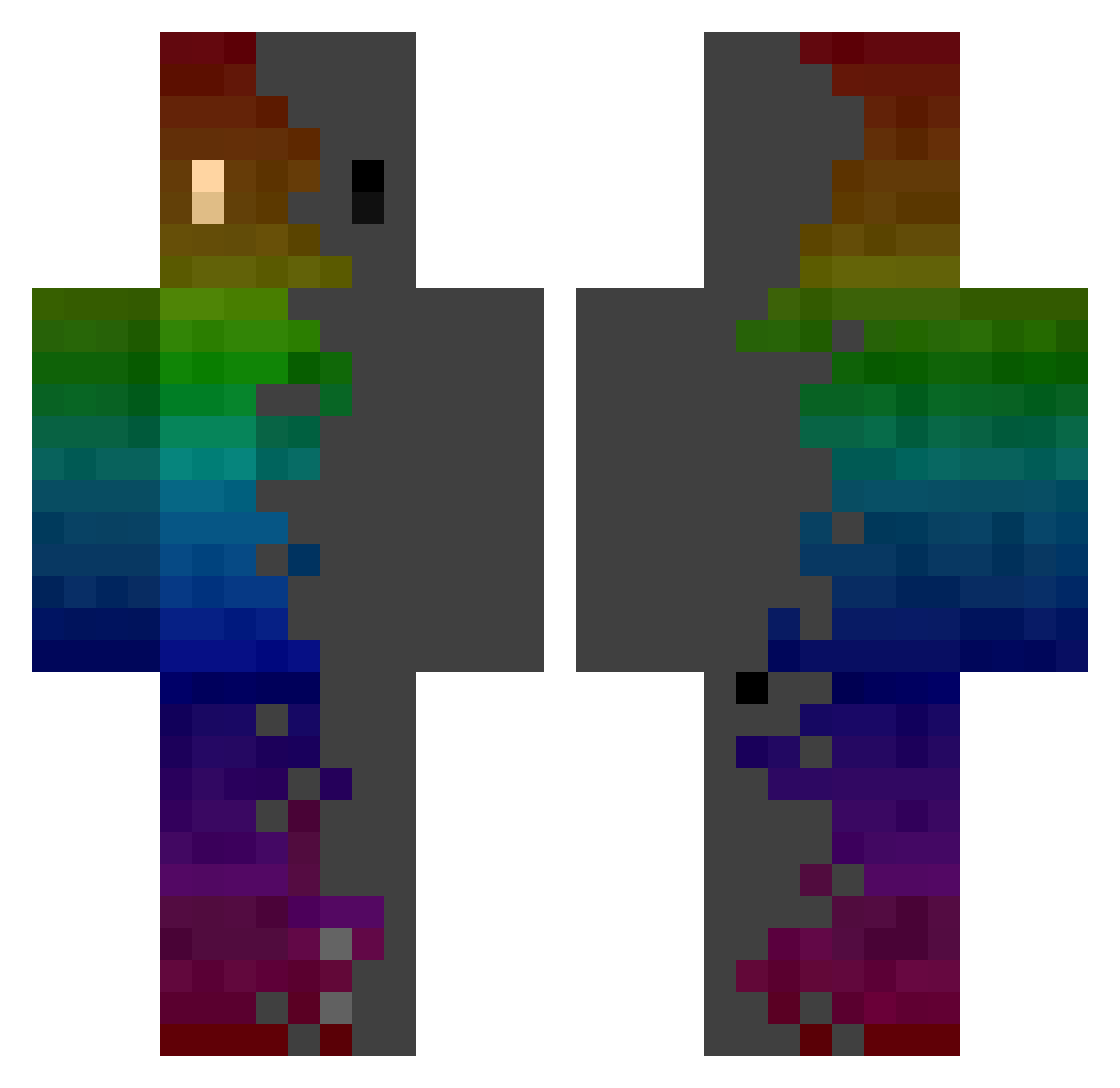
Current Minecraft skin of the player N_MH, loaded from the official Mojang API. Rotate the 3D model with your mouse or finger, then download the skin as a PNG file and use it in Minecraft: Bedrock Edition or Java Edition for free. When N_MH changes their skin, this page updates automatically and the old skin stays in the history below.
Other players with this skin (276)
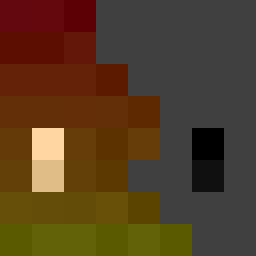
N_MH was the 193rd player we have seen with this skin, first spotted on 27.09.2026. The same skin was seen on these players. Open a nickname to see their current skin and skin history.
 MrKreetex Chumllow TTVKermit55 _SlDlN_ wei0521 KKvba NXV66 GS24 spookyblackout SovayBlue999 ALLA_KIM Davideon205p Apollox_Joy Peackzy Pablorty GEORGBOT2 Pure_Mercy CrispyDyl eagleR3qxydead Eliiiiiiiiiii_i biche1 r4nd0mshlt3 Blueskins30 Deddynox_ RobRobsenLP rose2s EPSILON19 Bybrioche point1729 SHARMAN Shablad HottierLePied Objhack GGtoTheGHG SameBluesky Baukiii Bubbles1290 Papav91 McSenderson blackhold_41 Labnite RIWOO_1126 InFuSe_TaZzEr ScarfoLoscoSugo creeperkiller132 Ginkel5 Danyzs Hit321 Stinkman01 udonman14139 Ema03 Swift_ay_on defenser33 CHACHAMOU NoDeT iPnoi Anton_FR06 HoodedAtol64 CoolRasta2 Mathis980
How to install the N_MH skin
- Press the Download button above to save the skin as a PNG file.
- Minecraft: Bedrock Edition (PE): open the Dressing Room from the main menu (or tap your character → Edit Character), go to Classic Skins → Owned, press the + (new skin) button, choose the downloaded PNG and pick the Classic (Steve) model. Works on PC and mobile; consoles cannot import custom skins.
- Minecraft: Java Edition: open the Minecraft Launcher, go to the Skins tab, click New Skin, load the PNG, pick the Classic (Steve) model and press Save & Use. You can also upload it at minecraft.net → Profile → Change Skin.
The skin does not show up after import - what should I do?
Restart Minecraft and open the Dressing Room again - imported skins sometimes appear only after a restart. Also make sure you selected the imported skin and picked the Classic (Steve) model.
Which model should I choose, Classic or Slim?
This skin is designed for the Classic (Steve) model. If you pick the wrong model, the arms of the skin will look stretched or squeezed.
Is the skin of N_MH free to download?
Yes. Press Download, save the PNG file and use it in Minecraft: Bedrock Edition or Java Edition - no payment or registration needed. The skin also works on multiplayer servers and Realms.
More skins
Looking for more? Go back to all Minecraft skins and check the top skins of the week, month and all time, or find any player's skin by nickname.