
NIRICK1 - Minecraft Skins & Skin History
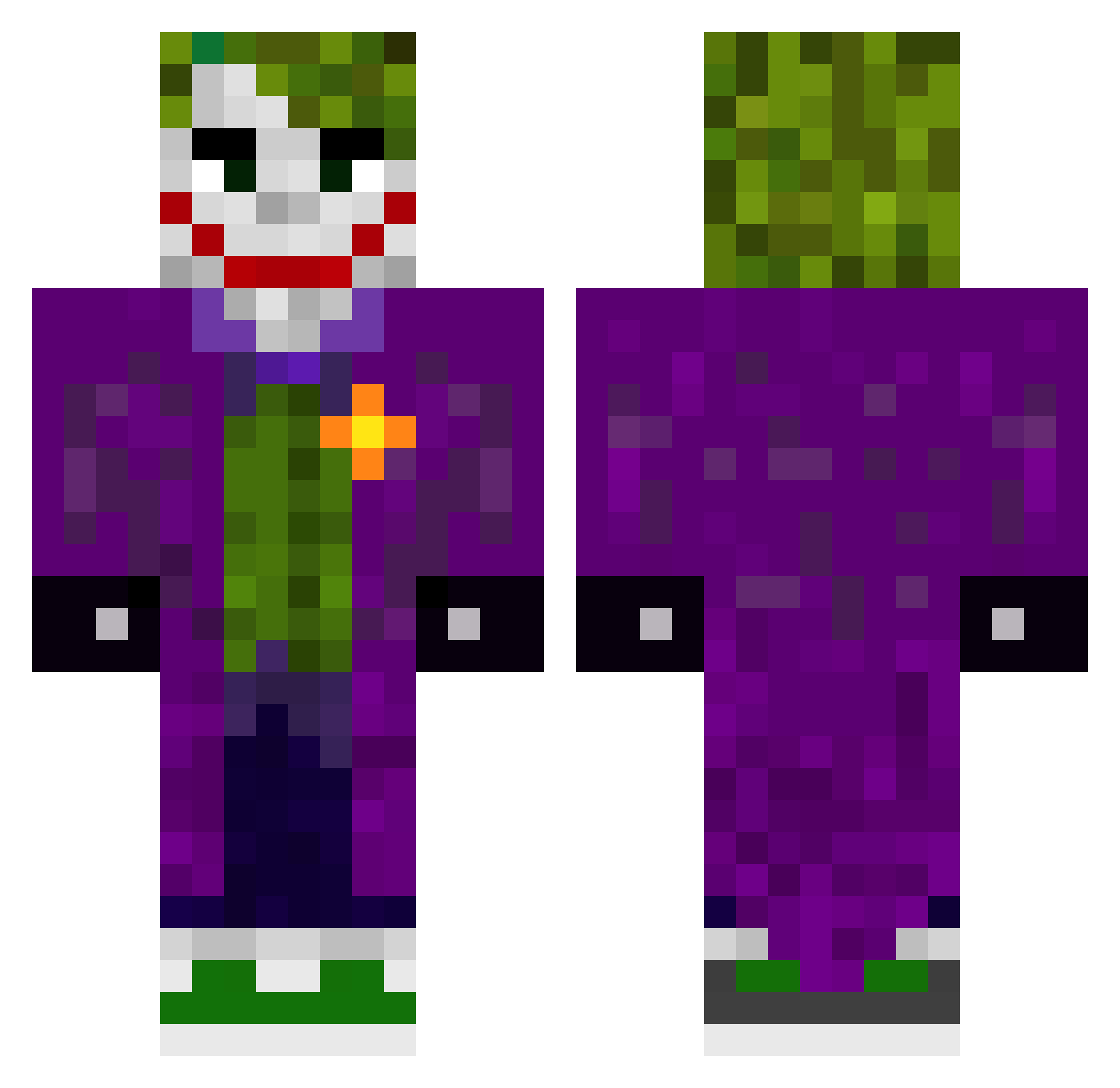
Current Minecraft skin of the player NIRICK1, loaded from the official Mojang API. Rotate the 3D model with your mouse or finger, then download the skin as a PNG file and use it in Minecraft: Bedrock Edition or Java Edition for free. When NIRICK1 changes their skin, this page updates automatically and the old skin stays in the history below.
Other players with this skin (509)
NIRICK1 was the 206th player we have seen with this skin, first spotted on 09.09.2026. The same skin was seen on these players. Open a nickname to see their current skin and skin history.
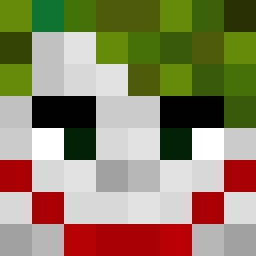 YURU7 BoldSnake123 CroLe_Mi Tunahan4141 steve_kb Joker_SLIME RonGonen IEhda Fengalon escobar2023 Age_Jay ajc30105 Nameyourprofile Ruan244 Sethyj316 Whysosserious Luisinhooooo MrNix15 Elchapas69 mt19z JankyPR69 SillyJow17 Tony_GG _xChris_Wolfx_ Daniasensio5 Janncho SnorreK bobixon2012 IchBinMull grandas_123 inaqahe BiggestBrd DanielYsn Chief002 fellipeop bomba228 ElchikitoF47 SuperMGP LovienKing Davi_Scarton knnas GUI027 krypto077 GerdaNiq JoKeR96492 BaconPotat0 permiso SachunXD Wrathmoon jestescwelem Diamorfein Remorax2006 Soult8ker tatan1331 Esepito XxJoker986xX xCr4nK Speedcola233 m7mdshawli FlipperIL
More The Joker Minecraft skins
How to install the NIRICK1 skin
- Press the Download button above to save the skin as a PNG file.
- Minecraft: Bedrock Edition (PE): open the Dressing Room from the main menu (or tap your character → Edit Character), go to Classic Skins → Owned, press the + (new skin) button, choose the downloaded PNG and pick the Classic (Steve) model. Works on PC and mobile; consoles cannot import custom skins.
- Minecraft: Java Edition: open the Minecraft Launcher, go to the Skins tab, click New Skin, load the PNG, pick the Classic (Steve) model and press Save & Use. You can also upload it at minecraft.net → Profile → Change Skin.
The skin does not show up after import - what should I do?
Restart Minecraft and open the Dressing Room again - imported skins sometimes appear only after a restart. Also make sure you selected the imported skin and picked the Classic (Steve) model.
Which model should I choose, Classic or Slim?
This skin is designed for the Classic (Steve) model. If you pick the wrong model, the arms of the skin will look stretched or squeezed.
Is the skin of NIRICK1 free to download?
Yes. Press Download, save the PNG file and use it in Minecraft: Bedrock Edition or Java Edition - no payment or registration needed. The skin also works on multiplayer servers and Realms.
More skins
Looking for more? Go back to all Minecraft skins and check the top skins of the week, month and all time, or find any player's skin by nickname.