
NIEWIDOMY467 - Minecraft Skins & Skin History
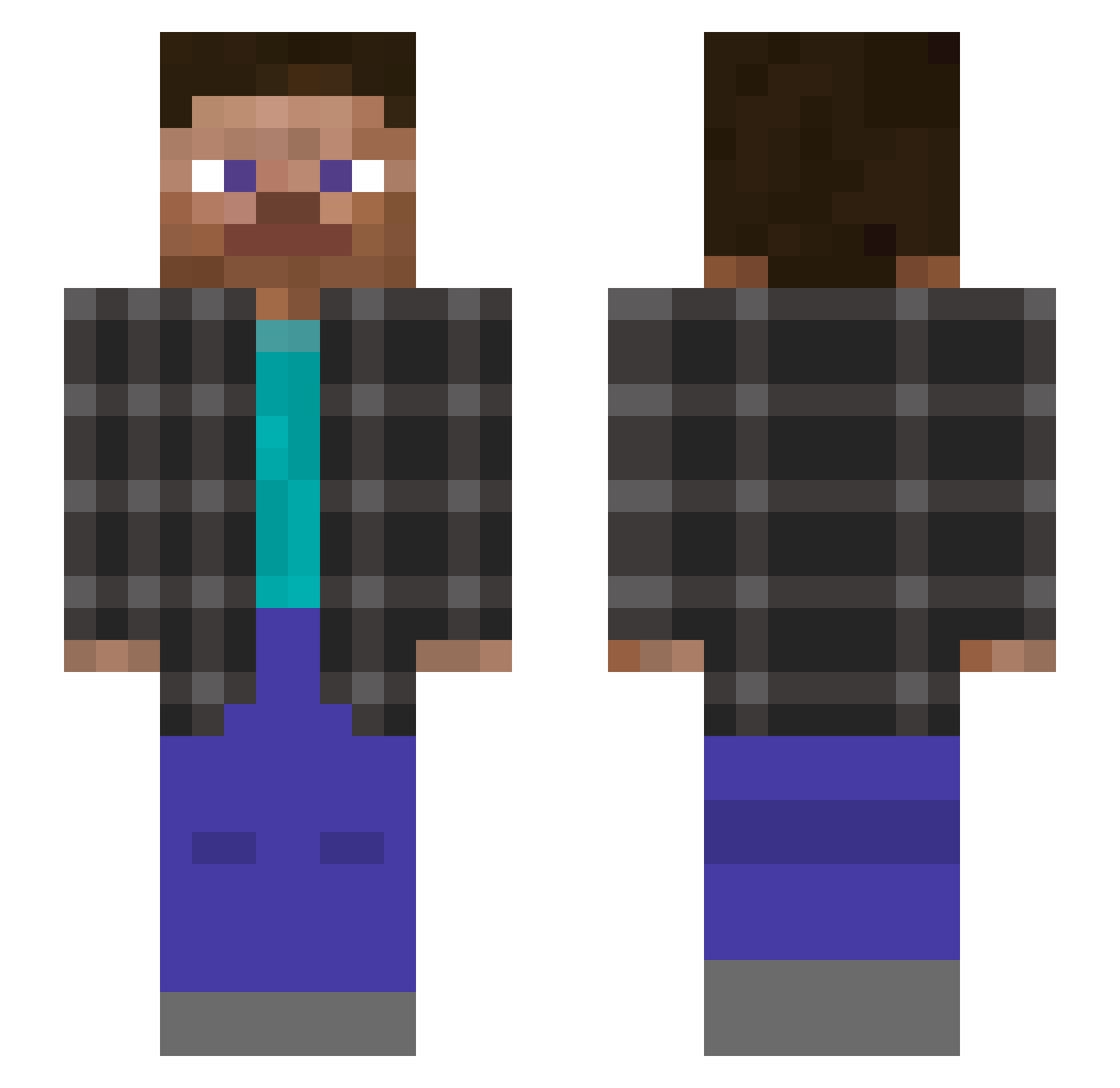
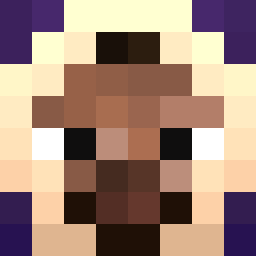
Current Minecraft skin of the player NIEWIDOMY467, loaded from the official Mojang API. Rotate the 3D model with your mouse or finger, then download the skin as a PNG file and use it in Minecraft: Bedrock Edition or Java Edition for free. When NIEWIDOMY467 changes their skin, this page updates automatically and the old skin stays in the history below.
Other players with this skin (148)
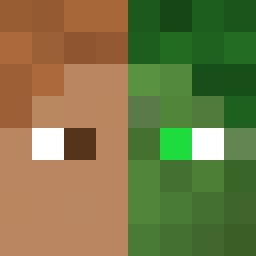
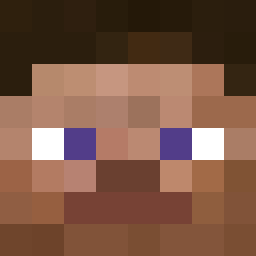
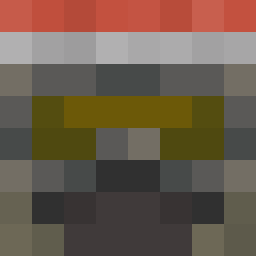
NIEWIDOMY467 was the 66th player we have seen with this skin, first spotted on 03.09.2026. The same skin was seen on these players. Open a nickname to see their current skin and skin history.
 beanin91
 Prime_Gui syunko5
 DoctorDodobird SanWuda zydohh
 qrxk nlghL FyrenTopia _Zenith44 RugerRyGer markhun_ CARD9BOARD Lizard432 Avanst
 FlagJ Its_Ducki rach2999 iris1428 goof_ball69 ChargeParityTime dameq01 Costiq withoutyourvoice mantaray1649 Spac1ous_ Xx_Gust_SuperPvP BricZ1217 dustek yunluo058 Juliuszz 4mp3 Mikifireblue k1ngfiish IPKSI Vindeta_PIVO OTHMAN_FPS Hoangf_275k
 texalol carlosbarroso
 Lennstr
 Drzuse1 vli123 Elva153
 ItsIndevGuy DeadP00l03 Pan_loczekk umistar1 AhmadFil
 DinoCraftYT NOTGGGBBB xixiaoyuer w4sser TheNoob13223 Dennsx BronxMaster006 CamyJSaun H1xi66 Moon_Pro_24 xuanming6
How to install the NIEWIDOMY467 skin
- Press the Download button above to save the skin as a PNG file.
- Minecraft: Bedrock Edition (PE): open the Dressing Room from the main menu (or tap your character → Edit Character), go to Classic Skins → Owned, press the + (new skin) button, choose the downloaded PNG and pick the Slim (Alex) model. Works on PC and mobile; consoles cannot import custom skins.
- Minecraft: Java Edition: open the Minecraft Launcher, go to the Skins tab, click New Skin, load the PNG, pick the Slim (Alex) model and press Save & Use. You can also upload it at minecraft.net → Profile → Change Skin.
The skin does not show up after import - what should I do?
Restart Minecraft and open the Dressing Room again - imported skins sometimes appear only after a restart. Also make sure you selected the imported skin and picked the Slim (Alex) model.
Which model should I choose, Classic or Slim?
This skin is designed for the Slim (Alex) model. If you pick the wrong model, the arms of the skin will look stretched or squeezed.
Is the skin of NIEWIDOMY467 free to download?
Yes. Press Download, save the PNG file and use it in Minecraft: Bedrock Edition or Java Edition - no payment or registration needed. The skin also works on multiplayer servers and Realms.
More skins
Looking for more? Go back to all Minecraft skins and check the top skins of the week, month and all time, or find any player's skin by nickname.