
Mysiu_pysiu18 - Minecraft Skins & Skin History
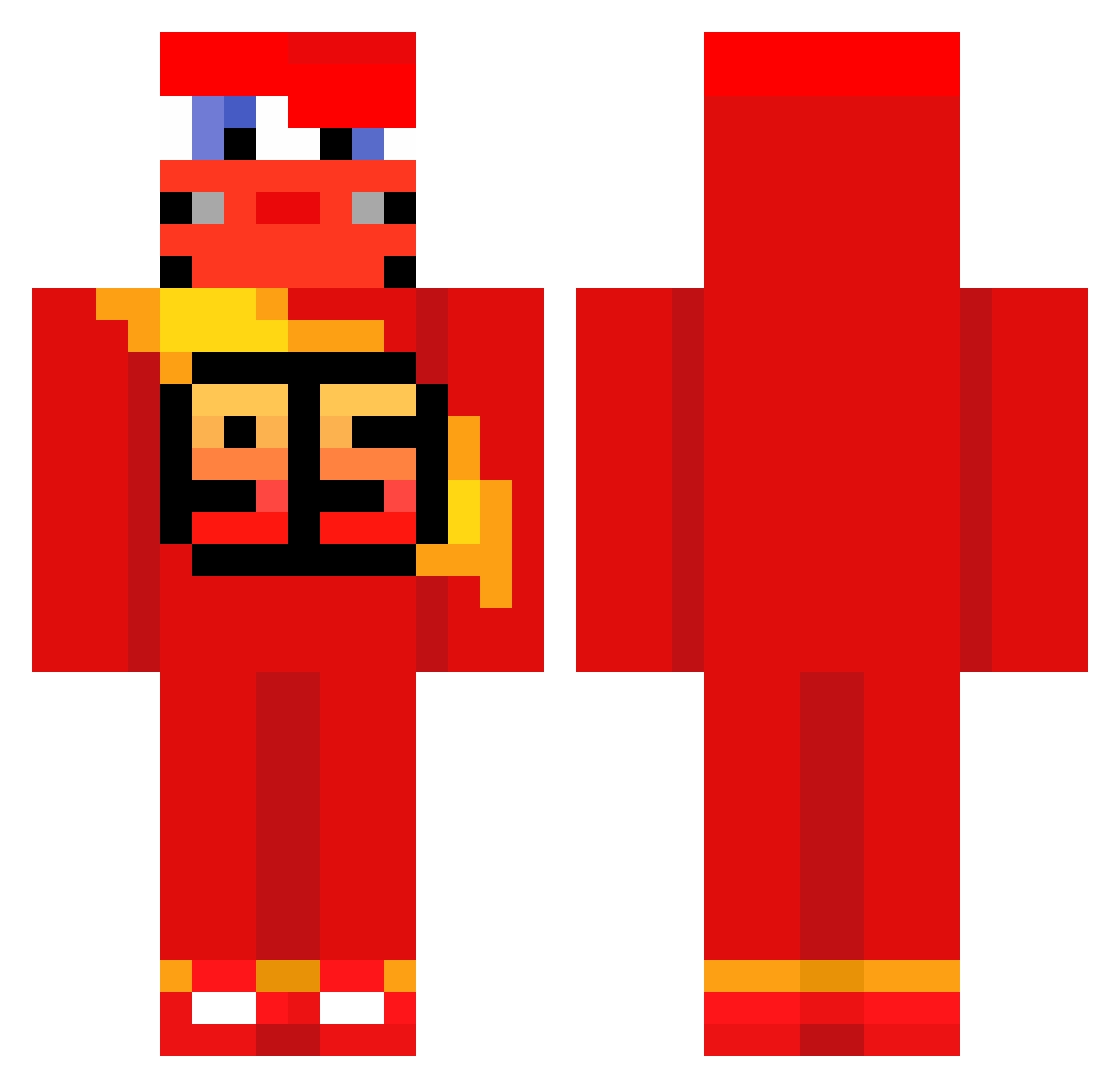
Current Minecraft skin of the player Mysiu_pysiu18, loaded from the official Mojang API. Rotate the 3D model with your mouse or finger, then download the skin as a PNG file and use it in Minecraft: Bedrock Edition or Java Edition for free. When Mysiu_pysiu18 changes their skin, this page updates automatically and the old skin stays in the history below.
Other players with this skin (588)
Mysiu_pysiu18 was the 152nd player we have seen with this skin, first spotted on 19.08.2026. The same skin was seen on these players. Open a nickname to see their current skin and skin history.
 Minotaure6952 Sora8802 6ag1i chalito777 Hkxa miichaelsoft Felipao2003 Gitara_ JanKrah15 laderzero MattiaColla Rizzzler_car zuhshii CYPRIAN0808 LZCRIA Gnomeo10 Zygzak_McQueen2 infojobs_lover AFRIQU1
 Wreiz zptxz Sryler_ just_anything_ itz1phe AJO07 emma_lf swimmywithkimmy JerkyKarma Joni19jk FlaviJamonero centauremanon CHEATS__ meguuu1 flacu795 xBanDana staesiu Vaxniz Beck_07 ROCKET____254 HiAsap Diego1512 DaniBolt2 franchalopez Simsek095 ArchiGUSG i_like_limes05 jbjk Dirtycup1 Matmaxas haD059 dealmeals Luk_22_ph criciumalovers bigno09 Mkuin ROBY8138 valentinox2 D4rk_K1ler__ 23TiTi23 diloress
More Lightning Mcqueen Minecraft skins
See all 110 Lightning Mcqueen skins
How to install the Mysiu_pysiu18 skin
- Press the Download button above to save the skin as a PNG file.
- Minecraft: Bedrock Edition (PE): open the Dressing Room from the main menu (or tap your character → Edit Character), go to Classic Skins → Owned, press the + (new skin) button, choose the downloaded PNG and pick the Classic (Steve) model. Works on PC and mobile; consoles cannot import custom skins.
- Minecraft: Java Edition: open the Minecraft Launcher, go to the Skins tab, click New Skin, load the PNG, pick the Classic (Steve) model and press Save & Use. You can also upload it at minecraft.net → Profile → Change Skin.
The skin does not show up after import - what should I do?
Restart Minecraft and open the Dressing Room again - imported skins sometimes appear only after a restart. Also make sure you selected the imported skin and picked the Classic (Steve) model.
Which model should I choose, Classic or Slim?
This skin is designed for the Classic (Steve) model. If you pick the wrong model, the arms of the skin will look stretched or squeezed.
Is the skin of Mysiu_pysiu18 free to download?
Yes. Press Download, save the PNG file and use it in Minecraft: Bedrock Edition or Java Edition - no payment or registration needed. The skin also works on multiplayer servers and Realms.
More skins
Looking for more? Go back to all Minecraft skins and check the top skins of the week, month and all time, or find any player's skin by nickname.