
Myastu - Minecraft Skins & Skin History
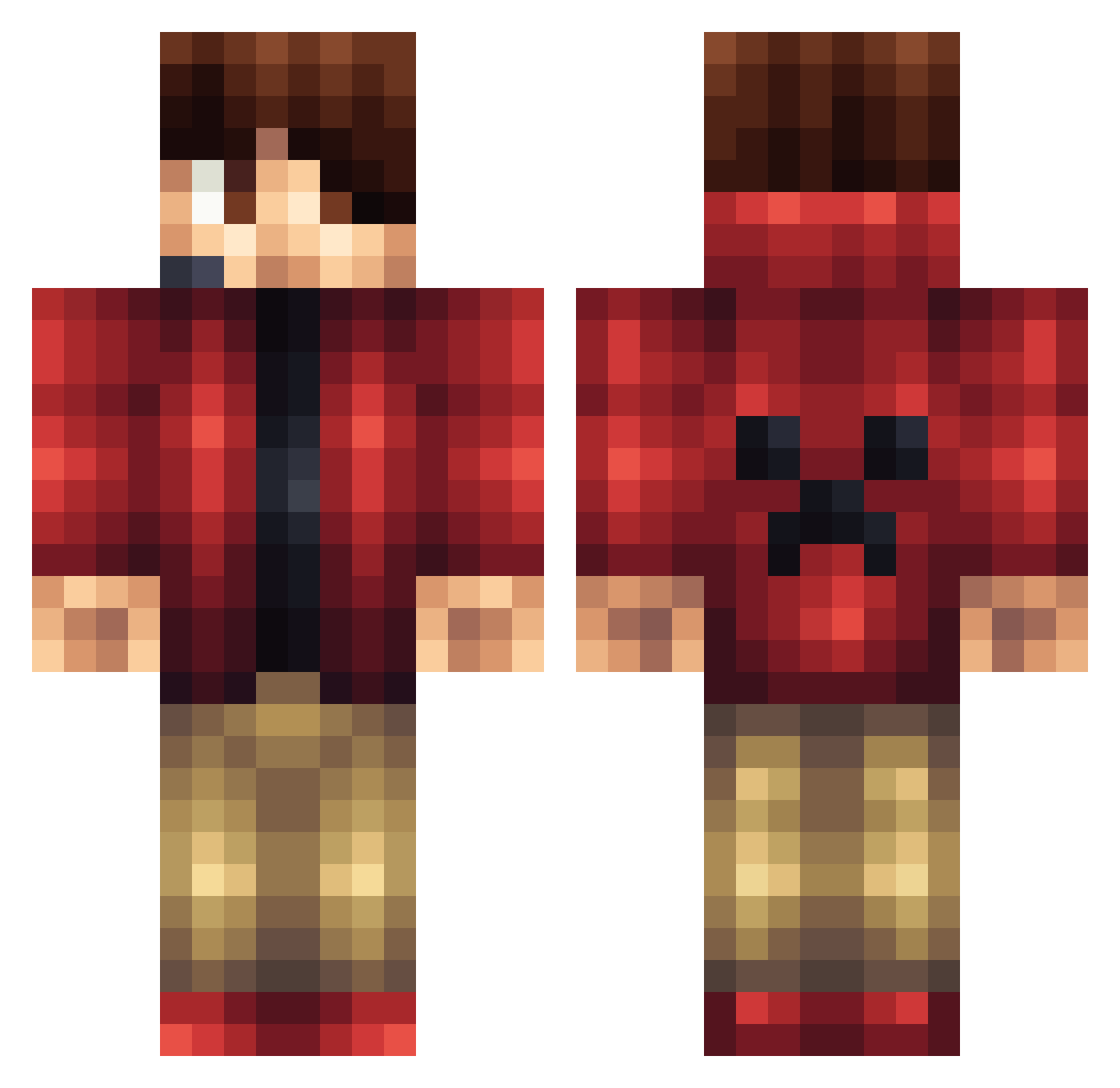
Current Minecraft skin of the player Myastu, loaded from the official Mojang API. Rotate the 3D model with your mouse or finger, then download the skin as a PNG file and use it in Minecraft: Bedrock Edition or Java Edition for free. When Myastu changes their skin, this page updates automatically and the old skin stays in the history below.
Other players with this skin (1161)
Myastu was the 1106th player we have seen with this skin, first spotted on 28.10.2026. The same skin was seen on these players. Open a nickname to see their current skin and skin history.
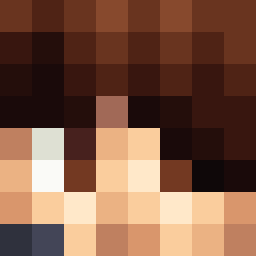 WhiteDevilJr TrueSnail Mark170820 pooldude12 mrbutsagington fipout01 chuylol1122 Ironman986 grover511 Redhusker10 Jamesebrown22 evil26 CunningApollo awesomeDS Shrubby_ omgKaoss AidTibb Ander87 coolcake01 kcinnaylp Genshi qaz75 playbrin WorsnerGlint _Fresh_Prince yellby iveselaj mickeyvaladez xRipperHD tateoid RedHatesBlue Cyqual sirseifried14 Domino_Santiago mrvlz SOPHIESUM thewarningguy 2009123 JFFRY87 Willi_zockt Car3l K_Clarke gameplayersPVP TrentonJohnson stonehot5 Skuxas jackgroom11 abner12345678 eZ_TheGreAT100 Thinpizza10 McDooBs_ nuix_0 Vadenz NickZilla1499 DrewHarris14 RockyRhodes675 TrackStar4112 The_Henru PJ_GAMER23 LukasDenBedste05
More Headset Minecraft skins
How to install the Myastu skin
- Press the Download button above to save the skin as a PNG file.
- Minecraft: Bedrock Edition (PE): open the Dressing Room from the main menu (or tap your character → Edit Character), go to Classic Skins → Owned, press the + (new skin) button, choose the downloaded PNG and pick the Classic (Steve) model. Works on PC and mobile; consoles cannot import custom skins.
- Minecraft: Java Edition: open the Minecraft Launcher, go to the Skins tab, click New Skin, load the PNG, pick the Classic (Steve) model and press Save & Use. You can also upload it at minecraft.net → Profile → Change Skin.
The skin does not show up after import - what should I do?
Restart Minecraft and open the Dressing Room again - imported skins sometimes appear only after a restart. Also make sure you selected the imported skin and picked the Classic (Steve) model.
Which model should I choose, Classic or Slim?
This skin is designed for the Classic (Steve) model. If you pick the wrong model, the arms of the skin will look stretched or squeezed.
Is the skin of Myastu free to download?
Yes. Press Download, save the PNG file and use it in Minecraft: Bedrock Edition or Java Edition - no payment or registration needed. The skin also works on multiplayer servers and Realms.
More skins
Looking for more? Go back to all Minecraft skins and check the top skins of the week, month and all time, or find any player's skin by nickname.