
MrTorgue32 - Minecraft Skins & Skin History
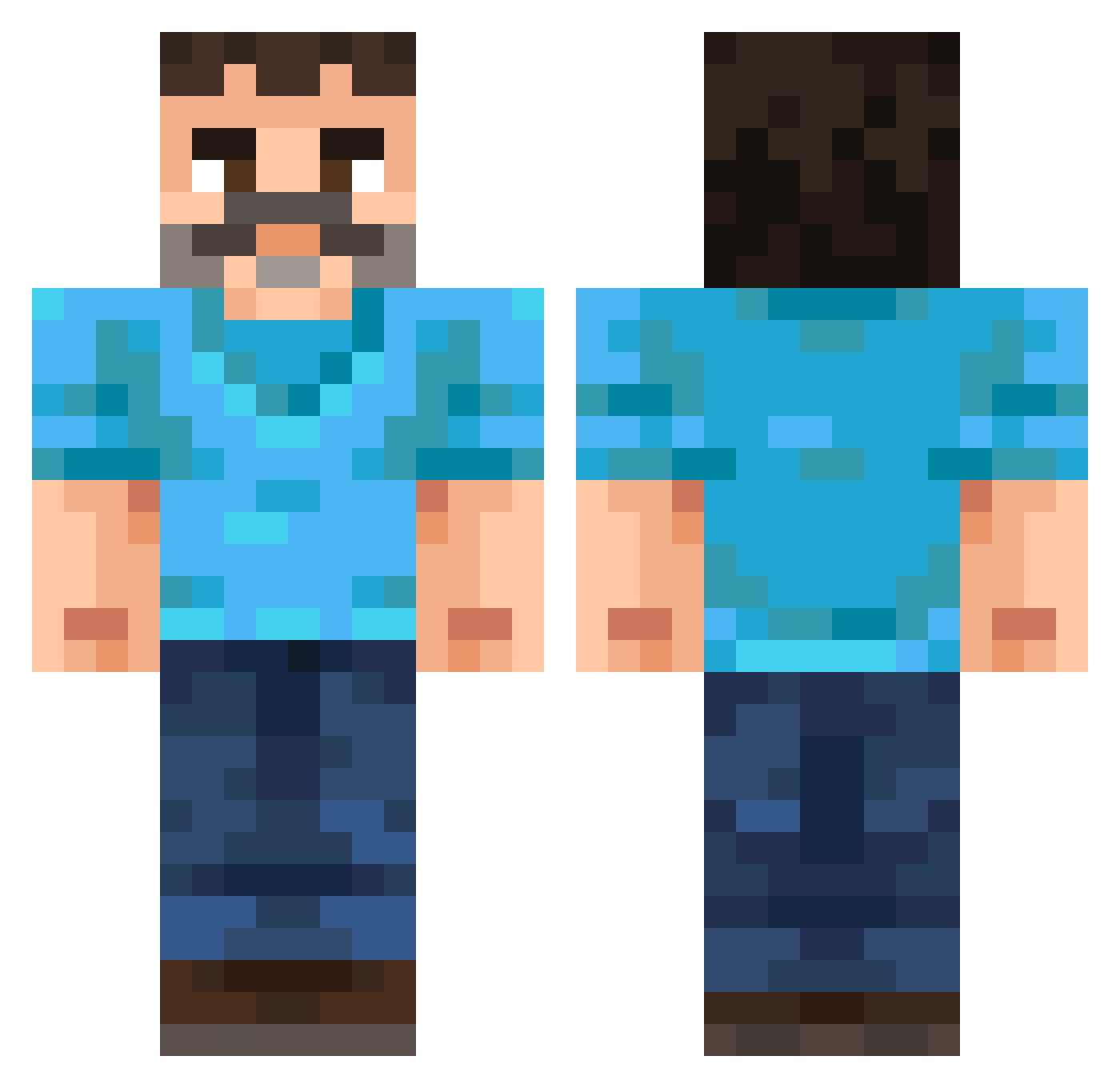
Current Minecraft skin of the player MrTorgue32, loaded from the official Mojang API. Rotate the 3D model with your mouse or finger, then download the skin as a PNG file and use it in Minecraft: Bedrock Edition or Java Edition for free. When MrTorgue32 changes their skin, this page updates automatically and the old skin stays in the history below.
Other players with this skin (255)
MrTorgue32 was the 235th player we have seen with this skin, first spotted on 22.10.2026. The same skin was seen on these players. Open a nickname to see their current skin and skin history.
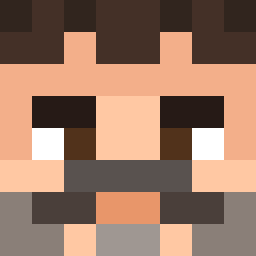 Dibentins69 SoKk223 77dread Leeaaf a33_msmc_ywb andreaodioigay simonerebecca Er1kDev giunta49ride EmperorofHell01 Calixthebuilder Shairen02 Beakon2972 NightKnight06 Ivanduvi Kevindot pitsso AfonsoAlex TheZentricRide Mayson_Jeong DirtyLobotomite l_limon_l onhas Albinoollama CausitiveCarp09 Jens_Winter Alex_Was_Keane fswift bexu_999 thomasedsf kubatopablo ObsidianStigma Kapi218 rudc stefanovich11 SpeedinII Smogwart SportsDog11 1j1_nicegen_asq Casherimo Podsobka vashstampede314 MRBLUEDUK Temptamondo Rift115 DerunWasTaken Jaquise1380 candy38479 Shisui5110 ElColoPro edpus Fezex_550 MuckleSheep sttress ivanov160102 WongSMP Claush147 EvanTheGreat515 THEMRVORTEX0505 SombreFusion
More Mustache Minecraft skins
How to install the MrTorgue32 skin
- Press the Download button above to save the skin as a PNG file.
- Minecraft: Bedrock Edition (PE): open the Dressing Room from the main menu (or tap your character → Edit Character), go to Classic Skins → Owned, press the + (new skin) button, choose the downloaded PNG and pick the Classic (Steve) model. Works on PC and mobile; consoles cannot import custom skins.
- Minecraft: Java Edition: open the Minecraft Launcher, go to the Skins tab, click New Skin, load the PNG, pick the Classic (Steve) model and press Save & Use. You can also upload it at minecraft.net → Profile → Change Skin.
The skin does not show up after import - what should I do?
Restart Minecraft and open the Dressing Room again - imported skins sometimes appear only after a restart. Also make sure you selected the imported skin and picked the Classic (Steve) model.
Which model should I choose, Classic or Slim?
This skin is designed for the Classic (Steve) model. If you pick the wrong model, the arms of the skin will look stretched or squeezed.
Is the skin of MrTorgue32 free to download?
Yes. Press Download, save the PNG file and use it in Minecraft: Bedrock Edition or Java Edition - no payment or registration needed. The skin also works on multiplayer servers and Realms.
More skins
Looking for more? Go back to all Minecraft skins and check the top skins of the week, month and all time, or find any player's skin by nickname.