
MrMonkieY - Minecraft Skins & Skin History
Current Minecraft skin of the player MrMonkieY, loaded from the official Mojang API. Rotate the 3D model with your mouse or finger, then download the skin as a PNG file and use it in Minecraft: Bedrock Edition or Java Edition for free. When MrMonkieY changes their skin, this page updates automatically and the old skin stays in the history below.
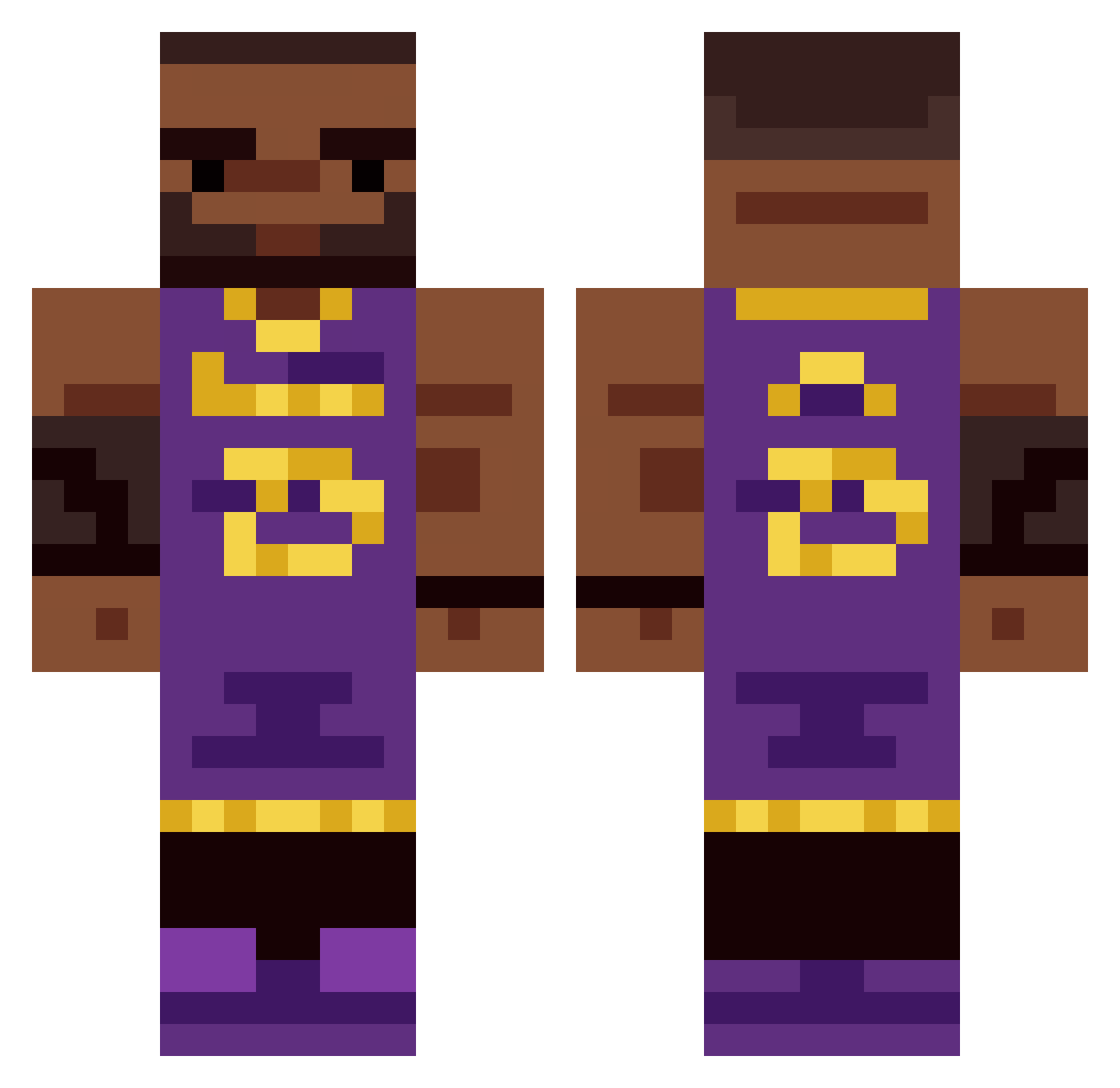
Other players with this skin (335)
MrMonkieY was the 37th player we have seen with this skin, first spotted on 03.08.2026. The same skin was seen on these players. Open a nickname to see their current skin and skin history.
 ECBlackout fleureee garpurmouth EytsMamaMelo MuffinJuiced xTeased Fungus_Mung Ces5e DatBoiTuchi Tyrone5453 Opasith sorryimkaden iizukaws
 chubbles7777 isCarson KulTisselur EthanSharp LebronReal23 lucasmonts GoldenRedStar polskimlot9283 taco7985 rgfew
 czajaa_ YoRidz djoshx Kuya23 Drago10_ ILOVEJUNE Benko4 HYHOHE Ignas236 and_flame Lux_Libertas
 ItsMitaka YungCorkscrew LeBroni BenderJOJOPA Shmuker
 hueeey EyeFlavoredGlue mabreeko Gigas11 GANGMEMBERRXS LLEBRON_JAMES Consuelos11 ScuffedJs69 dookiemuncher72 piimameister
 jesuisisraelien Metehanoss i_luvballz tehnk241 diddydoitt
 Kallen3 joauo
 BadLance_Chugs
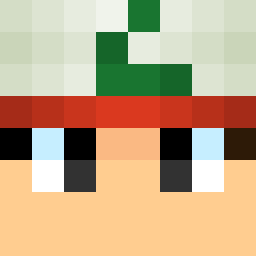 Alchmist CI_SM
 Tavares2010
More Lakers Minecraft skins
How to install the MrMonkieY skin
- Press the Download button above to save the skin as a PNG file.
- Minecraft: Bedrock Edition (PE): open the Dressing Room from the main menu (or tap your character → Edit Character), go to Classic Skins → Owned, press the + (new skin) button, choose the downloaded PNG and pick the Classic (Steve) model. Works on PC and mobile; consoles cannot import custom skins.
- Minecraft: Java Edition: open the Minecraft Launcher, go to the Skins tab, click New Skin, load the PNG, pick the Classic (Steve) model and press Save & Use. You can also upload it at minecraft.net → Profile → Change Skin.
The skin does not show up after import - what should I do?
Restart Minecraft and open the Dressing Room again - imported skins sometimes appear only after a restart. Also make sure you selected the imported skin and picked the Classic (Steve) model.
Which model should I choose, Classic or Slim?
This skin is designed for the Classic (Steve) model. If you pick the wrong model, the arms of the skin will look stretched or squeezed.
Is the skin of MrMonkieY free to download?
Yes. Press Download, save the PNG file and use it in Minecraft: Bedrock Edition or Java Edition - no payment or registration needed. The skin also works on multiplayer servers and Realms.
More skins
Looking for more? Go back to all Minecraft skins and check the top skins of the week, month and all time, or find any player's skin by nickname.