
MrMatsio - Minecraft Skins & Skin History
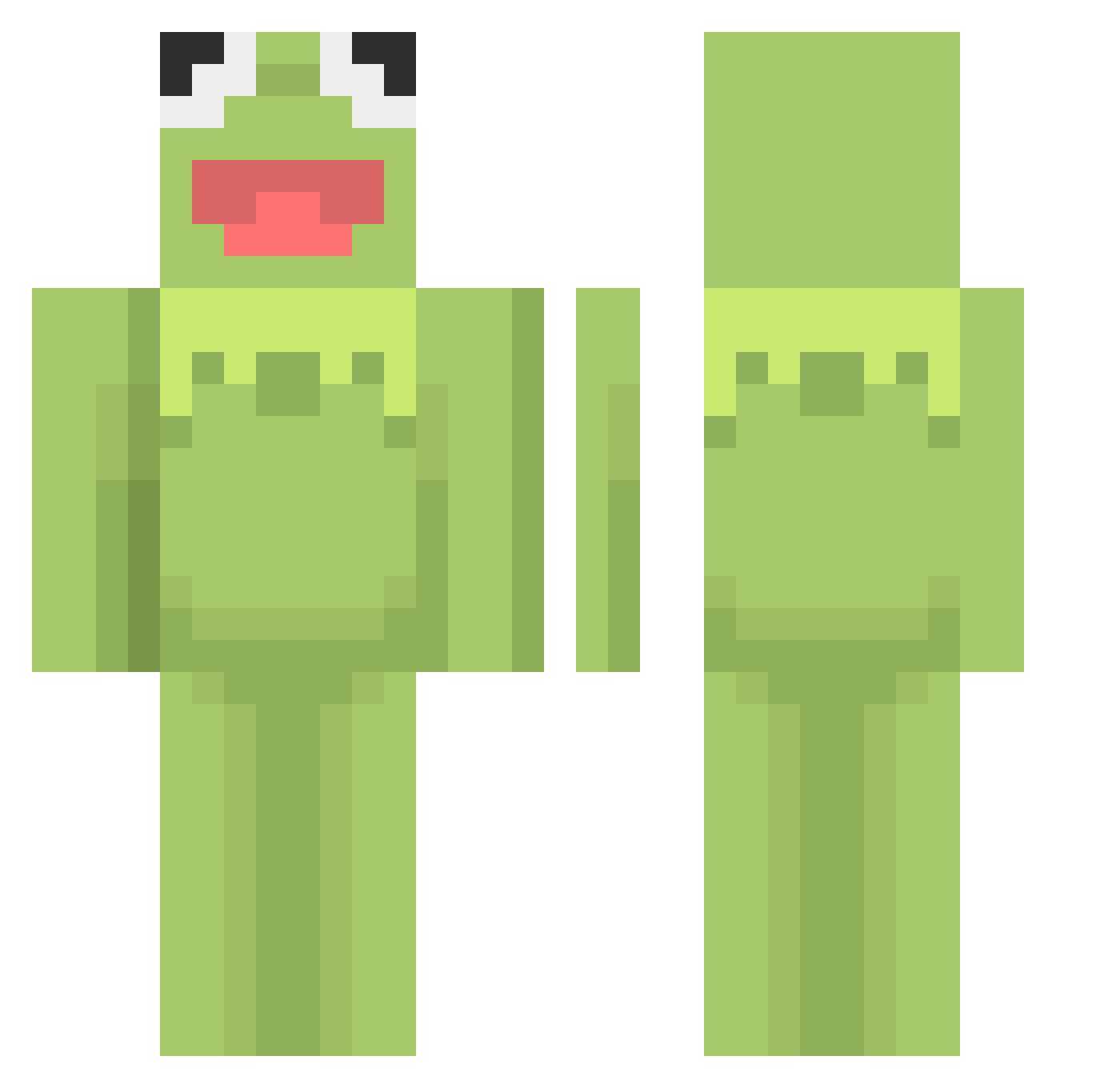
Current Minecraft skin of the player MrMatsio, loaded from the official Mojang API. Rotate the 3D model with your mouse or finger, then download the skin as a PNG file and use it in Minecraft: Bedrock Edition or Java Edition for free. When MrMatsio changes their skin, this page updates automatically and the old skin stays in the history below.
Other players with this skin (601)
MrMatsio was the 595th player we have seen with this skin, first spotted on 17.11.2026. The same skin was seen on these players. Open a nickname to see their current skin and skin history.
 Auddsters Cytovia bautek Salettipaletti Gee_D0G puhoi123 ximerondon medrihar_ Void_Bicycle _nanachi_02 NOTAK3 kalopsiiaa Niwoomoo Jaksey magicnutilus ale3sa Alex_JDFG2 xdRibbit Ryzarin Angelbb13 Jinsim philosof Alperg0 KaChow505 MikeisHigh_ Borisek01 Suh15 High_lander wonline craftedjule Monkeym188 lukasz582 lanieee goregaz atom_nova Rybeezoid J_THIS lilproge Manni53single _dixiee Billynily SkiRicee bipbott Final_Blackout Khemin wldms153 Plummms byeongjjo leahndavis3 frottelpotz69 kombuchaqueen01 Beano4Life The_Elk17 ElNiquos Liipia MoonlightBHS ZoesterToaster08 aTink1 xXwhyX smoothfrog
More Kermit The Frog Minecraft skins
See all 472 Kermit The Frog skins
How to install the MrMatsio skin
- Press the Download button above to save the skin as a PNG file.
- Minecraft: Bedrock Edition (PE): open the Dressing Room from the main menu (or tap your character → Edit Character), go to Classic Skins → Owned, press the + (new skin) button, choose the downloaded PNG and pick the Classic (Steve) model. Works on PC and mobile; consoles cannot import custom skins.
- Minecraft: Java Edition: open the Minecraft Launcher, go to the Skins tab, click New Skin, load the PNG, pick the Classic (Steve) model and press Save & Use. You can also upload it at minecraft.net → Profile → Change Skin.
The skin does not show up after import - what should I do?
Restart Minecraft and open the Dressing Room again - imported skins sometimes appear only after a restart. Also make sure you selected the imported skin and picked the Classic (Steve) model.
Which model should I choose, Classic or Slim?
This skin is designed for the Classic (Steve) model. If you pick the wrong model, the arms of the skin will look stretched or squeezed.
Is the skin of MrMatsio free to download?
Yes. Press Download, save the PNG file and use it in Minecraft: Bedrock Edition or Java Edition - no payment or registration needed. The skin also works on multiplayer servers and Realms.
More skins
Looking for more? Go back to all Minecraft skins and check the top skins of the week, month and all time, or find any player's skin by nickname.