
Moosey611 - Minecraft Skins & Skin History
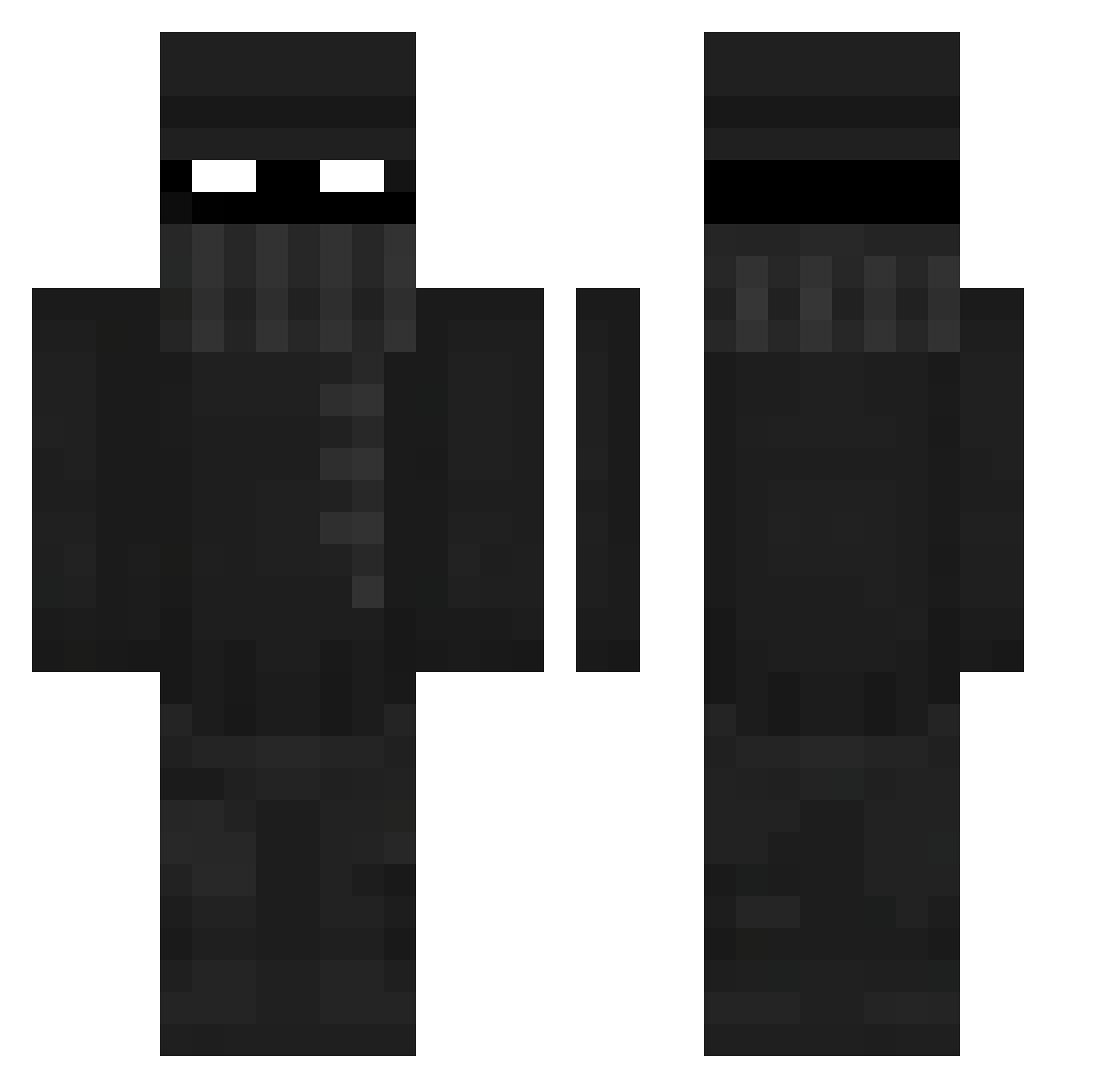
Current Minecraft skin of the player Moosey611, loaded from the official Mojang API. Rotate the 3D model with your mouse or finger, then download the skin as a PNG file and use it in Minecraft: Bedrock Edition or Java Edition for free. When Moosey611 changes their skin, this page updates automatically and the old skin stays in the history below.
Other players with this skin (411)
Moosey611 was the 197th player we have seen with this skin, first spotted on 21.09.2026. The same skin was seen on these players. Open a nickname to see their current skin and skin history.
 Jshun0824 NM2FLYYY LMH265 Jup1terr DrButtsteak 0nkelKethe Kkode fr0styiii KnownChemical Snyderss JMS_AU Nyben99 jczmee P1JJ dragonstone51 Qweefee MauroAV123 grimlocke8930 Yulil1 Darkstranger1 DT_18 pumpaz S1gh_ Foxtail2007 B1GSTAN Juanpanox Agrim_2008 edireynoso wlgns0331 N0V4H Guard_Radko ChiefKaijin Qrgan WellDone29 MRE99 Jester80 renax01 IMihaICooL BootyBombsWork Lxca19 Tman1920 Future182 RaiyuZei lNixzl VA_si_LI_je Reecey_Chan mvamid mranonim10 freddy6325 bongwatertoaster BarryAh FireLicksYou kwinkwan The_McToasty CJM04 ItsQu1qu3r Haraz1 D3adpan Lucas_ing10 adrainx
More Robber Minecraft skins
How to install the Moosey611 skin
- Press the Download button above to save the skin as a PNG file.
- Minecraft: Bedrock Edition (PE): open the Dressing Room from the main menu (or tap your character → Edit Character), go to Classic Skins → Owned, press the + (new skin) button, choose the downloaded PNG and pick the Classic (Steve) model. Works on PC and mobile; consoles cannot import custom skins.
- Minecraft: Java Edition: open the Minecraft Launcher, go to the Skins tab, click New Skin, load the PNG, pick the Classic (Steve) model and press Save & Use. You can also upload it at minecraft.net → Profile → Change Skin.
The skin does not show up after import - what should I do?
Restart Minecraft and open the Dressing Room again - imported skins sometimes appear only after a restart. Also make sure you selected the imported skin and picked the Classic (Steve) model.
Which model should I choose, Classic or Slim?
This skin is designed for the Classic (Steve) model. If you pick the wrong model, the arms of the skin will look stretched or squeezed.
Is the skin of Moosey611 free to download?
Yes. Press Download, save the PNG file and use it in Minecraft: Bedrock Edition or Java Edition - no payment or registration needed. The skin also works on multiplayer servers and Realms.
More skins
Looking for more? Go back to all Minecraft skins and check the top skins of the week, month and all time, or find any player's skin by nickname.