
Molboran - Minecraft Skins & Skin History
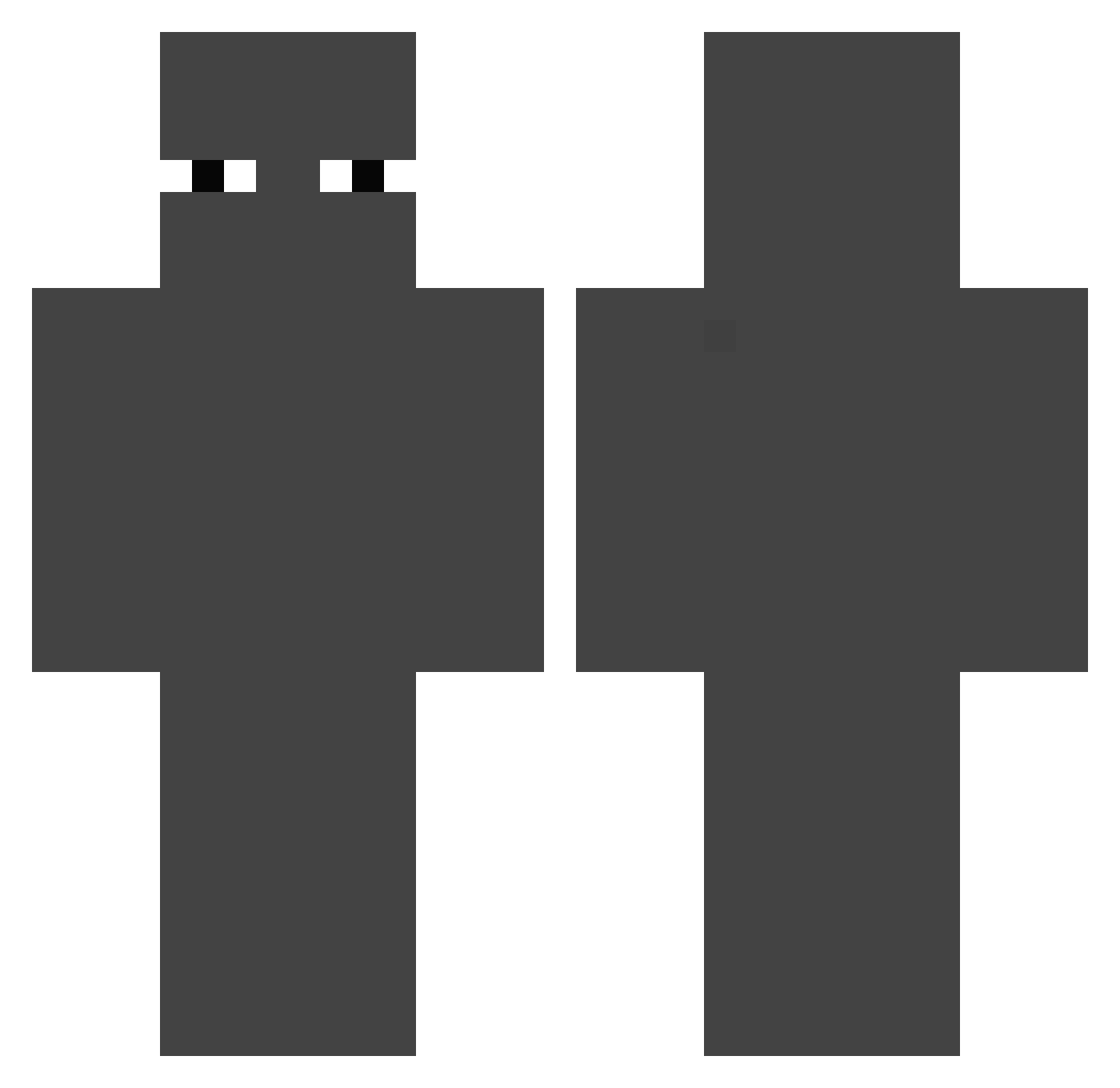
Current Minecraft skin of the player Molboran, loaded from the official Mojang API. Rotate the 3D model with your mouse or finger, then download the skin as a PNG file and use it in Minecraft: Bedrock Edition or Java Edition for free. When Molboran changes their skin, this page updates automatically and the old skin stays in the history below.
Other players with this skin (204)
Molboran was the 55th player we have seen with this skin, first spotted on 25.08.2026. The same skin was seen on these players. Open a nickname to see their current skin and skin history.
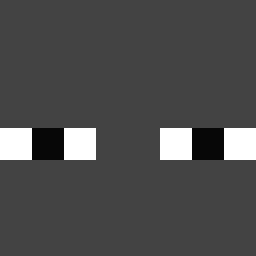 GGhostik
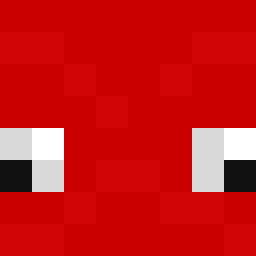 TCoex
TCoex Kapi200712 ritualsatanicko CultoDomingo DC_Pixel Fqnzy Surp61 smigles_ uewb jajajappe Deixia HHlINN parengon a_pastor_a 2MannyBuckets peytonio293 TheCurn gyoseung123 Dahaka917 sybaugurt114
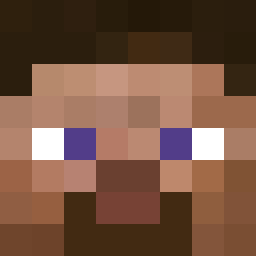 Hocks babyyosep01 GorgonesStriker barry_bensonbean Kaiommi Jettman420 sharknn minchanman AAA_ Magic____Conch AmatricianaMan
 Anthony2b620 Adermicina3en1 PattyD_01 GodPatata raitti111 RAPIDRUNN backnamju Jelexcy
 BLDmoon1
 vonnotondatfn300 Renz270311 hitrys
 Cheflappentoui ROADMANHARVYY
 John_Kraft ZoomerzLULW CrazyRazyGamer Storm3018 spicyman1229 ScXdz LtCrustyMustard divrse_ Kris_bg2 nowayendless
 Bij__ Yourbaldad Taiwangamer Ink21
How to install the Molboran skin
- Press the Download button above to save the skin as a PNG file.
- Minecraft: Bedrock Edition (PE): open the Dressing Room from the main menu (or tap your character → Edit Character), go to Classic Skins → Owned, press the + (new skin) button, choose the downloaded PNG and pick the Classic (Steve) model. Works on PC and mobile; consoles cannot import custom skins.
- Minecraft: Java Edition: open the Minecraft Launcher, go to the Skins tab, click New Skin, load the PNG, pick the Classic (Steve) model and press Save & Use. You can also upload it at minecraft.net → Profile → Change Skin.
The skin does not show up after import - what should I do?
Restart Minecraft and open the Dressing Room again - imported skins sometimes appear only after a restart. Also make sure you selected the imported skin and picked the Classic (Steve) model.
Which model should I choose, Classic or Slim?
This skin is designed for the Classic (Steve) model. If you pick the wrong model, the arms of the skin will look stretched or squeezed.
Is the skin of Molboran free to download?
Yes. Press Download, save the PNG file and use it in Minecraft: Bedrock Edition or Java Edition - no payment or registration needed. The skin also works on multiplayer servers and Realms.
More skins
Looking for more? Go back to all Minecraft skins and check the top skins of the week, month and all time, or find any player's skin by nickname.