
 ghdwlgns DobraES123 1jean nak0taz Cookie_1208 rogerhase so22y FreeNiko N1nguem CovertBard N00bSlayer420 Thelicia SamuInnit ASMODEUSCHRIST NitroLemonade glubis m1ke_67 salangid lestonn Smaall55 J0neOutOfSpace BrokenDoll DirectDogg0 bbok1004 RicePony dilonatron Patejicek 13Watt goxed DarkRepulzer Kinimod201 HHlINN GodPatata Crepeer4030 Leo4435 jan23k LinusNik2011 Elfyos10 CrocHunterJnr EIROBAL IcyWorlds MCKNZ turbonick14 cal1m4r aoi0015 Paluz0 RAPIDRUNN Ishigam1s3nku dookiebrains neveril Oldrey_Arturo Pifiah xta1ron Dahaka917 TheCurn gyoseung123 gloveqyt Fqnzy sybaugurt114 a_pastor_a
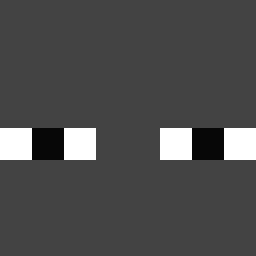
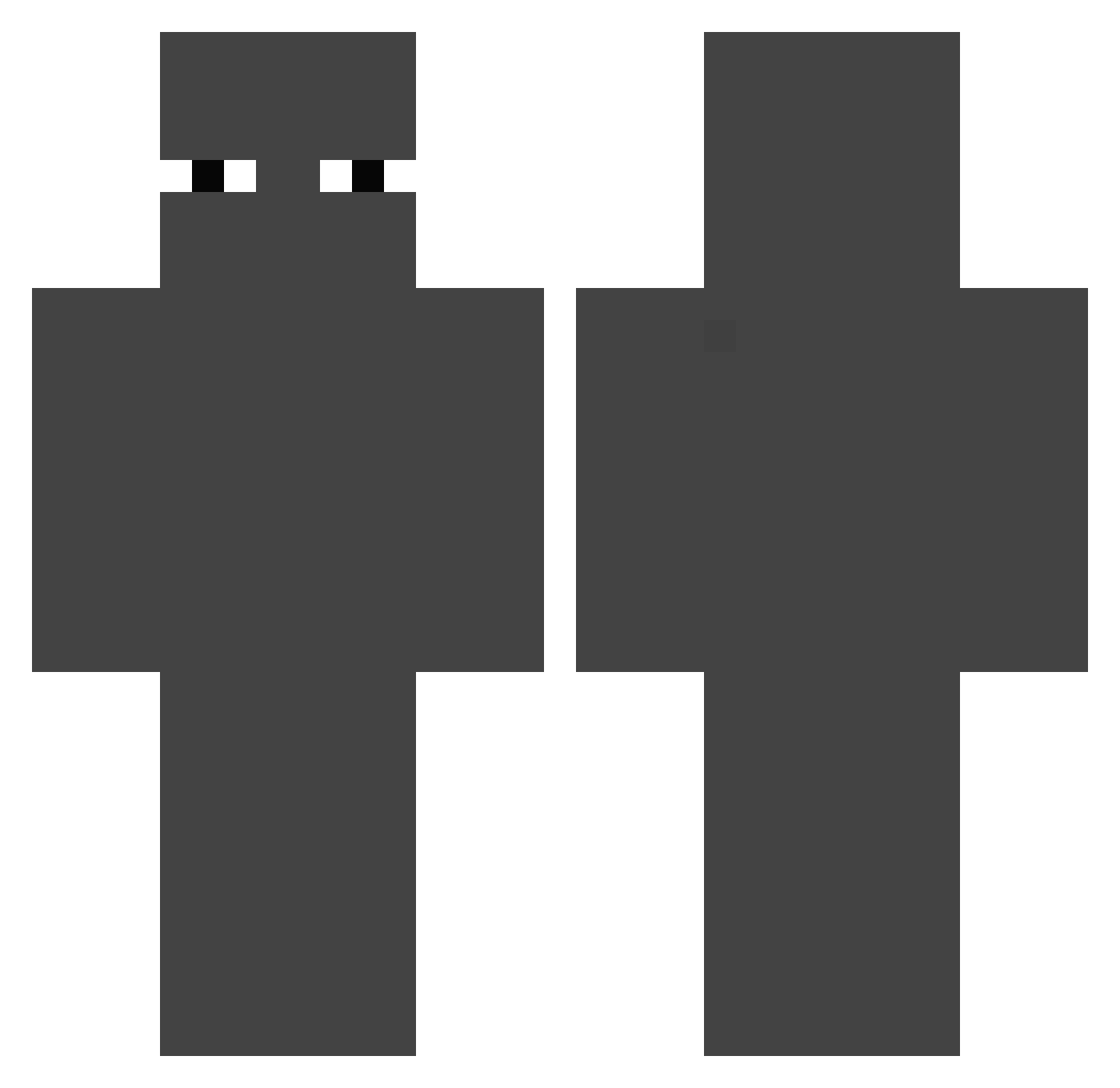
Minecraft skin of im00d_. Rotate the 3D model with your mouse or finger to view the skin from every angle, then download it as a PNG file and use it in Minecraft: Bedrock Edition or Java Edition for free. Rate the skin with stars to help other players find the best skins in our collection.
How to install the im00d_ skin
- Press the Download button above to save the skin as a PNG file.
- Minecraft: Bedrock Edition (PE): open the Dressing Room from the main menu (or tap your character → Edit Character), go to Classic Skins → Owned, press the + (new skin) button, choose the downloaded PNG and pick the Classic (Steve) model. Works on PC and mobile; consoles cannot import custom skins.
- Minecraft: Java Edition: open the Minecraft Launcher, go to the Skins tab, click New Skin, load the PNG, pick the Classic (Steve) model and press Save & Use. You can also upload it at minecraft.net → Profile → Change Skin.
The skin does not show up after import - what should I do?
Restart Minecraft and open the Dressing Room again - imported skins sometimes appear only after a restart. Also make sure you selected the imported skin and picked the Classic (Steve) model.
Which model should I choose, Classic or Slim?
This skin is designed for the Classic (Steve) model. If you pick the wrong model, the arms of the skin will look stretched or squeezed.
Is this skin free to use?
Yes. Press Download, save the PNG file and use it in Minecraft: Bedrock Edition or Java Edition - no payment or registration needed. The skin also works on multiplayer servers and Realms.
More skins
Looking for more? Go back to all Minecraft skins and check the top skins of the week, month and all time, or find any player's skin by nickname.